







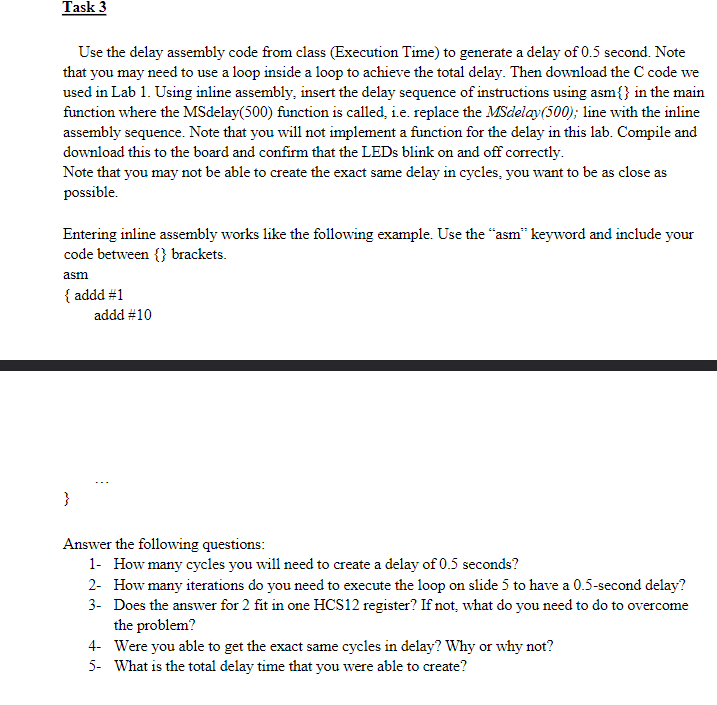
Question: Task 3 ? Use the delay assembly code from class ( Execution Time ) to generate a delay of 0 . 5 second. Note that
Task
Use the delay assembly code from class Execution Time to generate a delay of second. Note
that you may need to use a loop inside a loop to achieve the total delay. Then download the code we
used in Lab Using inline assembly, insert the delay sequence of instructions using asm in the main
function where the MSdelay function is called, ie replace the MSdelay; line with the inline
assembly sequence. Note that you will not implement a function for the delay in this lab. Compile and
download this to the board and confirm that the LEDs blink on and off correctly.
Note that you may not be able to create the exact same delay in cycles, you want to be as close as
possible.
Entering inline assembly works like the following example. Use the "asm" keyword and include your
code between brackets.
asm
addd #
addd #
Answer the following questions:
How many cycles you will need to create a delay of seconds?
How many iterations do you need to execute the loop on slide to have a second delay?
Does the answer for fit in one HCS register? If not, what do you need to do to overcome
the problem?
Were you able to get the exact same cycles in delay? Why or why not?
What is the total delay time that you were able to create?
Step by Step Solution
There are 3 Steps involved in it
1 Expert Approved Answer
Step: 1 Unlock

Question Has Been Solved by an Expert!
Get step-by-step solutions from verified subject matter experts
Step: 2 Unlock
Step: 3 Unlock
 Study Help