







Question: tcp_server.py from socket import * serverPort=12000 address = ('localhost', serverPort) max_size = 1000 server = socket(AF_INET, SOCK_STREAM) server.bind(address) server.listen(5) print('The server is ready to receive.')
 tcp_server.py
from socket import * serverPort=12000 address = ('localhost', serverPort) max_size = 1000 server = socket(AF_INET, SOCK_STREAM) server.bind(address) server.listen(5) print('The server is ready to receive.') client, addr = server.accept() data = client.recv(max_size) print('Client: ', client, ' / Data: ', data) client.sendall(b'Are you talking to me?') client.close() server.close()
------------------------------------------------------------------------------------
tcp_client.py
from socket import * from datetime import datetime serverPort = 12000 address = ('localhost', serverPort) max_size = 1000 client = socket(AF_INET, SOCK_STREAM) client.connect(address) message = b'Hello TCP Server' client.sendall(message) data = client.recv(max_size) print('Data: ', data) # server, data = client.recv(max_size) - Why NOT? # print('Client: ', server, ' / Data: ', data) client.close()
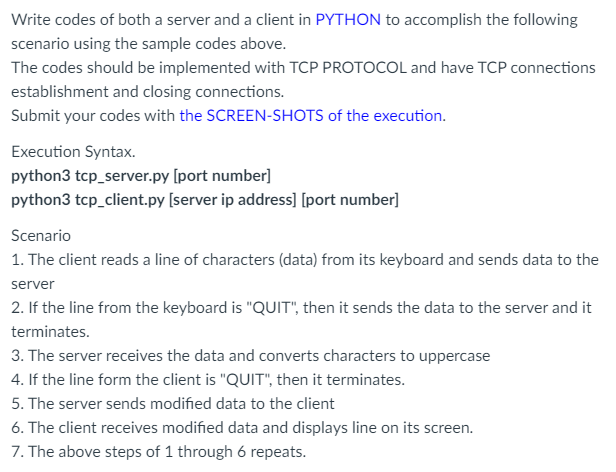
Write codes of both a server and a client in PYTHON to accomplish the following scenario using the sample codes above. The codes should be implemented with TCP PROTOCOL and have TCP connections establishment and closing connections. Submit your codes with the SCREEN-SHOTS of the execution. Execution Syntax. python 3 tcp_server.py [port number] python3 tcp_client.py [server ip address] [port number] Scenario 1. The client reads a line of characters (data) from its keyboard and sends data to the server 2. If the line from the keyboard is "QUIT", then it sends the data to the server and it terminates. 3. The server receives the data and converts characters to uppercase 4. If the line form the client is "QUIT", then it terminates. 5. The server sends modified data to the client 6. The client receives modified data and displays line on its screen. 7. The above steps of 1 through 6 repeats
Step by Step Solution
There are 3 Steps involved in it

Get step-by-step solutions from verified subject matter experts
 Study Help