







Question: The C++ code I wrote for this is below: #include #include #include #include using namespace std; void process(int& blue, int& green, int& red) // code
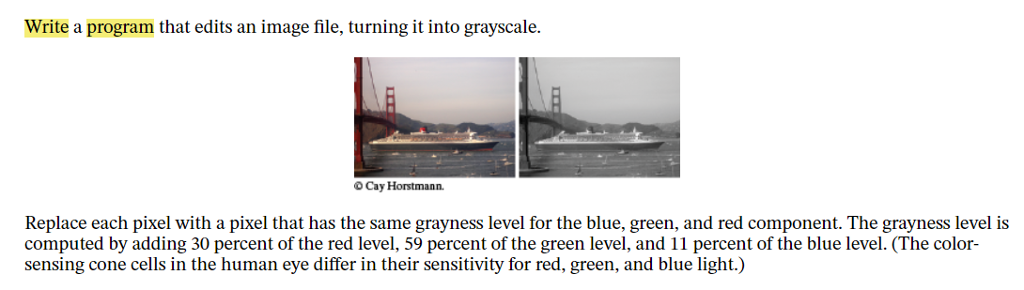
The C++ code I wrote for this is below:
#include
using namespace std;
void process(int& blue, int& green, int& red) // code not finished { blue = .11 + blue; green = .59 + green; red = .30 + red; }
int get_int(fstream& stream, int offset) { stream.seekg(offset); int result = 0; int base = 1; for (int i = 0; i
int main() { cout > filename;
fstream stream; stream.open(filename, ios::in | ios::out | ios::binary); int file_size = get_int(stream, 2); int start = get_int(stream, 10); int width = get_int(stream, 18); int height = get_int(stream, 22); int scanline_size = width * 3; int padding = 0; if (scanline_size % 4 != 0) { padding = 4 - scanline_size % 4; } if (file_size != start + (scanline_size + padding) * height) { cout
My teacher said the image didn't really change. Can you guys help me, please. Thank you.
Write a program that edits an image file, turning it into grayscale. O Cay Horstmann. Replace each pixel with a pixel that has the same grayness level for the blue, green and red component. The grayness level is computed by adding 30 percent of the red level, 59 percent of the green level, and 11 percent of the blue level. (The color- sensing cone cells in the human eye differ in their sensitivity for red, green, and blue light.)
Step by Step Solution
There are 3 Steps involved in it

Get step-by-step solutions from verified subject matter experts
 Study Help