







Question: This is the Fortune 500 file. Help! Home Insert Draw Page Layout Formulas Data Review View Acrobat & Tell me Import the Data worksheet of
This is the Fortune 500 file. Help!
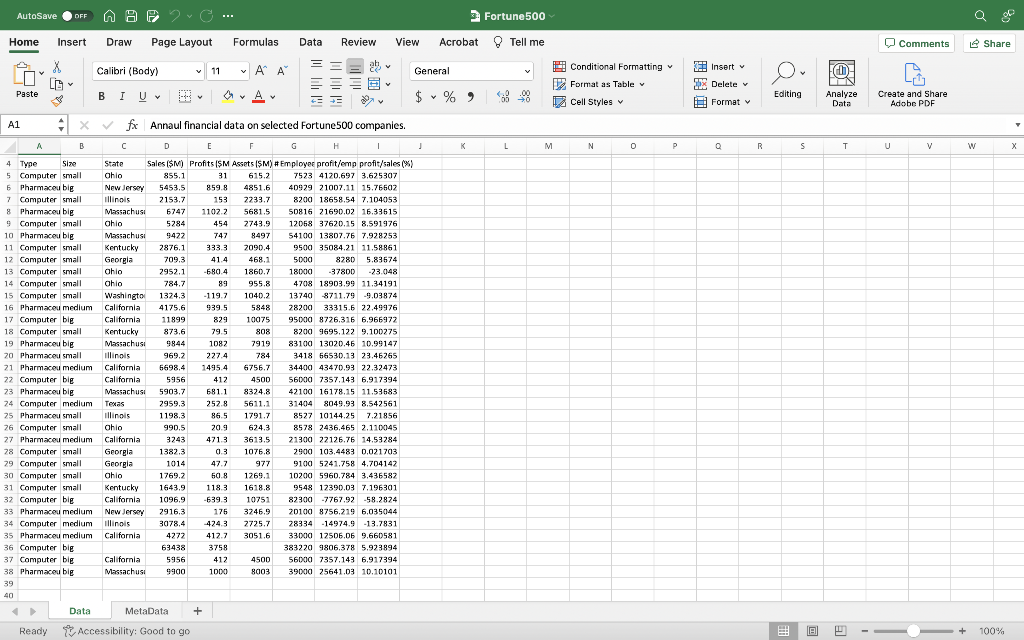
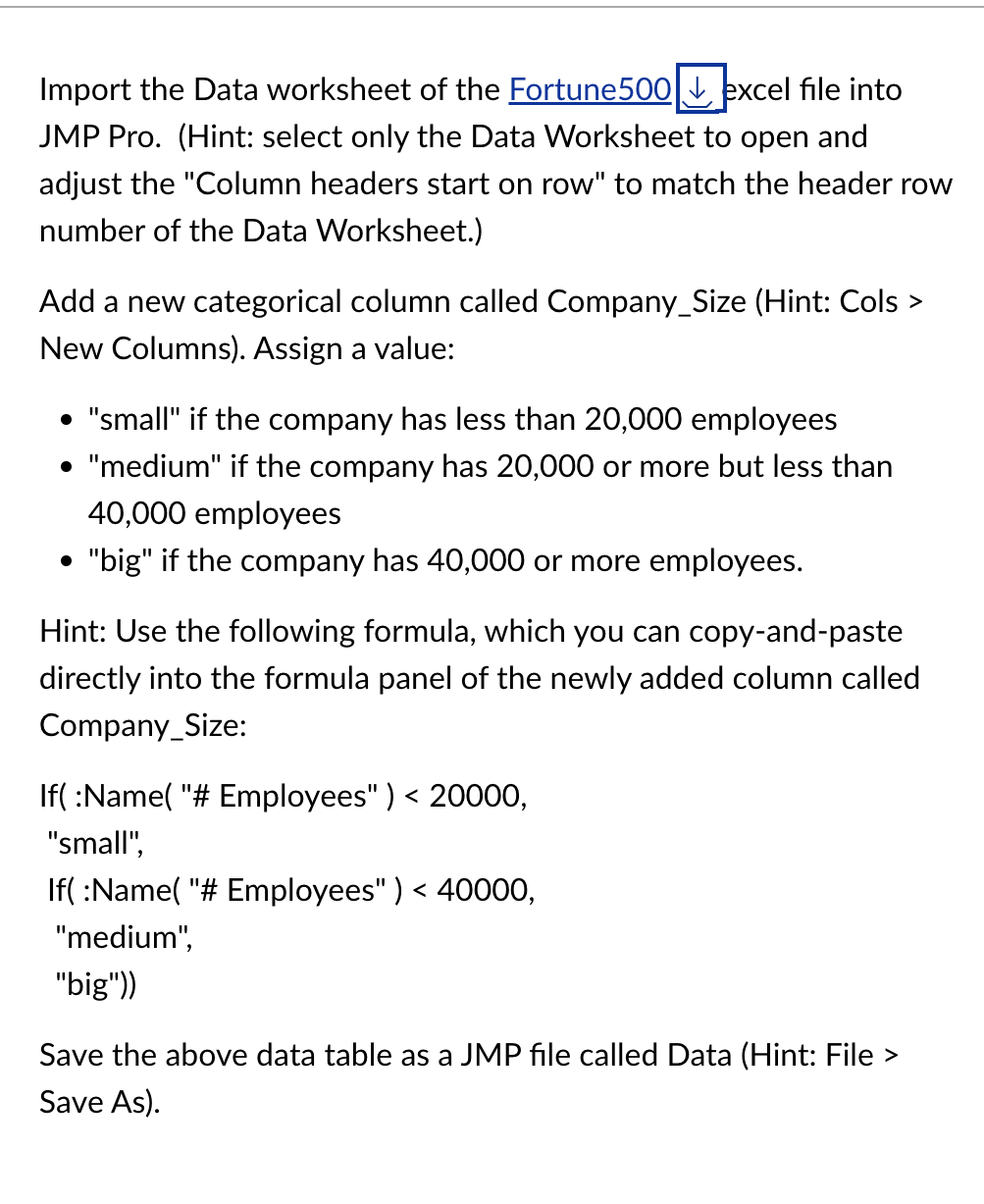
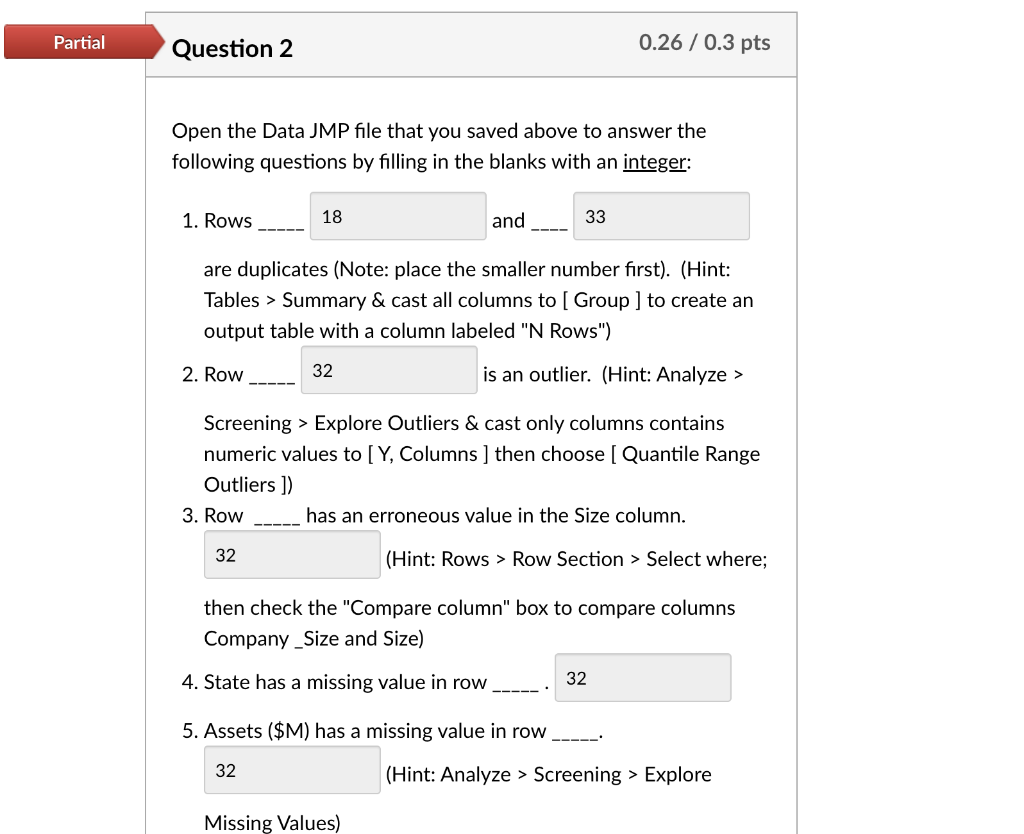
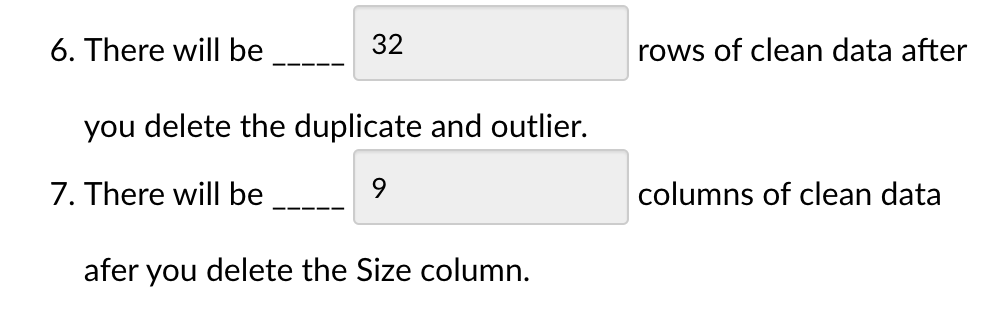
Home Insert Draw Page Layout Formulas Data Review View Acrobat \& Tell me Import the Data worksheet of the Fortune500 excel file into JMP Pro. (Hint: select only the Data Worksheet to open and adjust the "Column headers start on row" to match the header row number of the Data Worksheet.) Add a new categorical column called Company_Size (Hint: Cols > New Columns). Assign a value: - "small" if the company has less than 20,000 employees - "medium" if the company has 20,000 or more but less than 40,000 employees - "big" if the company has 40,000 or more employees. Hint: Use the following formula, which you can copy-and-paste directly into the formula panel of the newly added column called Company_Size: If( :Name( "\# Employees" ) Save As). Open the Data JMP file that you saved above to answer the following questions by filling in the blanks with an integer: 1. Rows and are duplicates (Note: place the smaller number first). (Hint: Tables > Summary \& cast all columns to [ Group ] to create an output table with a column labeled "N Rows") 2. Row is an outlier. (Hint: Analyze > Screening > Explore Outliers \& cast only columns contains numeric values to [Y, Columns ] then choose [ Quantile Range Outliers ]) 3. Row has an erroneous value in the Size column. (Hint: Rows > Row Section > Select where; then check the "Compare column" box to compare columns Company_Size and Size) 4. State has a missing value in row 5. Assets ($M) has a missing value in row (Hint: Analyze > Screening > Explore 6. There will be rows of clean data after you delete the duplicate and outlier. 7. There will be columns of clean data afer you delete the Size column
Step by Step Solution
There are 3 Steps involved in it

Get step-by-step solutions from verified subject matter experts
 Study Help