







Question: (use android studio) 1. Create a new color resource to be used as the background for the data entry part of the MainActivity. Search on
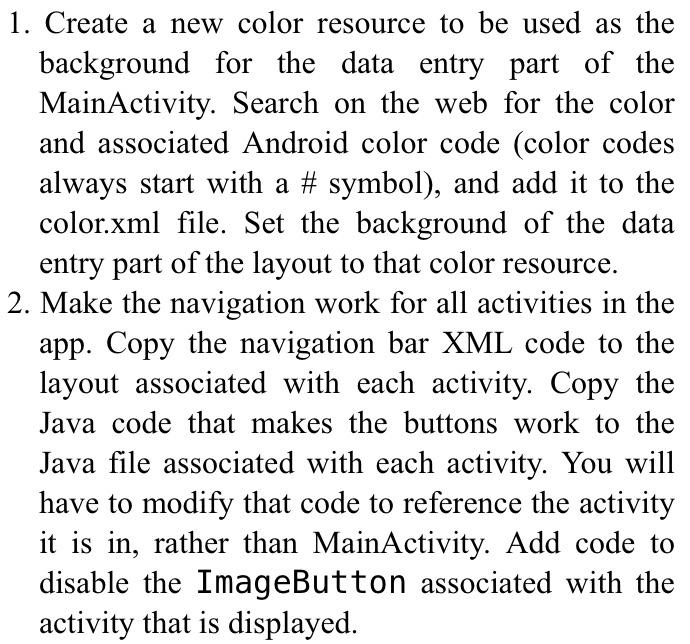
1. Create a new color resource to be used as the background for the data entry part of the MainActivity. Search on the web for the color and associated Android color code (color codes always start with a # symbol), and add it to the color.xml file. Set the background of the data entry part of the layout to that color resource. 2. Make the navigation work for all activities in the app. Copy the navigation bar XML code to the layout associated with each activity. Copy the Java code that makes the buttons work to the Java file associated with each activity. You will have to modify that code to reference the activity it is in, rather than MainActivity. Add code to disable the ImageButton associated with the activity that is displayed
Step by Step Solution
There are 3 Steps involved in it

Get step-by-step solutions from verified subject matter experts
 Study Help