







Question: Use LabVIEW to create VI E6: Create a VI that counts from zero to an arbitrary value (Y entered by the user). The count is

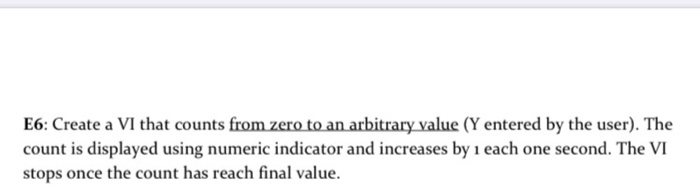
Use LabVIEW to create VI E6: Create a VI that counts from zero to an arbitrary value (Y entered by the user). The count is displayed using numeric indicator and increases by 1 each one second. The VI stops once the count has reach final value. Use LabVIEW to create VI E6: Create a VI that counts from zero to an arbitrary value (Y entered by the user). The count is displayed using numeric indicator and increases by 1 each one second. The VI stops once the count has reach final value
Step by Step Solution
There are 3 Steps involved in it
1 Expert Approved Answer
Step: 1 Unlock

Question Has Been Solved by an Expert!
Get step-by-step solutions from verified subject matter experts
Step: 2 Unlock
Step: 3 Unlock
 Study Help