







Question: Use your project for the Class Activities for this practice (ensure that you have filled in the resource sheet for your schedule and assigned resources
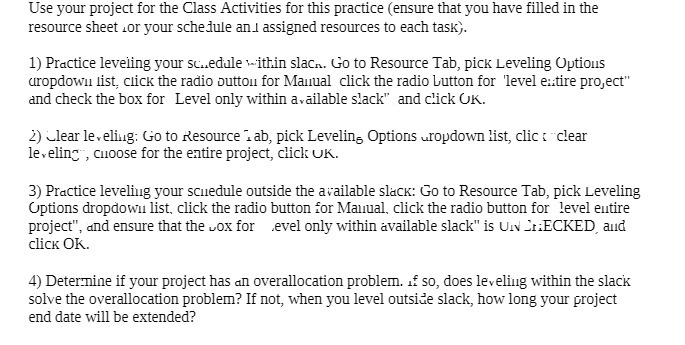
Use your project for the Class Activities for this practice (ensure that you have filled in the resource sheet for your schedule and assigned resources to each task). 1) Practice leveling your schedule within slack. Go to Resource Tab, pick Leveling Options uropdown list, click the radio button for Manual click the radio button for 'level entire project" and check the box for Level only within available slack" and click OK. 2) Clear leveling: Go to Resource 1 ab, pick Leveling Options uropdown list, clic t clear leveling , cuoose for the entire project, click UK. 3) Practice leveling your scuedule outside the available slack: Go to Resource Tab, pick Leveling Options dropdown list. click the radio button for Manual. click the radio button for level entire project", and ensure that the vox for evel only within available slack" is UN InECKED and click OK. 4) Determine if your project has an overallocation problem. of so, does leveling within the slack solve the overallocation problem? If not, when you level outside slack, how long your project end date will be extended
Step by Step Solution
There are 3 Steps involved in it

Get step-by-step solutions from verified subject matter experts
 Study Help