







Question: Using Matlab Connected components (4 connected and 8 connected) Instructions: Read image of your choice by using imread function Convert it to grayscale if it
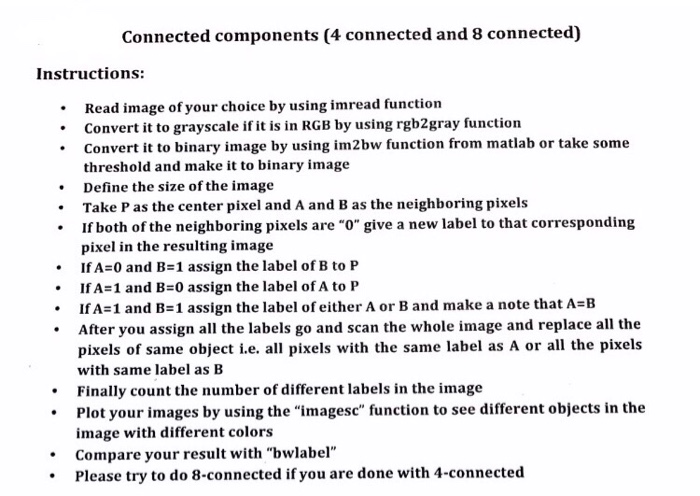
Connected components (4 connected and 8 connected) Instructions: Read image of your choice by using imread function Convert it to grayscale if it is in RGB by using rgb2gray function Convert it to binary image by using im2bw function from matlab or take some threshold and make it to binary image Define the size of the image Take P as the center pixel and A and B as the neighboring pixels If both of the neighboring pixels are "o" give a new label to that corresponding pixel in the resulting image IfA=0 and B=1 assign the label of B to P IfA=1 and B=0 assign the label ofA to P IfA=1 and B=1 assign the label of either A or B and make a note that A=B After you assign all the labels go and scan the whole image and replace all the pixels of same object i.e. all pixels with the same label as A or all the pixels with same label as B Finally count the number of different labels in the image Plot your images by using the "imagesc" function to see different objects in the image with different colors Compare your result with "bwlabel" . . .Please try to do 8-connected if you are done with 4-connected
Step by Step Solution
There are 3 Steps involved in it

Get step-by-step solutions from verified subject matter experts
 Study Help