







Question: When the data entry is done, the program will display a list of options as follow. 1 Search test result by applicant Id 2
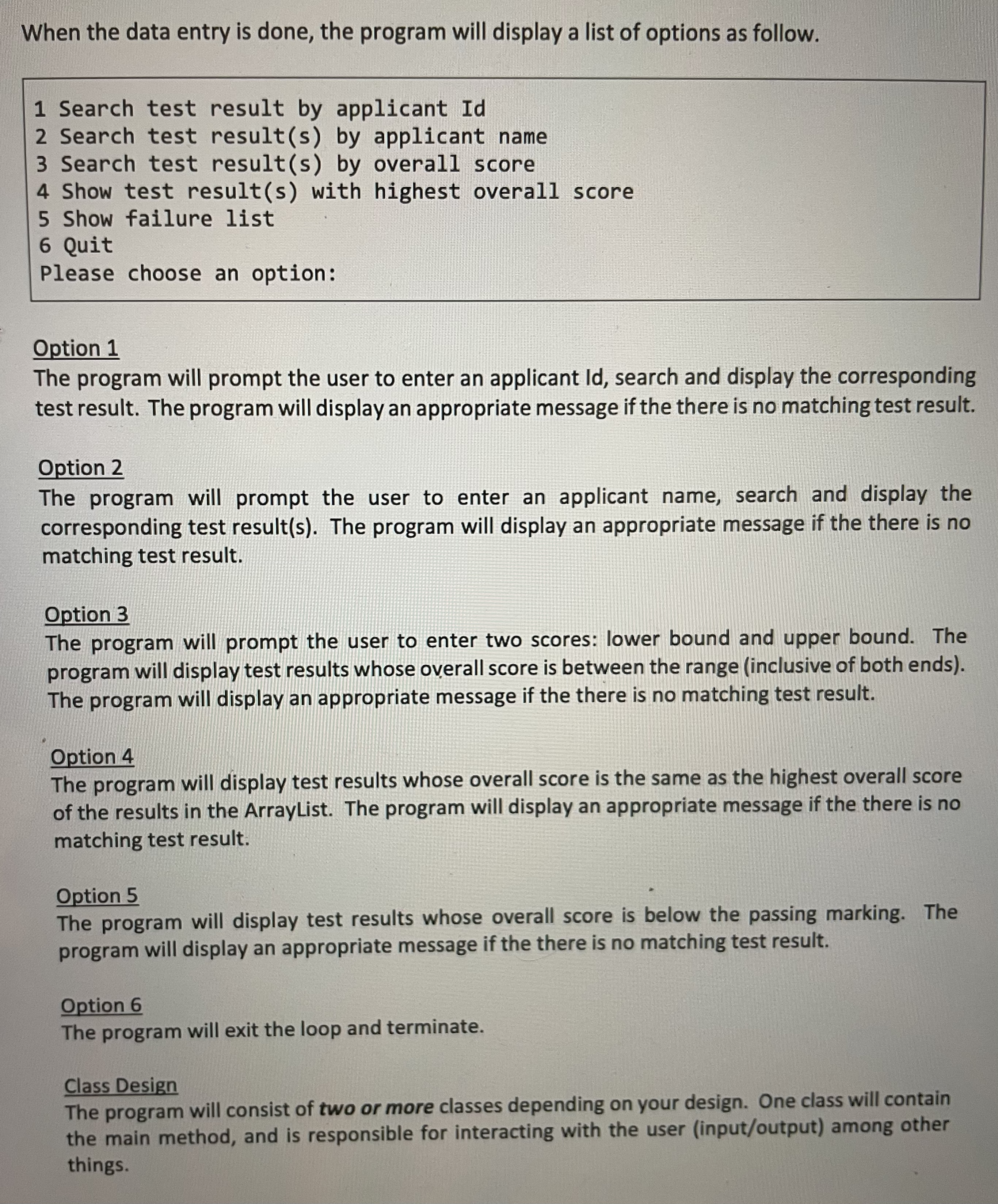
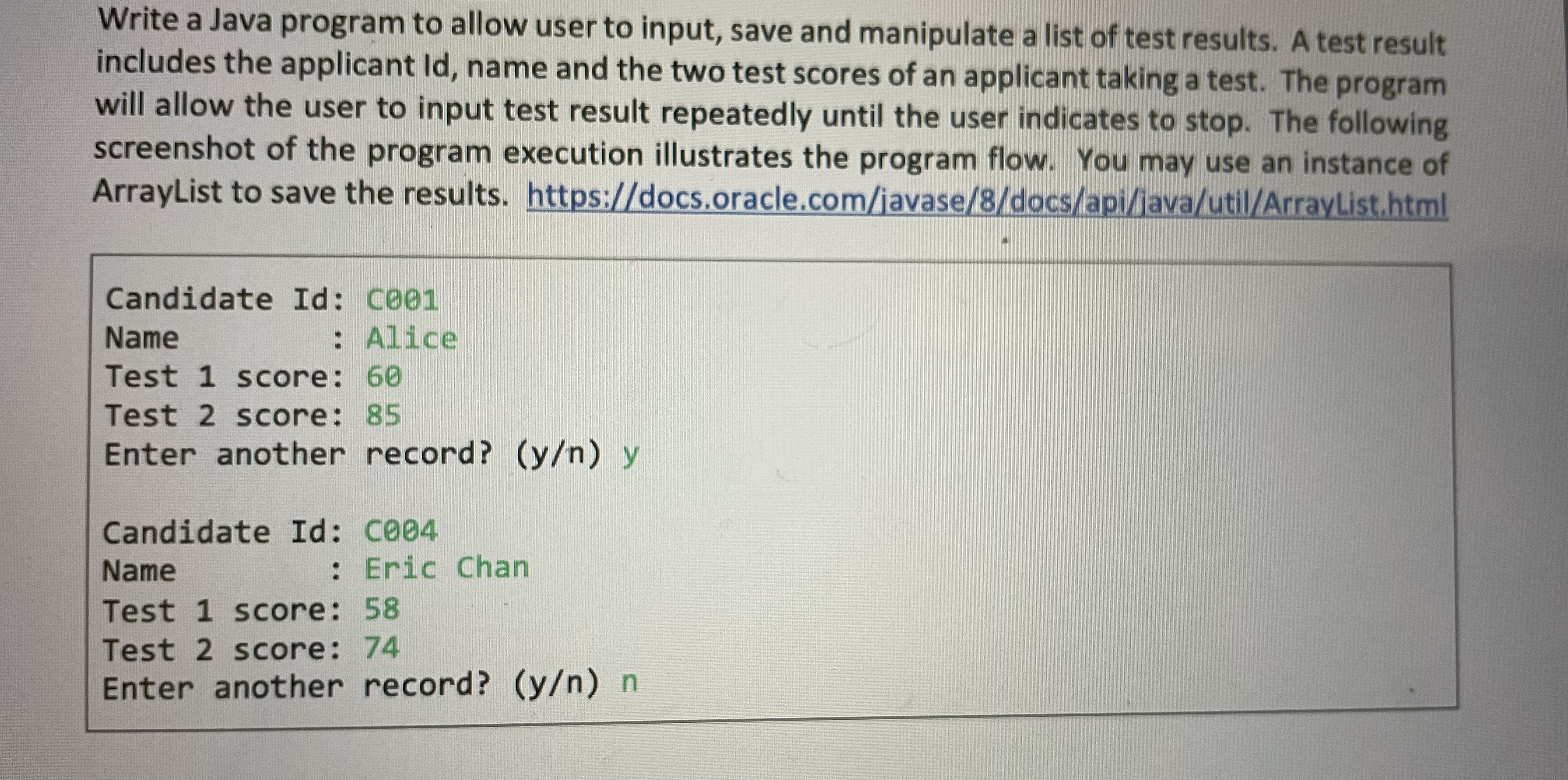
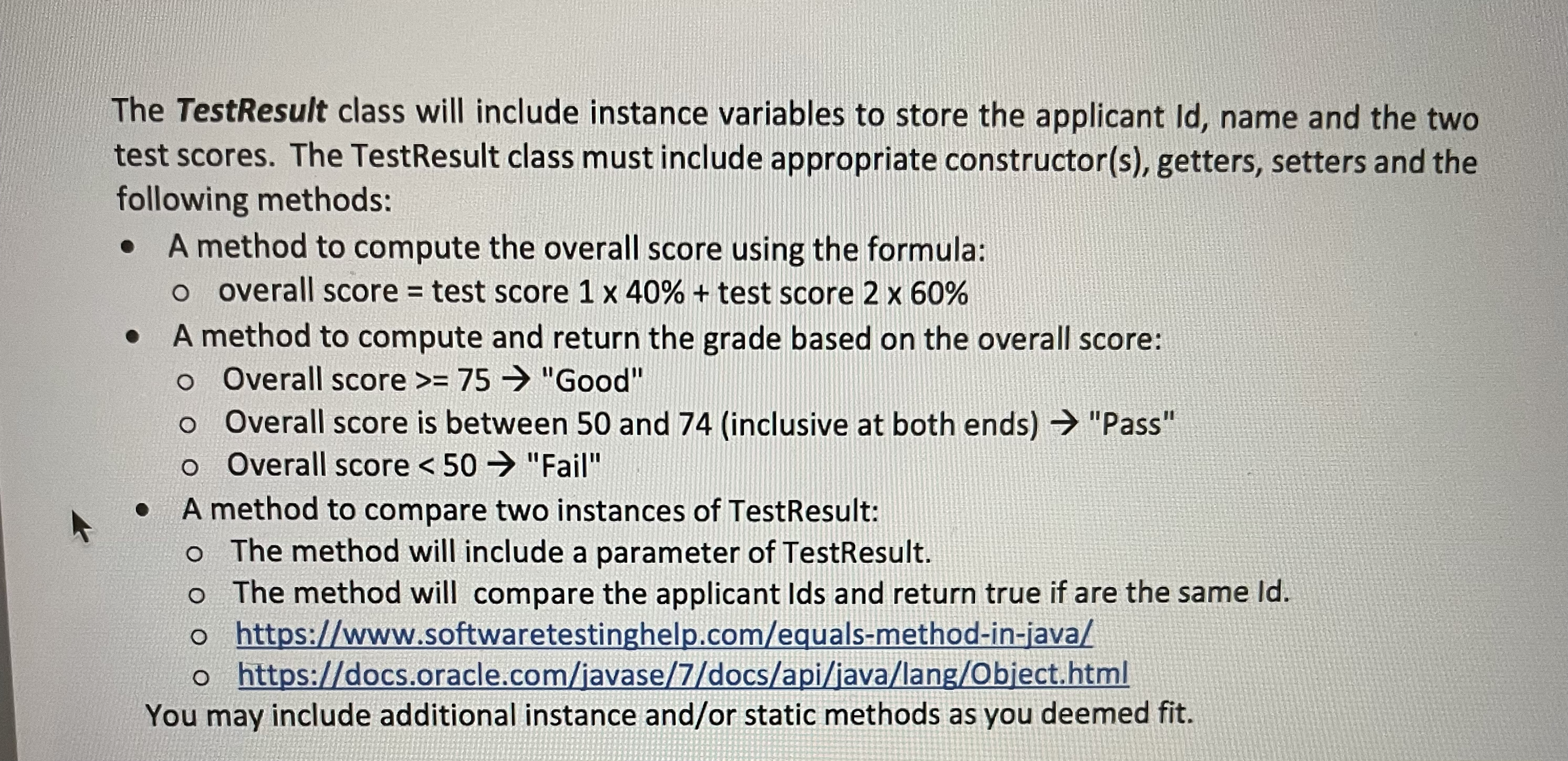
When the data entry is done, the program will display a list of options as follow. 1 Search test result by applicant Id 2 Search test result(s) by applicant name 3 Search test result(s) by overall score 4 Show test result(s) with highest overall score 5 Show failure list 6 Quit Please choose an option: Option 1 The program will prompt the user to enter an applicant Id, search and display the corresponding test result. The program will display an appropriate message if the there is no matching test result. Option 2 The program will prompt the user to enter an applicant name, search and display the corresponding test result(s). The program will display an appropriate message if the there is no matching test result. Option 3 The program will prompt the user to enter two scores: lower bound and upper bound. The program will display test results whose overall score is between the range (inclusive of both ends). The program will display an appropriate message if the there is no matching test result. Option 4 The program will display test results whose overall score is the same as the highest overall score of the results in the ArrayList. The program will display an appropriate message if the there is no matching test result. Option 5 The program will display test results whose overall score is below the passing marking. The program will display an appropriate message if the there is no matching test result. Option 6 The program will exit the loop and terminate. Class Design The program will consist of two or more classes depending on your design. One class will contain the main method, and is responsible for interacting with the user (input/output) among other things. Write a Java program to allow user to input, save and manipulate a list of test results. A test result includes the applicant Id, name and the two test scores of an applicant taking a test. The program will allow the user to input test result repeatedly until the user indicates to stop. The following screenshot of the program execution illustrates the program flow. You may use an instance of ArrayList to save the results. https://docs.oracle.com/javase/8/docs/api/java/util/ArrayList.html Candidate Id: C001 Name : Alice Test 1 score: 60 Test 2 score: 85 Enter another record? (y/n) y Candidate Id: C004 Name : Eric Chan Test 1 score: 58 Test 2 score: 74 Enter another record? (y/n) n The TestResult class will include instance variables to store the applicant Id, name and the two test scores. The Test Result class must include appropriate constructor(s), getters, setters and the following methods: A method to compute the overall score using the formula: o overall score = test score 1 x 40% + test score 2 x 60% A method to compute and return the grade based on the overall score: o Overall score >= 75 "Good" Overall score is between 50 and 74 (inclusive at both ends) "Pass" o Overall score < 50 "Fail" A method to compare two instances of TestResult: o The method will include a parameter of TestResult. o The method will compare the applicant Ids and return true if are the same Id. o https://www.softwaretestinghelp.com/equals-method-in-java/ o https://docs.oracle.com/javase/7/docs/api/java/lang/Object.html You may include additional instance and/or static methods as you deemed fit.
Step by Step Solution
3.53 Rating (153 Votes )
There are 3 Steps involved in it
Code import javautilScanner import javautilArrayList create a class named TestResult class TestResult private instance variables private String id name private int score1 score2 parameterized construc... View full answer

Get step-by-step solutions from verified subject matter experts
 Study Help