



Question: Without recording the whole macro again, how can you remove the unwanted action from a recorded macro? By using Find and Edit action By editing
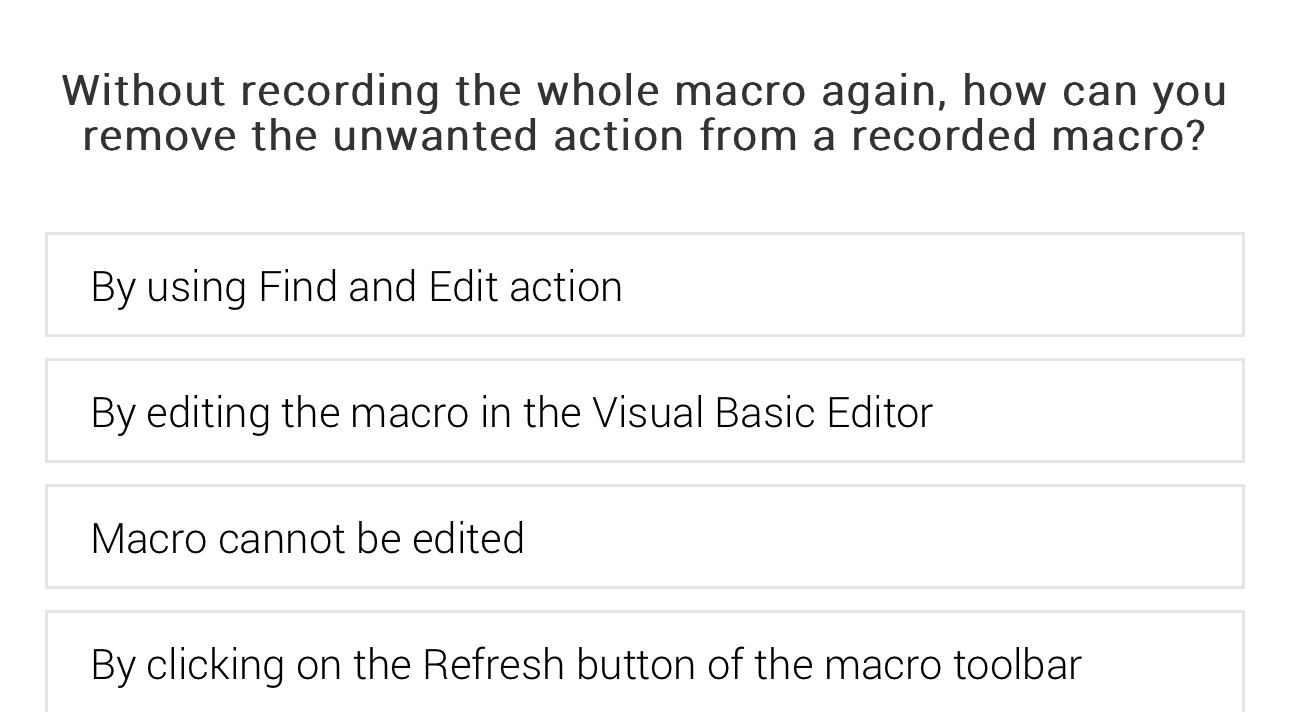
Without recording the whole macro again, how can you remove the unwanted action from a recorded macro?
By using Find and Edit action
By editing the macro in the Visual Basic Editor
By clicking on the Refresh button of the macro toolbar
Step by Step Solution
There are 3 Steps involved in it
1 Expert Approved Answer
Step: 1 Unlock

Question Has Been Solved by an Expert!
Get step-by-step solutions from verified subject matter experts
Step: 2 Unlock
Step: 3 Unlock