







Question: Write a MATLAB function called quadinterp.m that implements piecewise quadratic interpolation. Your function must use the interface: function [p, px] = quadinterp (x, xj. fj)
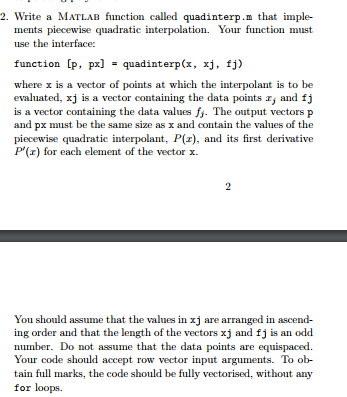
Write a MATLAB function called quadinterp.m that implements piecewise quadratic interpolation. Your function must use the interface: function [p, px] = quadinterp (x, xj. fj) where x is a vector of points at which the interpolant is to be evaluated, xj is a vector containing the data points x_j and fj is a vector containing the data values f_j. The output vectors p and px must be the same size as x and contain the values of the piecewise quadratic interpolant, P(x), and its first derivative P'(x) for each element of the vector x. You should assume that the values in xj are arranged in ascending order and that the length of the vectors xj and fj is an odd number. Do not assume that the data points are equispaced. Your code should accept row vector input arguments. To obtain full marks, the code should be fully vectorised, without any for loops. Write a MATLAB function called quadinterp.m that implements piecewise quadratic interpolation. Your function must use the interface: function [p, px] = quadinterp (x, xj. fj) where x is a vector of points at which the interpolant is to be evaluated, xj is a vector containing the data points x_j and fj is a vector containing the data values f_j. The output vectors p and px must be the same size as x and contain the values of the piecewise quadratic interpolant, P(x), and its first derivative P'(x) for each element of the vector x. You should assume that the values in xj are arranged in ascending order and that the length of the vectors xj and fj is an odd number. Do not assume that the data points are equispaced. Your code should accept row vector input arguments. To obtain full marks, the code should be fully vectorised, without any for loops
Step by Step Solution
There are 3 Steps involved in it

Get step-by-step solutions from verified subject matter experts
 Study Help