



Question: You'll want to select features from the cities layer (the target layer) that are completely within the source layer feature (the states), Click Apply when
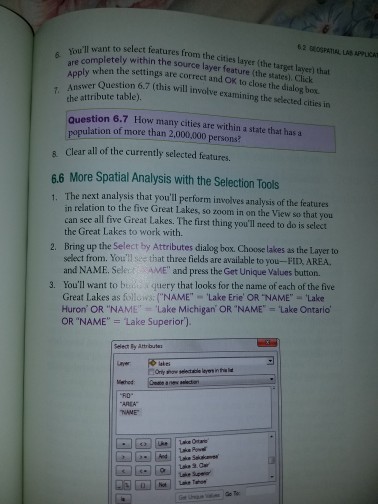
You'll want to select features from the cities layer (the target layer) that are completely within the source layer feature (the states), Click Apply when the settings are correct and OK to close the dialog box. Answer Question 6.7 (this will involve examining the selected cities in the attribute table). How many cities are within a state that has a population of more than 2,000,000 persons? Clear all of the currently selected features. The next analysis that you'll perform involves analysis of the features in relation to the five Great Lakes, so zoom in on the View so that you can see all five Great Lakes. The first thing you'll need to do is select the Great Lakes to work with. Bring up the Select by Attributes dialog box. Choose lakes as the Layer to select from. You'll see that three fields are available to you-FID, AREA. and NAME. Select and press the Get Unique values button. You'll want to query that looks for the name of each of the five Great Lakes as follows
Step by Step Solution
There are 3 Steps involved in it

Get step-by-step solutions from verified subject matter experts