







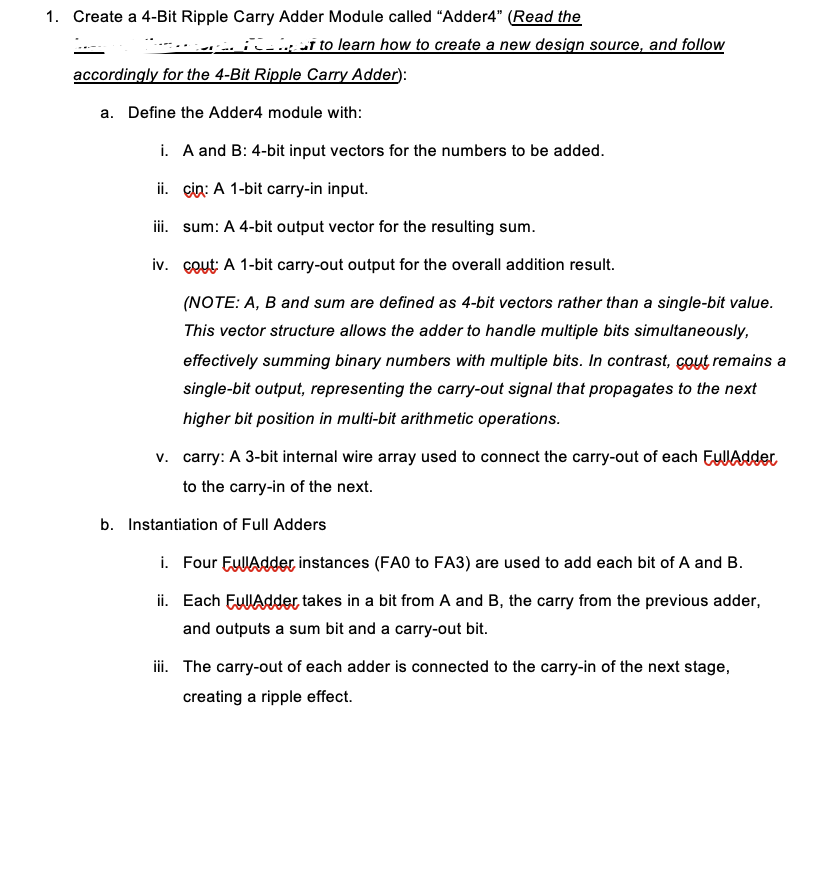
Question: 1 . Create a 4 - Bit Ripple Carry Adder Module called Adder 4 ( Read the : - is - I rea ate
Create a Bit Ripple Carry Adder Module called "AdderRead the
: is I
rea
ate
a new design source, and follow
accordingly for the Bit Ripple Carry Adder:
a Define the Adder module with:
i A and B: bit input vectors for the numbers to be added.
ii cin: A bit carryin input.
iii. sum: A bit output vector for the resulting sum.
iv Gout: A bit carryout output for the overall addition result.
NOTE: A B and sum are defined as bit vectors rather than a singlebit value. This vector structure allows the adder to handle multiple bits simultaneously, effectively summing binary numbers with multiple bits. In contrast, cout remains a singlebit output, representing the carryout signal that propagates to the next higher bit position in multibit arithmetic operations.
v carry: A bit internal wire array used to connect the carryout of each Euldadder to the carryin of the next.
b Instantiation of Full Adders
i Four EullAdder instances FA to FA are used to add each bit of A and B
ii Each Euldadder takes in a bit from A and B the carry from the previous adder, and outputs a sum bit and a carryout bit.
iii. The carryout of each adder is connected to the carryin of the next stage, creating a ripple effect. Complete the two missing lines in the Adder module code as shown below. Use the completed code for your simulation.
module RippleCarryAdderinput : A input : B input cin, output : sum, output cout: wire : carry; Internal wires to hold carry between full adders
Instantiate four EullAdder, modules
Eulladder FAxAIyBcincarrysumsumcoutcarry;
missing line
missing line
endmadule
Designing testbench sim de for the Bit Ripple Carry Adder Read the Lto learn how to create a new testbench file, and follow accordingly for the Bit Ripple Carry Adder:
a Define the Addertb module with:
i A and B: bit registers for the test input vectors, representing the numbers to be added.
ii cin: A bit register for the carryin input.
iii. sum: A bit wire to observe the resulting sum.
iv cout: A bit wire to observe the carryout output.
b Instantiation of Adder:
i The dut Device Under Test is an instance of the RippleCarryAdder module.
ii Each IO port in dut is connected to corresponding signals declared in the testbench.
c Test Cases:
i Each test case applies different values to A B and Gin, with a delay of # units between changes.
ii Comments next to each test case describe the expected result of the addition for example,
iii. After the last test case, $stop is used to end the simulation. Complete the two missing lines in the Adder module code as shown below. Use the completed code for your simulation.
timescale ns ps
module RippleCarryAdderth;
wire : sum:
wire cout:
reg : A B;
reg cin:
RippleCarryAdder dutAABBcincinsumsumsoutcout;
initial
begin
# A b; B b; cin ;
# A b; B b; cin @;
# A b; B b; ciq ;
# A b; B b; cin;
# A b; B b; cin:
missing line
missing line
# $stop: End simulation
end
endmadule
You are encouraged to experiment with different combinations to visualize the sums.
d Paste a screenshot of your simulation waveforms for all input combinations. If your input combinations are different from the provided testbench code, update the code above as required.
Step by Step Solution
There are 3 Steps involved in it
1 Expert Approved Answer
Step: 1 Unlock

Question Has Been Solved by an Expert!
Get step-by-step solutions from verified subject matter experts
Step: 2 Unlock
Step: 3 Unlock
 Study Help