



Question: 1. Open the 421-classes by month workbook. Open the January worksheet. 2. In cell 06, use the SUM function to create a formula that adds
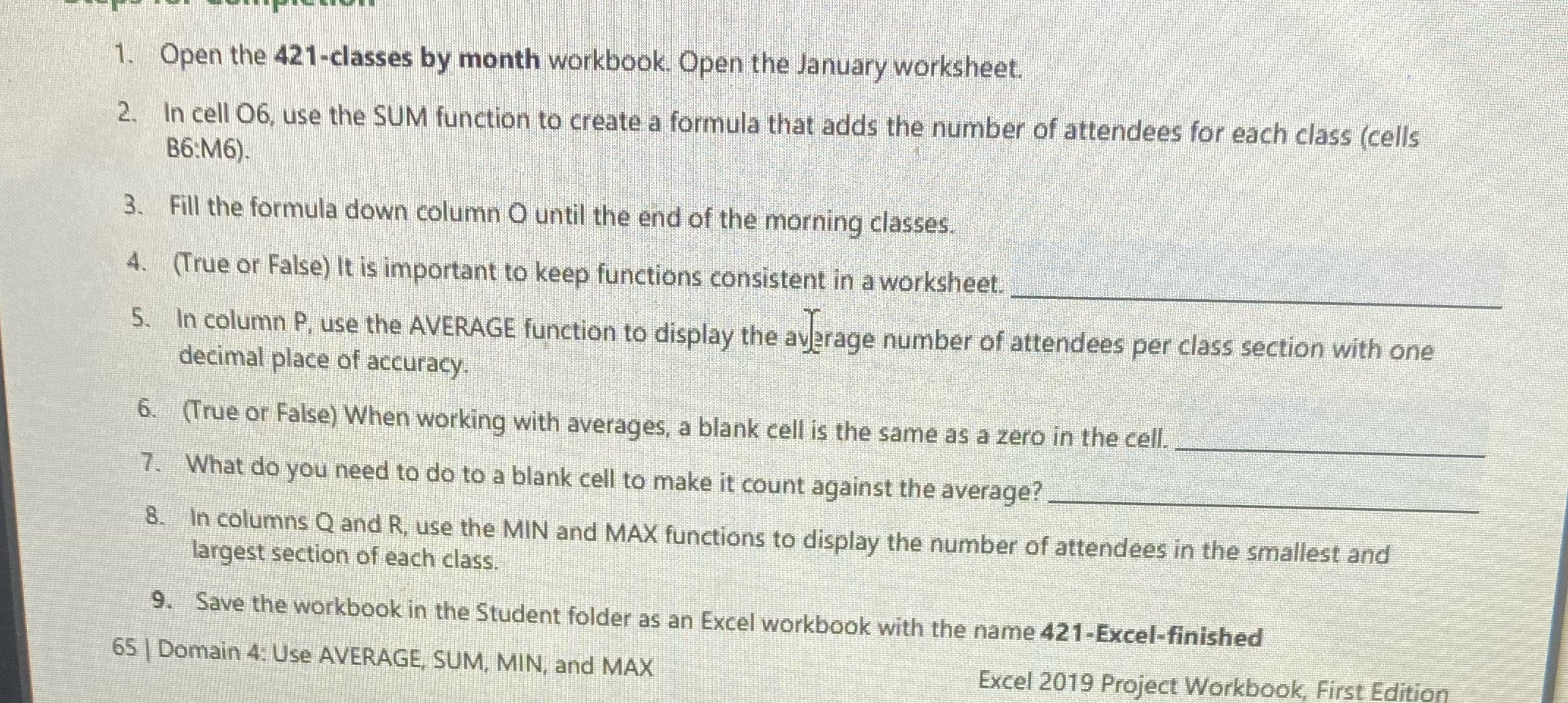
1. Open the 421-classes by month workbook. Open the January worksheet. 2. In cell 06, use the SUM function to create a formula that adds the number of attendees for each class (cells B6:M6). 3. Fill the formula down column O until the end of the morning classes. 4. (True or False) It is important to keep functions consistent in a worksheet. 5. In column P. use the AVERAGE function to display the average number of attendees per class section with one decimal place of accuracy 6. (True or False) When working with averages, a blank cell is the same as a zero in the cell. 7. What do you need to do to a blank cell to make it count against the average? 8. In columns Q and R, use the MIN and MAX functions to display the number of attendees in the smallest and largest section of each class. 9. Save the workbook in the Student folder as an Excel workbook with the name 421-Excel-finished 65 | Domain 4: Use AVERAGE, SUM, MIN, and MAX Excel 2019 Project Workbook, First Edition
Step by Step Solution
There are 3 Steps involved in it

Get step-by-step solutions from verified subject matter experts