







Question: 1. Use the tar_archiver.py (from below) as a command to make a tar archive of /tmp called mytmp.tar. You'll notice that even after hitting
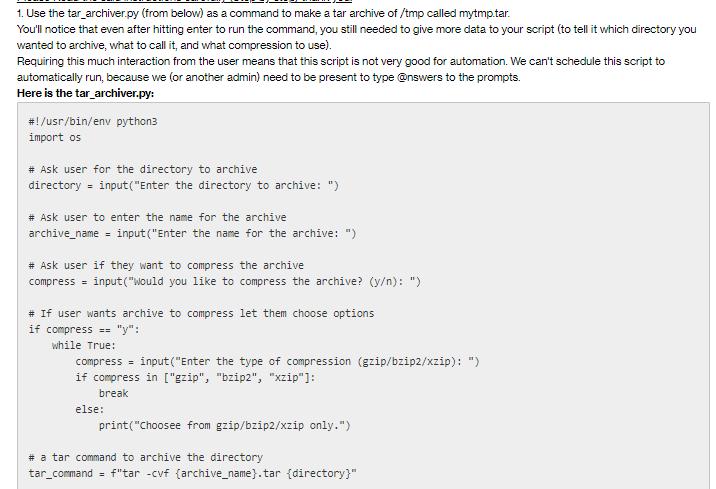

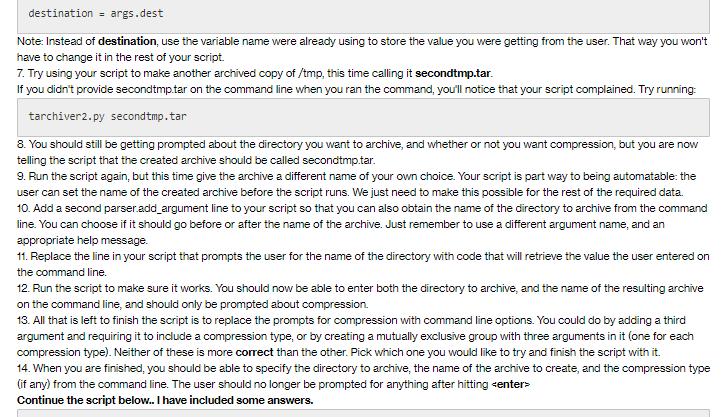
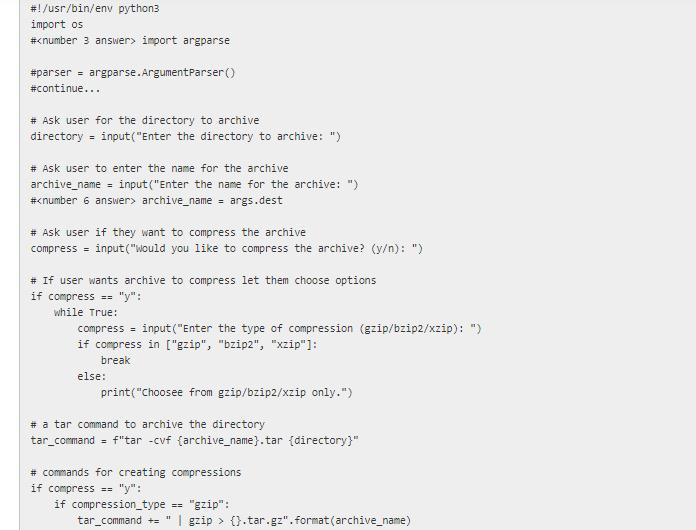
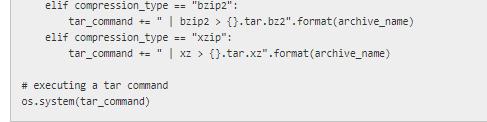
1. Use the tar_archiver.py (from below) as a command to make a tar archive of /tmp called mytmp.tar. You'll notice that even after hitting enter to run the command, you still needed to give more data to your script (to tell it which directory you wanted to archive, what to call it, and what compression to use). Requiring this much interaction from the user means that this script is not very good for automation. We can't schedule this script to automatically run, because we (or another admin) need to be present to type @nswers to the prompts. Here is the tar_archiver.py: #!/usr/bin/env python3 import os # Ask user for the directory to archive directory = input ("Enter the directory to archive: ") # Ask user to enter the name for the archive archive_name = input ("Enter the name for the archive: ") # Ask user if they want to compress the archive compress = input ("Would you like to compress the archive? (y/n): ") # If user wants archive to compress let them choose options if compress == "y": while True: compress = input("Enter the type of compression (gzip/bzip2/xzip): ") if compress in ["gzip", "bzip2", "xzip"]: break else: print("Choosee from gzip/bzip2/xzip only.") # a tar command to archive the directory tar_command = f"tar -cvf (archive_name}.tar (directory}"
Step by Step Solution
3.47 Rating (154 Votes )
There are 3 Steps involved in it
1 Open a terminal window 2 Navigate to the directory where the tararchiverpy script is located 3 Run the following command 4 When prompted enter the directory to archive eg tmp 5 When prompted enter t... View full answer

Get step-by-step solutions from verified subject matter experts
 Study Help