Question: Business Letter Submit Assignment File Types doc and docx Due Nov 22 by 11:59pm Points 100 Submitting a file upload Available Aug 24 at 12am
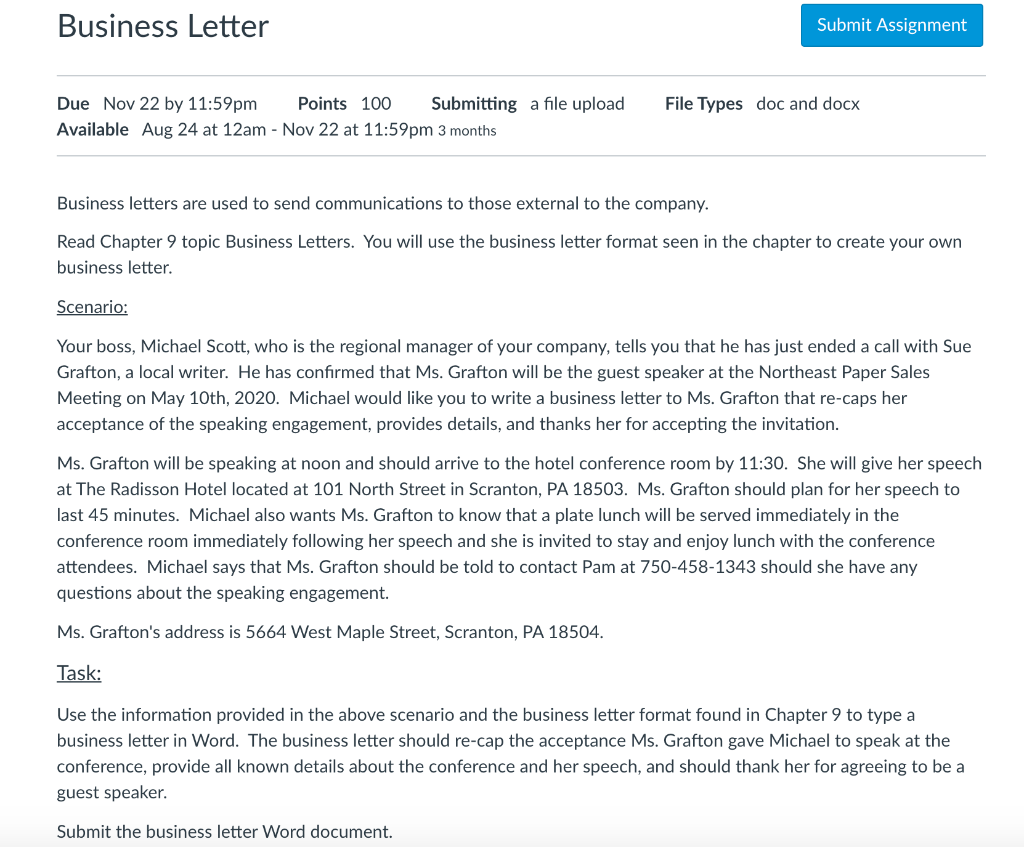
Business Letter Submit Assignment File Types doc and docx Due Nov 22 by 11:59pm Points 100 Submitting a file upload Available Aug 24 at 12am - Nov 22 at 11:59pm 3 months Business letters are used to send communications to those external to the company. Read Chapter 9 topic Business Letters. You will use the business letter format seen in the chapter to create your own business letter. Scenario: Your boss, Michael Scott, who is the regional manager of your company, tells you that he has just ended a call with Sue Grafton, a local writer. He has confirmed that Ms. Grafton will be the guest speaker at the Northeast Paper Sales Meeting on May 10th, 2020. Michael would like you to write a business letter to Ms. Grafton that re-caps her acceptance of the speaking engagement, provides details, and thanks her for accepting the invitation. Ms. Grafton will be speaking at noon and should arrive to the hotel conference room by 11:30. She will give her speech at The Radisson Hotel located at 101 North Street in Scranton, PA 18503. Ms. Grafton should plan for her speech to last 45 minutes. Michael also wants Ms. Grafton to know that a plate lunch will be served immediately in the conference room immediately following her speech and she is invited to stay and enjoy lunch with the conference attendees. Michael says that Ms. Grafton should be told to contact Pam at 750-458-1343 should she have any questions about the speaking engagement. Ms. Grafton's address is 5664 West Maple Street, Scranton, PA 18504. Task: Use the information provided in the above scenario and the business letter format found in Chapter 9 to type a business letter in Word. The business letter should re-cap the acceptance Ms. Grafton gave Michael to speak at the conference, provide all known details about the conference and her speech, and should thank her for agreeing to be a guest speaker. Submit the business letter Word document. Business Letter Submit Assignment File Types doc and docx Due Nov 22 by 11:59pm Points 100 Submitting a file upload Available Aug 24 at 12am - Nov 22 at 11:59pm 3 months Business letters are used to send communications to those external to the company. Read Chapter 9 topic Business Letters. You will use the business letter format seen in the chapter to create your own business letter. Scenario: Your boss, Michael Scott, who is the regional manager of your company, tells you that he has just ended a call with Sue Grafton, a local writer. He has confirmed that Ms. Grafton will be the guest speaker at the Northeast Paper Sales Meeting on May 10th, 2020. Michael would like you to write a business letter to Ms. Grafton that re-caps her acceptance of the speaking engagement, provides details, and thanks her for accepting the invitation. Ms. Grafton will be speaking at noon and should arrive to the hotel conference room by 11:30. She will give her speech at The Radisson Hotel located at 101 North Street in Scranton, PA 18503. Ms. Grafton should plan for her speech to last 45 minutes. Michael also wants Ms. Grafton to know that a plate lunch will be served immediately in the conference room immediately following her speech and she is invited to stay and enjoy lunch with the conference attendees. Michael says that Ms. Grafton should be told to contact Pam at 750-458-1343 should she have any questions about the speaking engagement. Ms. Grafton's address is 5664 West Maple Street, Scranton, PA 18504. Task: Use the information provided in the above scenario and the business letter format found in Chapter 9 to type a business letter in Word. The business letter should re-cap the acceptance Ms. Grafton gave Michael to speak at the conference, provide all known details about the conference and her speech, and should thank her for agreeing to be a guest speaker. Submit the business letter Word document









 Study Help