







Question: Can someone help with my lap 334 Chapter 16: Working with the Command-Line Interface TIP The Command Prompt (Admin) option, available when you right-click the
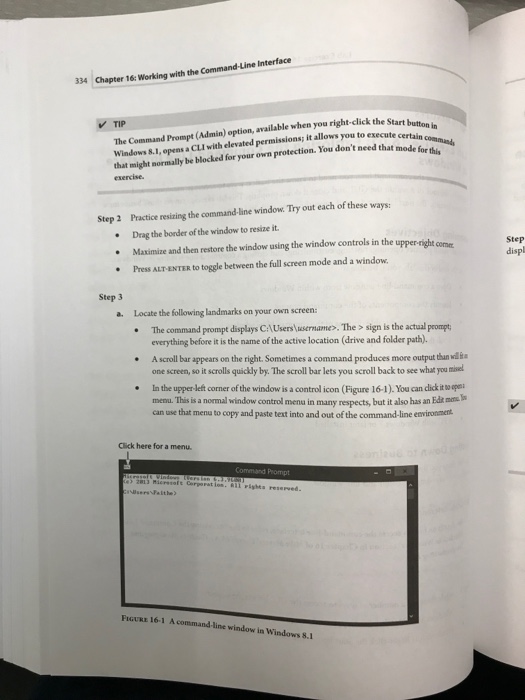
334 Chapter 16: Working with the Command-Line Interface TIP The Command Prompt (Admin) option, available when you right-click the Windows 8.1, opens a CLI with elevated permissions; it allows you to execute Start button in that might normally be blocked for your own protection. You don't need that mode f exercise Practice resizing the command-line window. Try out each of these ways: Drag the border of the window to resize it. Maximize and then restore the window using the window controls in the upp Press ALT-ENTER to toggle between the full screen mode and a window Step 2 er-right corme Step displ Step 3 a. Locate the following landmarks on your own screen: The command prompt displays C:lUsers usernames. The > sign is the actual peompt everything before it is the name of the active location (drive and folder path). A scroll bar appears on the right. Sometimes a command produces more output than ll one screen, so it scrolls quickly by. The scroll bar lets you scroll back to see what you misnel In the upper left corner of the window is a control icon (Figure 16-1). You can dick it i menu. This is a normal window control menu in many respects, but it also has an Edk mons can use that menu to copy and paste text into and out of the command-line environment Click here for a menu. FGURE 16-1 A command-line window in Windows 8.1
Step by Step Solution
There are 3 Steps involved in it

Get step-by-step solutions from verified subject matter experts
 Study Help