







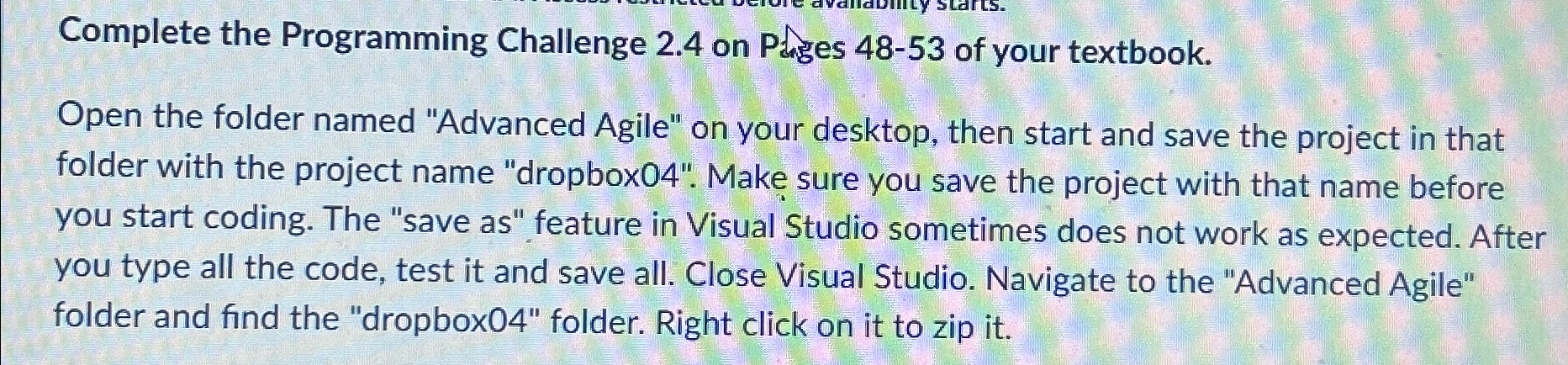
Question: Complete the Programming Challenge 2 . 4 on Pages 4 8 - 5 3 of your textbook. Open the folder named Advanced Agile on your
Complete the Programming Challenge on Pages of your textbook.
Open the folder named "Advanced Agile" on your desktop, then start and save the project in that folder with the project name "dropbox Make sure you save the project with that name before you start coding. The "save as feature in Visual Studio sometimes does not work as expected. After you type all the code, test it and save all. Close Visual Studio. Navigate to the "Advanced Agile" folder and find the "dropbox folder. Right click on it to zip it
Step by Step Solution
There are 3 Steps involved in it
1 Expert Approved Answer
Step: 1 Unlock

Question Has Been Solved by an Expert!
Get step-by-step solutions from verified subject matter experts
Step: 2 Unlock
Step: 3 Unlock
 Study Help