







Question: Create a Java NetBeans project. Read the instructions below carefully and make sure follow the steps from the instructions. Do not skip any steps. NEED
Create a Java NetBeans project. Read the instructions below carefully and make sure follow the steps from the instructions. Do not skip any steps. NEED TO FOLLOW THE INSTRUCTIONS. Make sure including your output. Make sure the code will work in NetBeans IDE 8.0.2 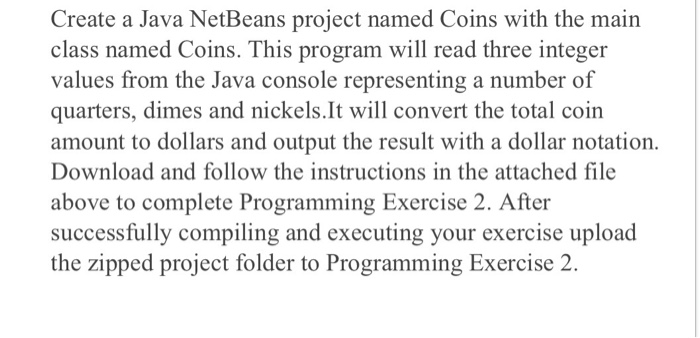
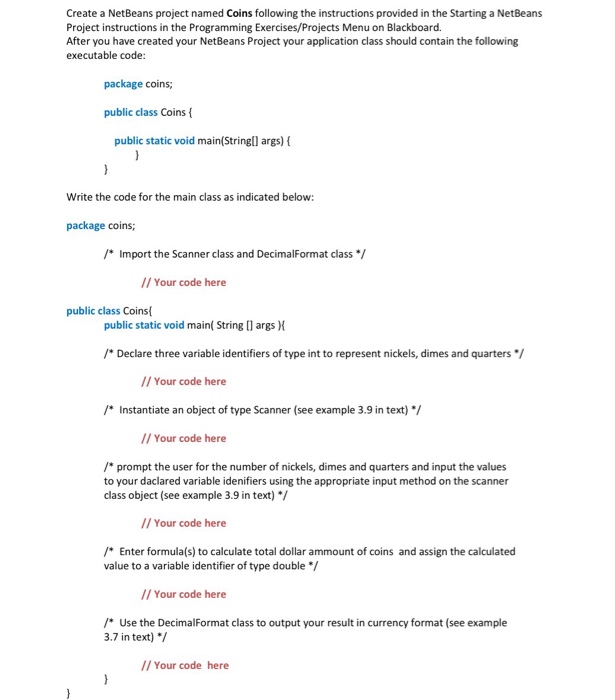
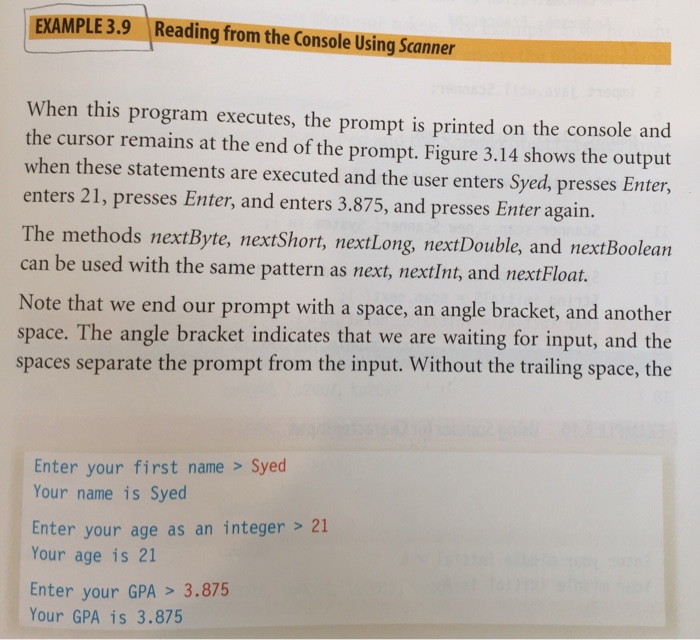
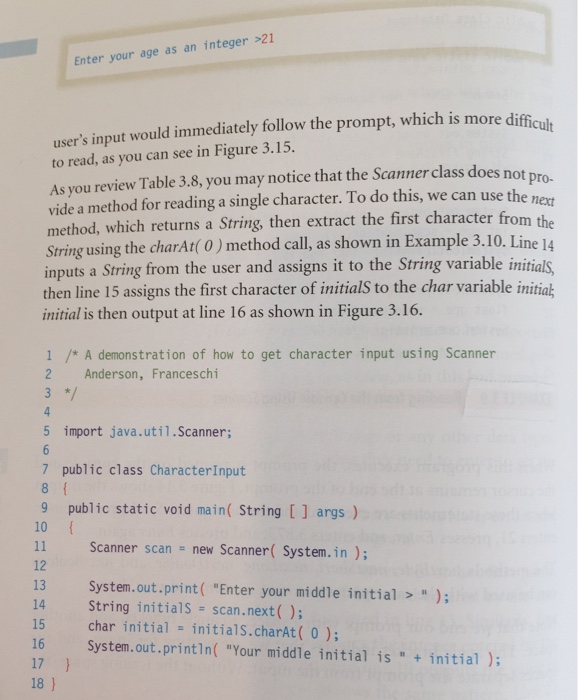
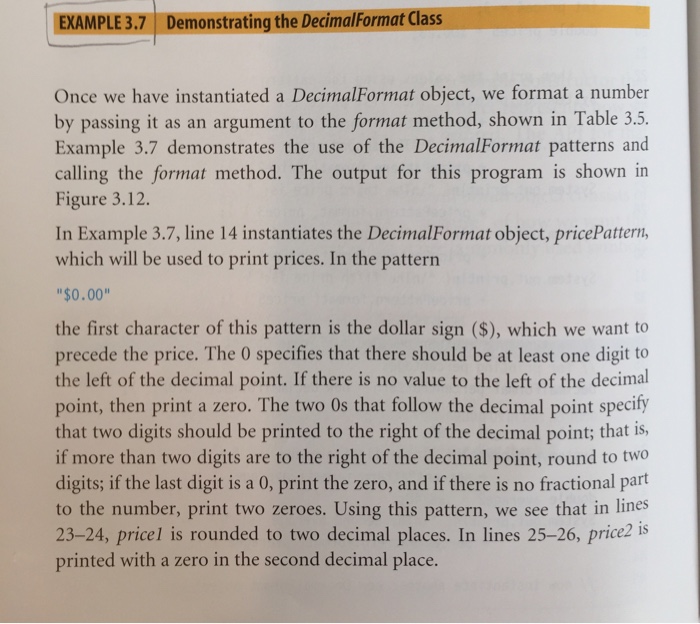
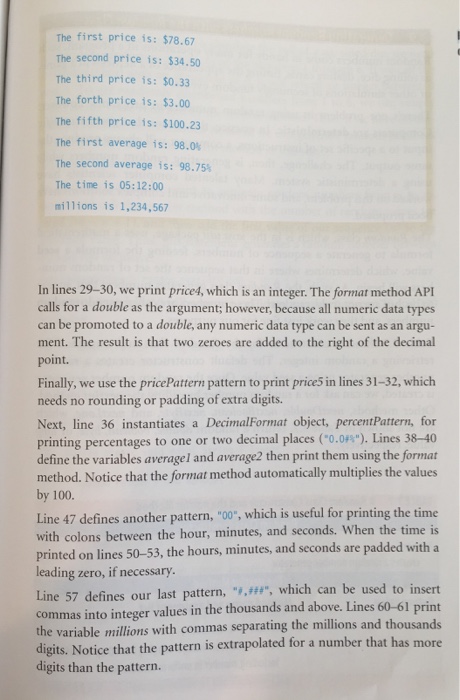
Create a Java NetBeans project named Coins with the main class named Coins. This program will read three integer values from the Java console representing a number of quarters, dimes and nickels.It will convert the total coin amount to dollars and output the result with a dollar notation. Download and follow the instructions in the attached file above to complete Programming Exercise 2. After successfully compiling and executing your exercise upload the zipped project folder to Programming Exercise 2
Step by Step Solution
There are 3 Steps involved in it
1 Expert Approved Answer
Step: 1 Unlock

Question Has Been Solved by an Expert!
Get step-by-step solutions from verified subject matter experts
Step: 2 Unlock
Step: 3 Unlock
 Study Help