







Question: Create a new query in Query Design view using the Properties and StateAbbreviations tables. Join the Properties and StateAbbreviations tables using the State field from
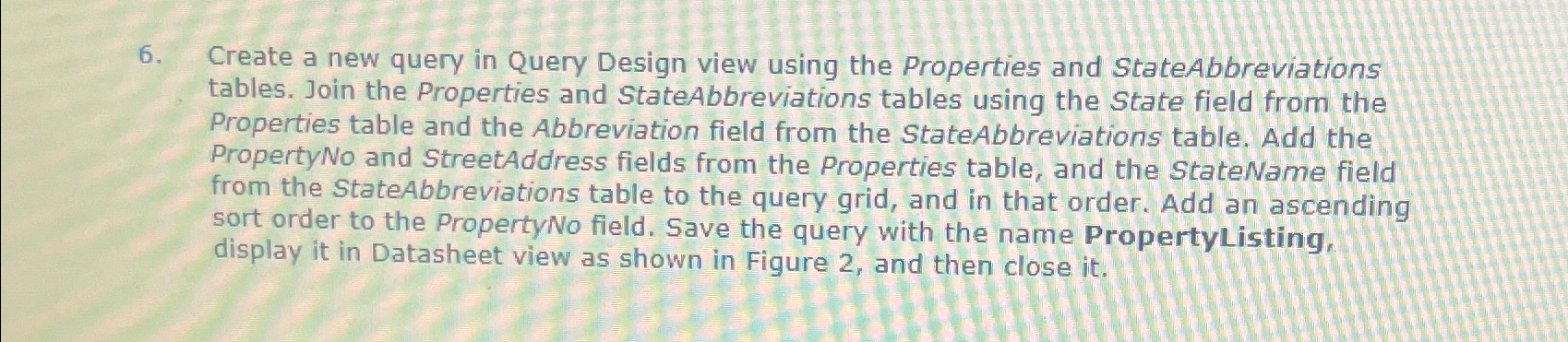
Create a new query in Query Design view using the Properties and StateAbbreviations tables. Join the Properties and StateAbbreviations tables using the State field from the Properties table and the Abbreviation field from the StateAbbreviations table. Add the PropertyNo and StreetAddress fields from the Properties table, and the StateName field from the StateAbbreviations table to the query grid, and in that order. Add an ascending sort order to the PropertyNo field. Save the query with the name PropertyListing, display it in Datasheet view as shown in Figure and then close it
Step by Step Solution
There are 3 Steps involved in it
1 Expert Approved Answer
Step: 1 Unlock

Question Has Been Solved by an Expert!
Get step-by-step solutions from verified subject matter experts
Step: 2 Unlock
Step: 3 Unlock
 Study Help