







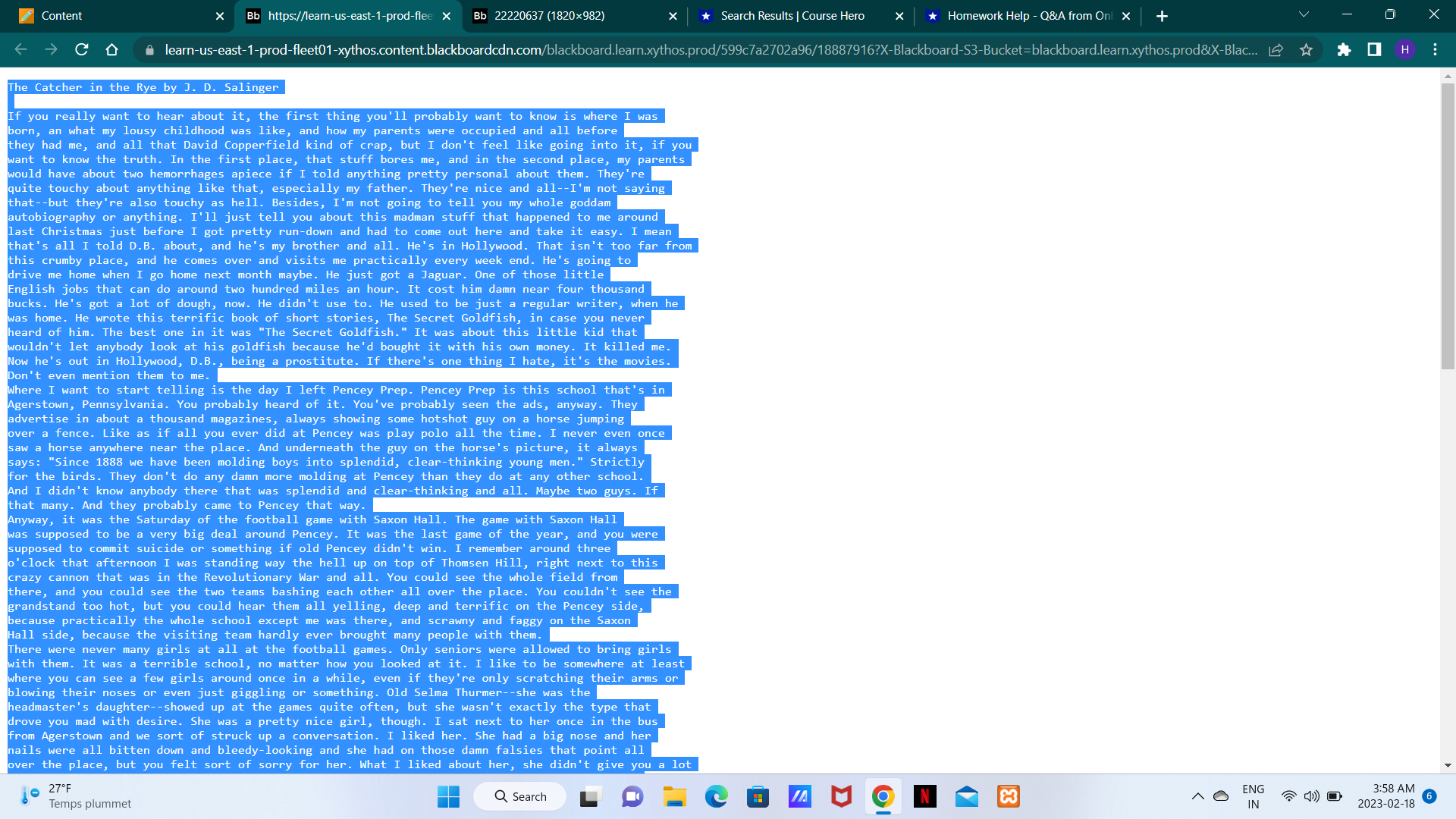
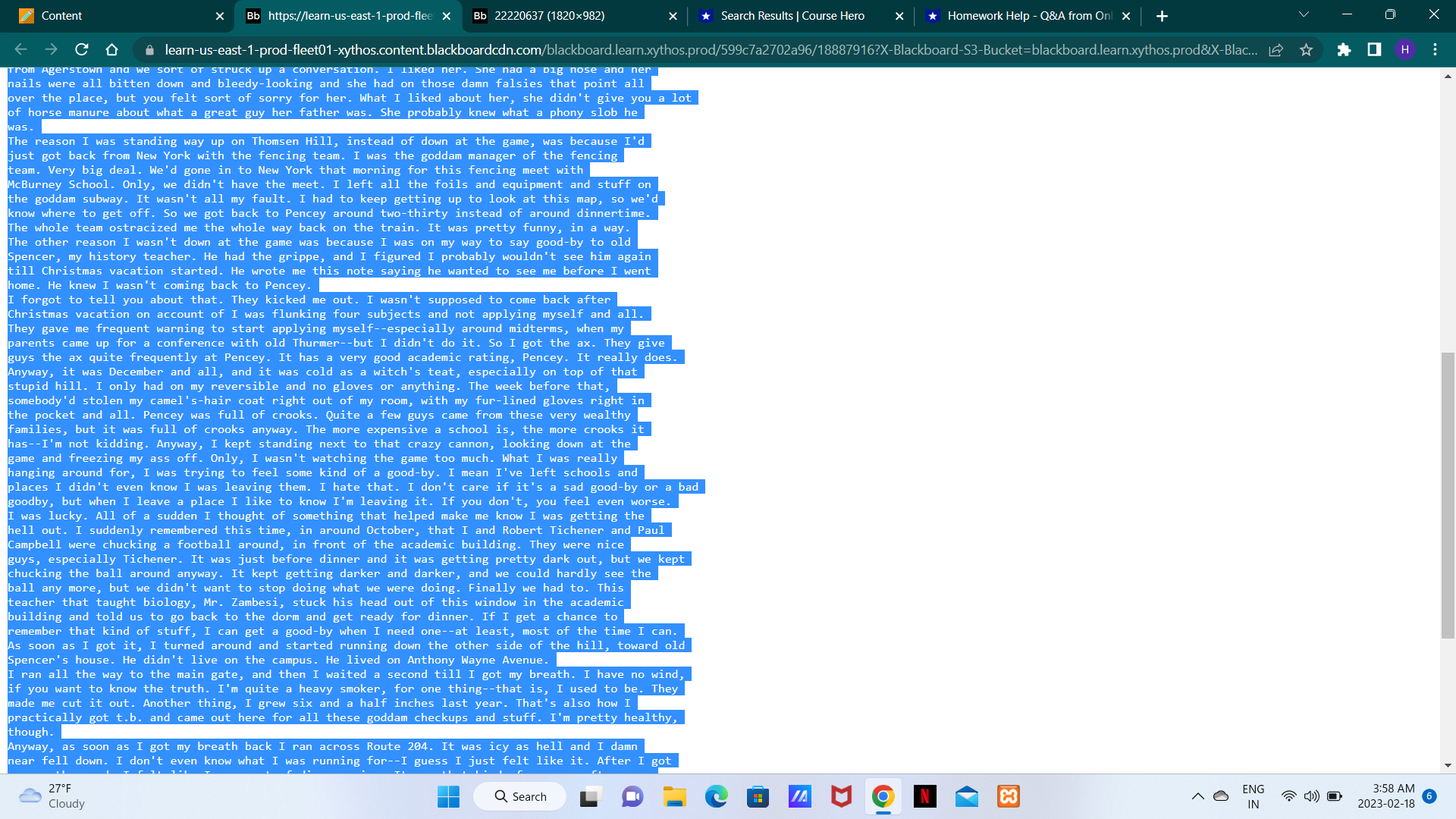
Question: Create a program by following these instructions. 18887916.txt is shared . Use that file. Don't try to alter the content, in any way, which will
Create a program by following these instructions. 18887916.txt is shared . Use that file. Don't try to alter the content, in any way, which will return the wrong result.
- Create variables student_full_name, stdudent_id, course, and date, and assign the values in one line. Use your full name (first, last, and middle (If you have a middle name)), student id, COMP1112, and the developed date of this program as values. Print them as instructed.
- Create a Folder name from student details like "RAJESH_KHANNA_BANDI_2403699999 ". All Characters must be in Upper case, with no spaces, and first, middle, and last names separated by an underscore.
- Programmatically Check that the folder is there, and create it
- Load the Text File into the program, and read it.
- Convert the file content to a List
- Show the Total number of elements in the list. It must show like this "Total Items in List: 1917"
- Loop through the list. While iterating if the element is alpha, then add/append to its respective file as one word per line. Create Text files in the directory like A.txt, B.txt... Example...
- If the iterating value is "Rye", then add/append "Rye" to the R.txt file.
- If the iterating value is "Salinger", then add/append "Salinger" to the S.txt file.
- If the iterating value is "J.", then It's not an alpha, ignore it. No need to add anywhere.
- Programmatically print Total Text Files in the directory
- Also, output how many elements you inserted into one file. Print a detailed report as instructed.
- Use only one print statement, to print the output. If you use more than one print statement, I will deduct -5% points.
The program should include the following:
- Use the os module to programmatically get the current working directory, joining, listing, checking the existence, etc... Your program must run at any location, without doing any code changes. = (2%)
- File 'open', using 'with' keyword, or closing file = (1%)
- Using Loops = (1%)
- Writing comments about your program describing every step you take, and docstring = (2%)
- For using substring, string format, string functions = (2%)
- For using Lists = (1%)
- For doing Sum = (1%)
- For Typecasting = (1%)
- For the Right output & demonstrating your ability to use python efficiently = (2%)
- For not hardcoding, doing it in a pythonic, programmatical way = (2%)
attachment:-
SS2.png file
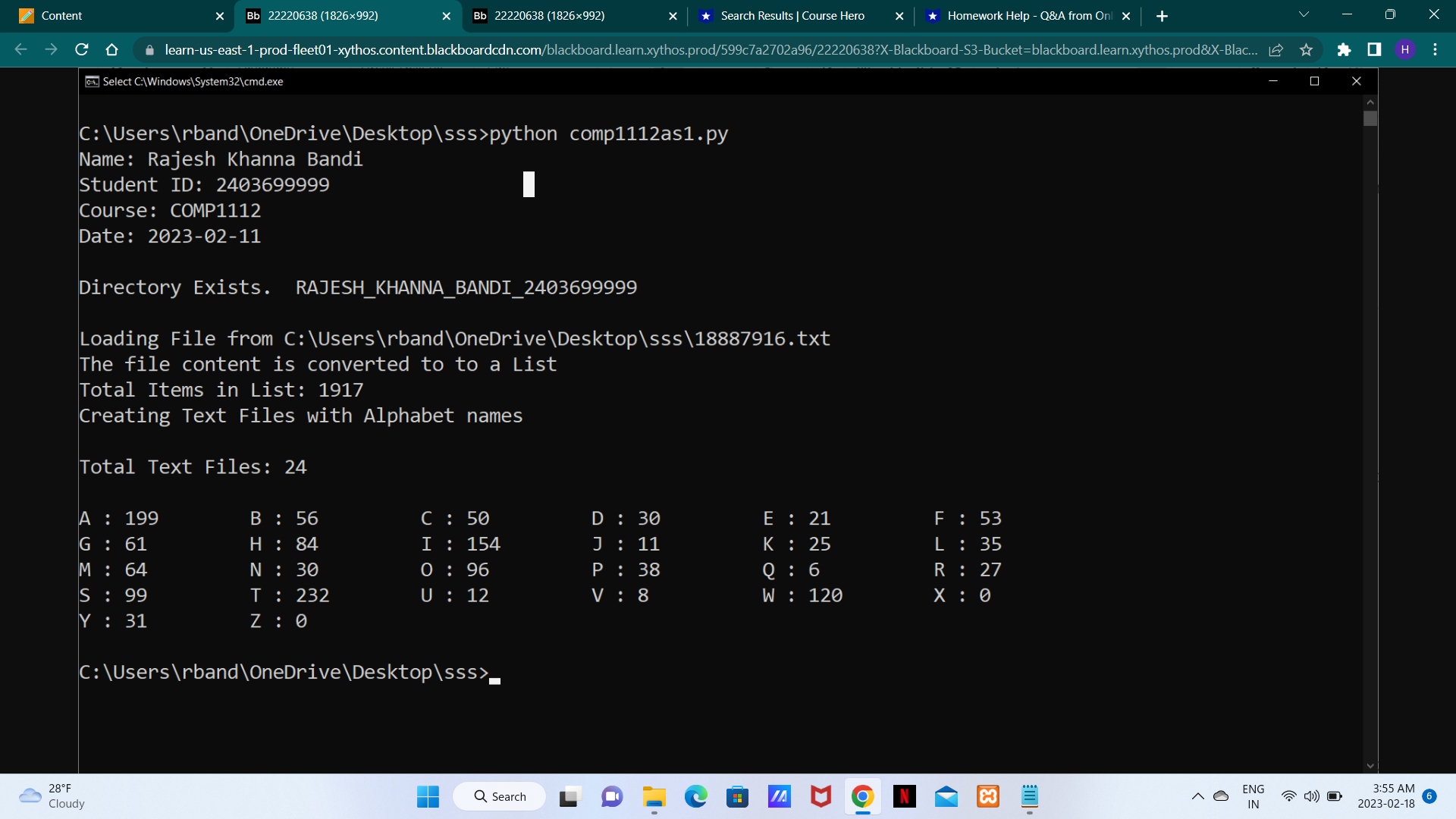
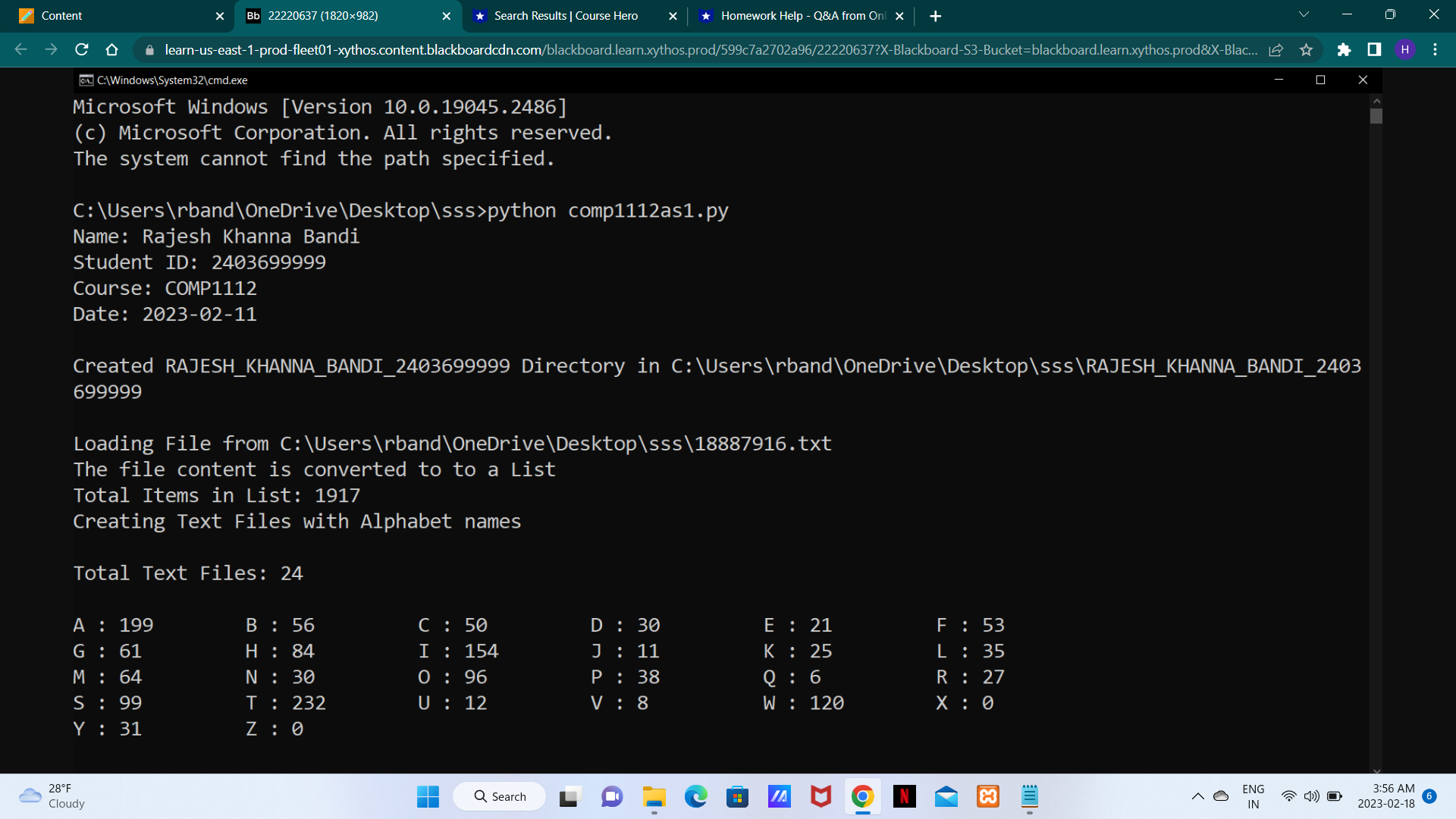
Content X Bb 22220638 (1826992) 04. Select C:\Windows\System32\cmd.exe learn-us-east-1-prod-fleet01-xythos.content.blackboardcdn.com/blackboard.learn.xythos.prod/599c7a2702a96/22220638?X-Blackboard-S3-Bucket=blackboard.learn.xythos.prod&X-Blac... Total Text Files: 24 A : 199 G : 61 M: 64 S: 99 Y: 31 X Bb 22220638 (1826x992) C:\Users band\OneDrive\Desktop\sss>python comp1112as1.py Name: Rajesh Khanna Bandi Student ID: 2403699999 Course: COMP1112 Date: 2023-02-11 28F Cloudy Directory Exists. RAJESH_KHANNA_BANDI_2403699999 Loading File from C:\Users band\OneDrive\Desktop\sss\18887916.txt The file content is converted to to a List Total Items in List: 1917 Creating Text Files with Alphabet names B : 56 H: 84 N : 30 T : 232 Z: 0 C: 50 I : 154 0 : 96 U : 12 C:\Users band\OneDrive\Desktop\sss>, | X Search Results | Course Hero X Homework Help - Q&A from Onl X + Q Search D: 30 J : 11 P: 38 V: 8 HH E : 21 K : 25 Q: 6 W : 120 JA F : 53 L : 35 R : 27 X: 0 x 0 ENG IN ** X X H 3:55 AM 2023-02-18 :
Step by Step Solution
There are 3 Steps involved in it
Solutions Step 1 Here is a Python program that follows the given instructions import os Step 1 Creat... View full answer

Get step-by-step solutions from verified subject matter experts
 Study Help