







Question: I need help Lab Exercise 601s Identifying the BoS 9 109 FIGURI 6-1 A typical system BIOS ROM chip Step 2 This next step may
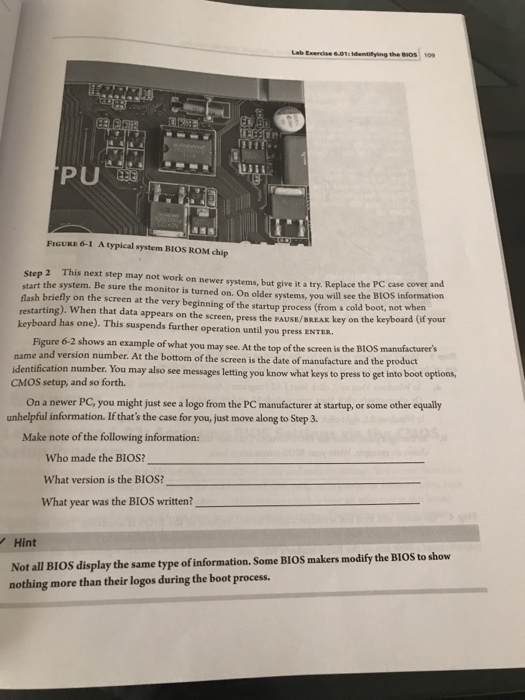
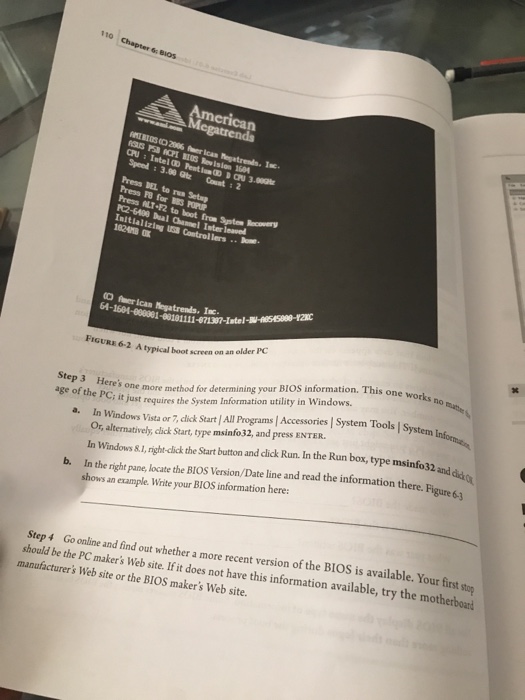
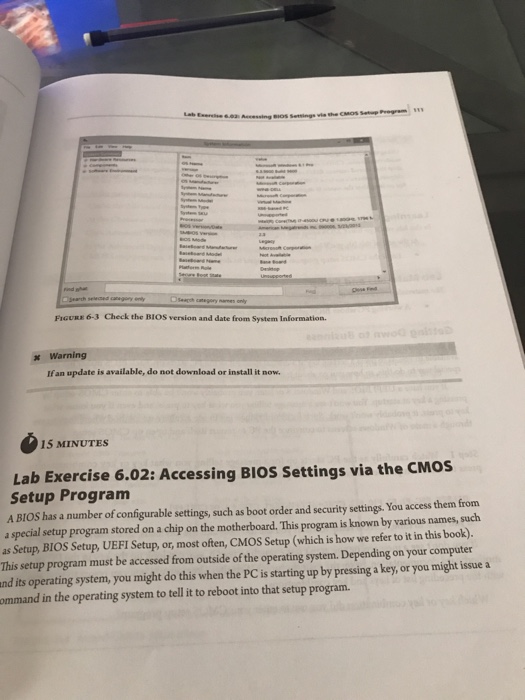
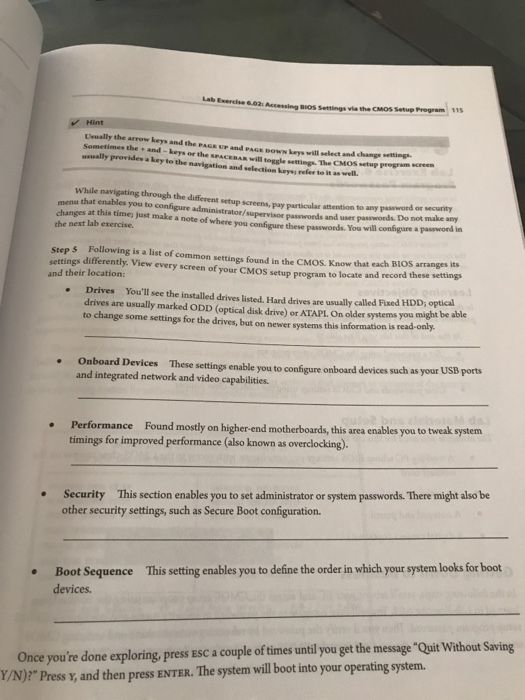
Lab Exercise 601s Identifying the BoS 9 109 FIGURI 6-1 A typical system BIOS ROM chip Step 2 This next step may not work on newer systems, but give it a try. Replace the PC case cover and start the system. Be sure the monitor is turned on. On older systems, you will see the BIOS informtion flash briefly on the screen at the very beginning of the startup process (from a cold boot, not restarting). When that data appears on the screen, press the PAUSE/BREAK key on the keyboard has one). This suspends further operation until you press ENTER when keyboard (if your Figure 6-2 shows an example of what you may see. At the top of the screen is the BIOS name and version number. At the bottom of the screen is the date of manufacture and the product CMOS setup, and so forth. unhelpful information. If that's the may also see messages letting you know what keys to press to get into boot options, On a newer PC, you might just see a logo from the PC manufacturer at startup, or some other equally case for you, just move along to Step 3 Make note of the following information: Who made the BIOS? What version is the BIOS? What year was the BIOS written? Hint Not all BIOS display the same type of information. Some BIOS makers modify the BIOS to show nothing more than their logos during the boot process
Step by Step Solution
There are 3 Steps involved in it

Get step-by-step solutions from verified subject matter experts
 Study Help