







Question: i need help please BME 1054L: Introduction to Biomedical Engineering Computing Extra Credit Assignment: Module 3-Matrix Operations Instructions: 1. Clearly mention your FIU Panther ID
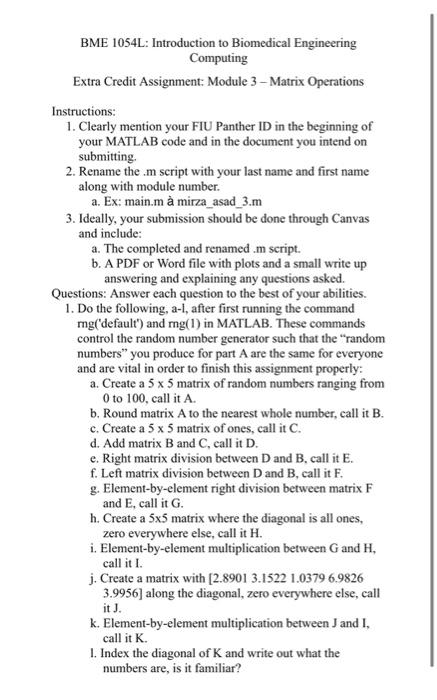
BME 1054L: Introduction to Biomedical Engineering Computing Extra Credit Assignment: Module 3-Matrix Operations Instructions: 1. Clearly mention your FIU Panther ID in the beginning of your MATLAB code and in the document you intend on submitting. 2. Rename the .m script with your last name and first name along with module number. a. Ex: main.m mirza_asad_3.m 3. Ideally, your submission should be done through Canvas and include: a. The completed and renamed .m script. b. A PDF or Word file with plots and a small write up answering and explaining any questions asked. Questions: Answer each question to the best of your abilities. 1. Do the following, a-l, after first running the command mg( 'default') and mg(1) in MATLAB. These commands control the random number generator such that the "random numbers" you produce for part A are the same for everyone and are vital in order to finish this assignment properly: a. Create a 55 matrix of random numbers ranging from 0 to 100 , call it A. b. Round matrix A to the nearest whole number, call it B. c. Create a 55 matrix of ones, call it C. d. Add matrix B and C, call it D. e. Right matrix division between D and B, call it E. f. Left matrix division between D and B, call it F. g. Element-by-element right division between matrix F and E, call it G. h. Create a 55 matrix where the diagonal is all ones, zero everywhere else, call it H. i. Element-by-element multiplication between G and H, call it I. j. Create a matrix with [2.8901 3.15221.03796.9826 3.9956] along the diagonal, zero everywhere else, call it J. k. Element-by-element multiplication between J and I, call it K. 1. Index the diagonal of K and write out what the numbers are, is it familiar
Step by Step Solution
There are 3 Steps involved in it

Get step-by-step solutions from verified subject matter experts
 Study Help