







Question: Section One Excel File to Use: Adv_excel.xlsx Adv excel is a list of the 334 Members of Parliament for Canada (last parliament). Using Excel
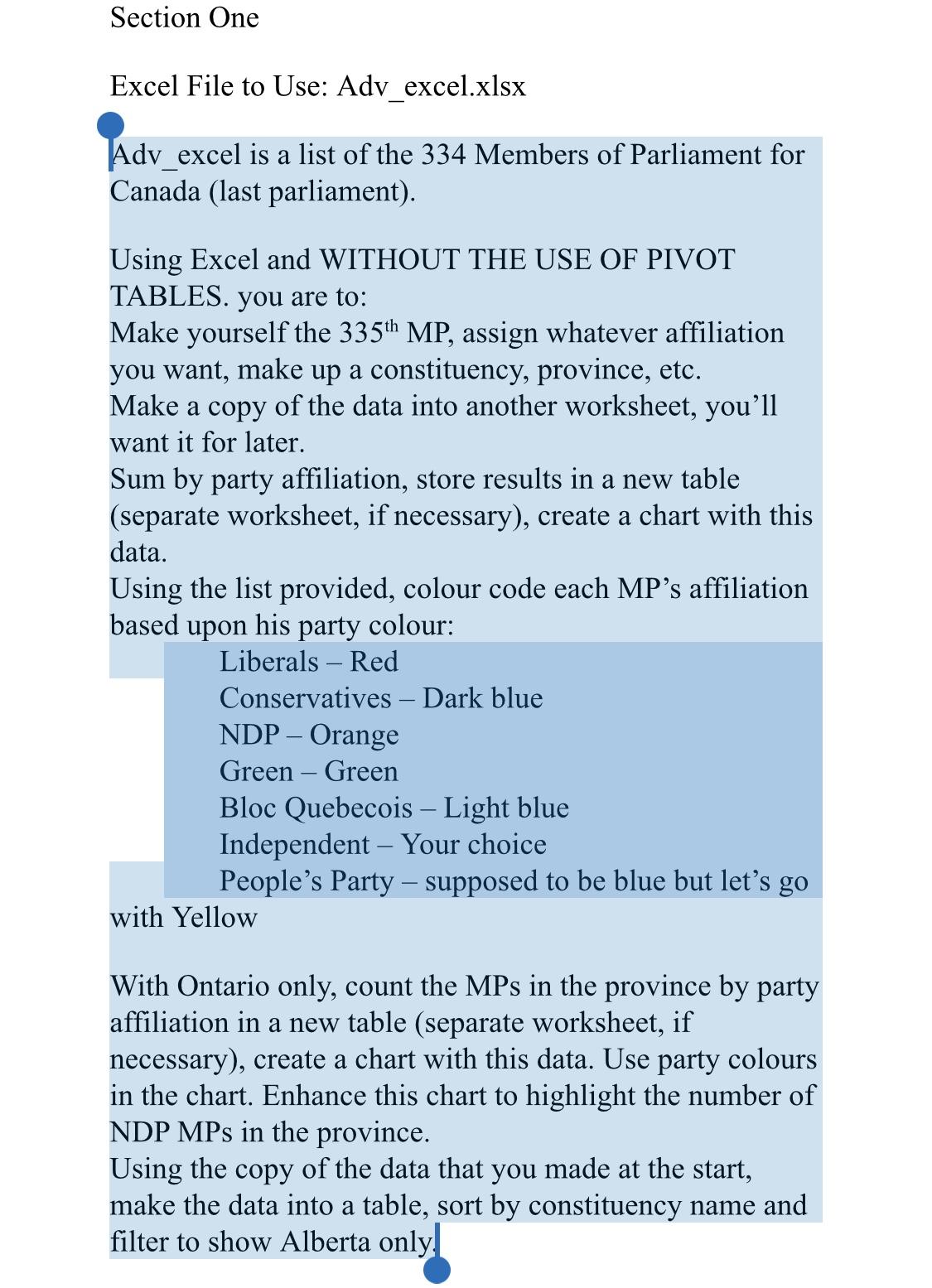
Section One Excel File to Use: Adv_excel.xlsx Adv excel is a list of the 334 Members of Parliament for Canada (last parliament). Using Excel and WITHOUT THE USE OF PIVOT TABLES. you are to: Make yourself the 335th MP, assign whatever affiliation you want, make up a constituency, province, etc. Make a copy of the data into another worksheet, you'll want it for later. Sum by party affiliation, store results in a new table (separate worksheet, if necessary), create a chart with this data. Using the list provided, colour code each MP's affiliation based upon his party colour: Liberals Red Conservatives Dark blue NDP Orange Green Green Bloc Quebecois Light blue Independent Your choice People's Party supposed to be blue but let's go with Yellow With Ontario only, count the MPs in the province by party affiliation in a new table (separate worksheet, if necessary), create a chart with this data. Use party colours in the chart. Enhance this chart to highlight the number of NDP MPs in the province. Using the copy of the data that you made at the start, make the data into a table, sort by constituency name and filter to show Alberta only
Step by Step Solution
3.37 Rating (147 Votes )
There are 3 Steps involved in it
Sum of TotalPrice Column Labels Row Labels Battries Grid Tie Inverters Landscape lighthg Lightbulbs ... View full answer

Get step-by-step solutions from verified subject matter experts
 Study Help