







Question: In Quick Search, when you know you're not looking for an article, it can be helpful to set the search scope to Library Collections instead
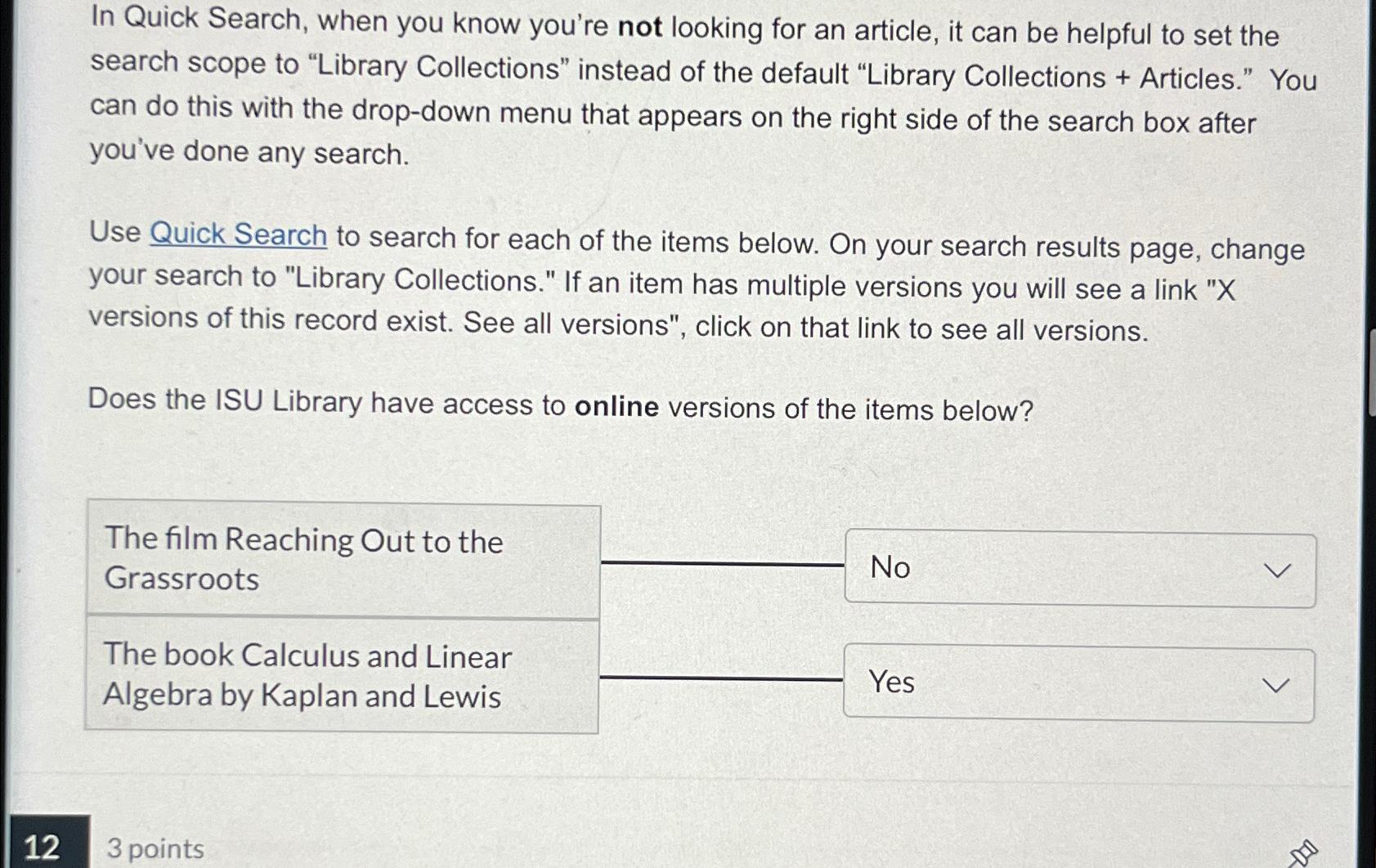
In Quick Search, when you know you're not looking for an article, it can be helpful to set the search scope to "Library Collections" instead of the default "Library Collections Articles." You can do this with the dropdown menu that appears on the right side of the search box after you've done any search.
Use Quick Search to search for each of the items below. On your search results page, change your search to "Library Collections." If an item has multiple versions you will see a link versions of this record exist. See all versions", click on that link to see all versions.
Does the ISU Library have access to online versions of the items below?
The film Reaching Out to the Grassroots
The book Calculus and Linear Algebra by Kaplan and Lewis
points
Step by Step Solution
There are 3 Steps involved in it
1 Expert Approved Answer
Step: 1 Unlock

Question Has Been Solved by an Expert!
Get step-by-step solutions from verified subject matter experts
Step: 2 Unlock
Step: 3 Unlock
 Study Help