Question: In this lab, we'll learn basic image processing and filtering in MATLAB. We describe images as 2 dimensional signals in this lab. Unlike the signals
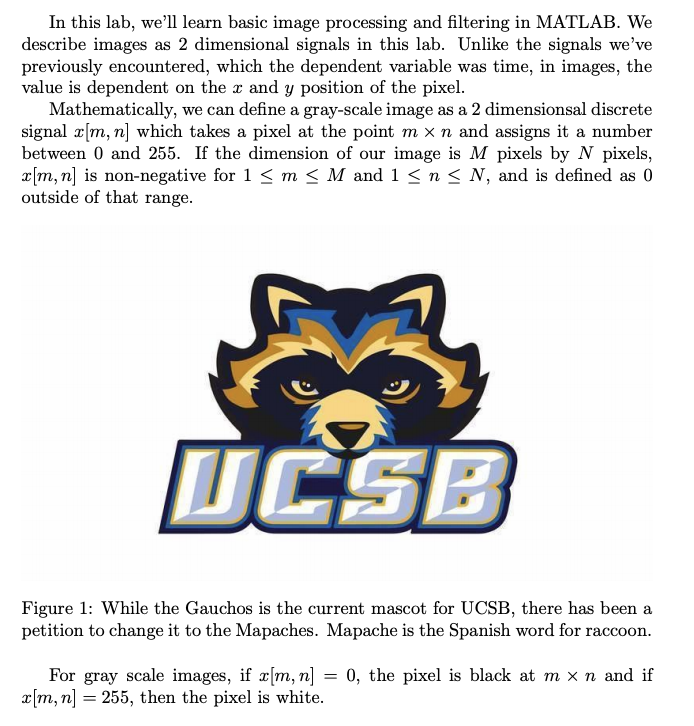
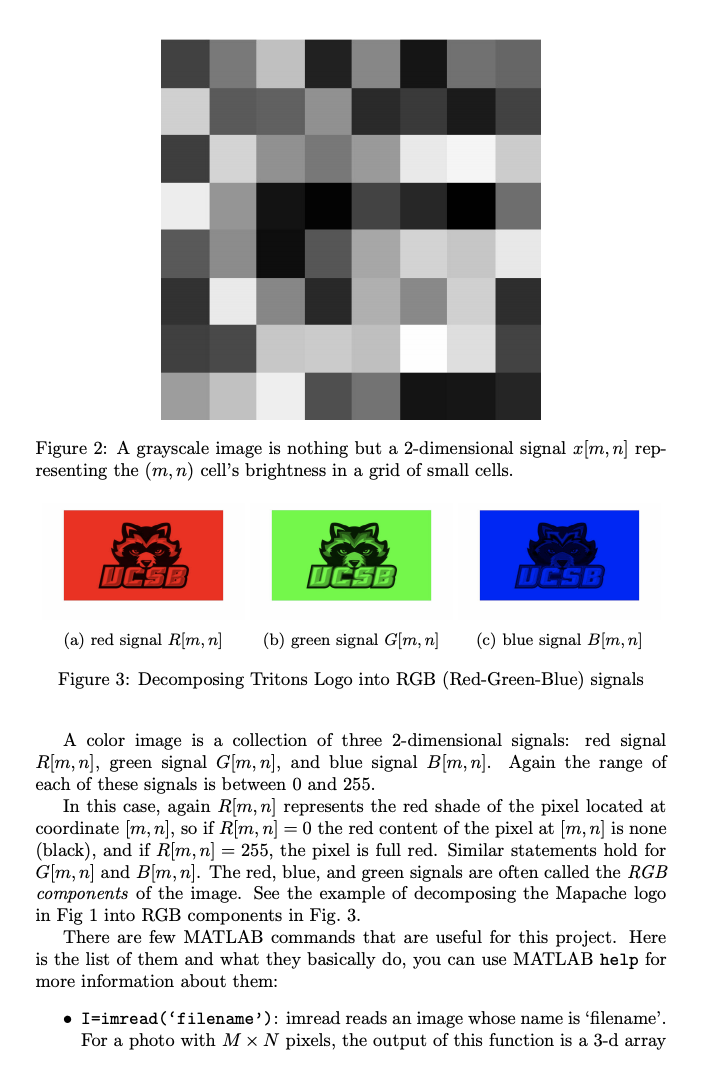
 In this lab, we'll learn basic image processing and filtering inMATLAB. We describe images as 2 dimensional signals in this lab. Unlikethe signals we've previously encountered, which the dependent variable was time, inimages, the value is dependent on the x and y position of

In this lab, we'll learn basic image processing and filtering in MATLAB. We describe images as 2 dimensional signals in this lab. Unlike the signals we've previously encountered, which the dependent variable was time, in images, the value is dependent on the x and y position of the pixel. Mathematically, we can define a gray-scale image as a 2 dimensionsal discrete signal x[m, n] which takes a pixel at the point m x n and assigns it a number between 0 and 255. If the dimension of our image is M pixels by N pixels, x[m,n] is non-negative for 1 O using MyNoise = r*(rand(M,N)-0.5*ones (M,N));. Then, add the noise to your picture us- ingMyNoisyImage = uint8(double (MyBwImage) +MyNoise);. Apply this to your grayscale photo for r = 1, 10, 20, 50, 100. View each image, and provide them in the report. When you increase r, how does it affect the picture? Submission Submit your lab as a pdf that includes your code as well as your labeled images. Additionally record your answers to the posted questions as com- ments in your code. You can publish your script as one .n file using the Publish option in MATLAB
Step by Step Solution

There are 3 Steps involved in it

1 Expert Approved Answer
Step: 1 Unlock blur-text-image
Question Has Been Solved by an Expert!

Get step-by-step solutions from verified subject matter experts

Step: 2 Unlock
Step: 3 Unlock

Students Have Also Explored These Related Databases Questions!