







Question: Include a screen shot ( s ) covering all the following tasks completed on the router: Configure the Router name as mentioned in table 2
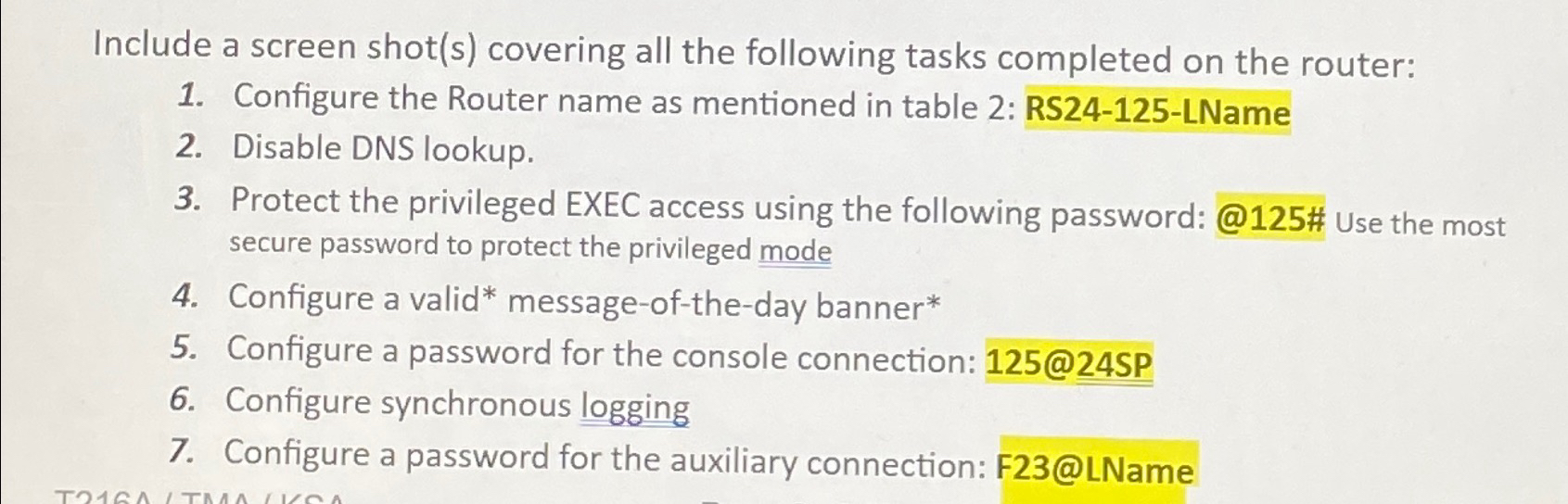
Include a screen shots covering all the following tasks completed on the router:
Configure the Router name as mentioned in table : RSLName
Disable DNS lookup.
Protect the privileged EXEC access using the following password: @# Use the most secure password to protect the privileged mode
Configure a valid messageoftheday banner
Configure a password for the console connection: @SP
Configure synchronous logging
Configure a password for the auxiliary connection: F@LName
By using packet tracer
Step by Step Solution
There are 3 Steps involved in it
1 Expert Approved Answer
Step: 1 Unlock

Question Has Been Solved by an Expert!
Get step-by-step solutions from verified subject matter experts
Step: 2 Unlock
Step: 3 Unlock
 Study Help