







Question: Lab 13.1 Backing Up a Filesystem STEP 1. Open a terminal window STEP 2. Use the su command to swich to the root user. STEP
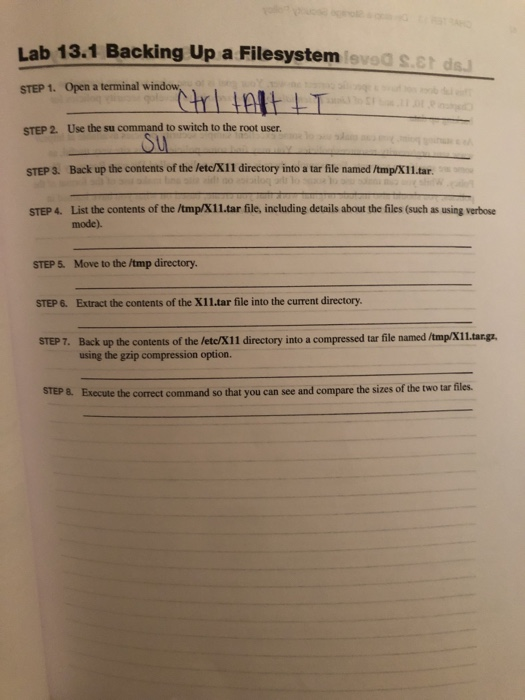
Lab 13.1 Backing Up a Filesystem STEP 1. Open a terminal window STEP 2. Use the su command to swich to the root user. STEP 3. Back up the contents of the letc/X11 directory into a tar file named /tmp/X11.tar. STEP 4. List the contents of the /tmp/x11.tar file, including details about the files (such as using verbose leved s.ct ds. Su mode). STEP 5. Move to the /tmp directory STEP 6. Extract the contents of the X11.tar file into the current directory STEP 7. Back up the contents of the letc/X11 directory into a compressed tar file named /tmp/X1Ltargz. STEP 8. Execute the correct command so that you can see and compare the sizes of the two tar files. using the gzip compression option
Step by Step Solution
There are 3 Steps involved in it

Get step-by-step solutions from verified subject matter experts
 Study Help