







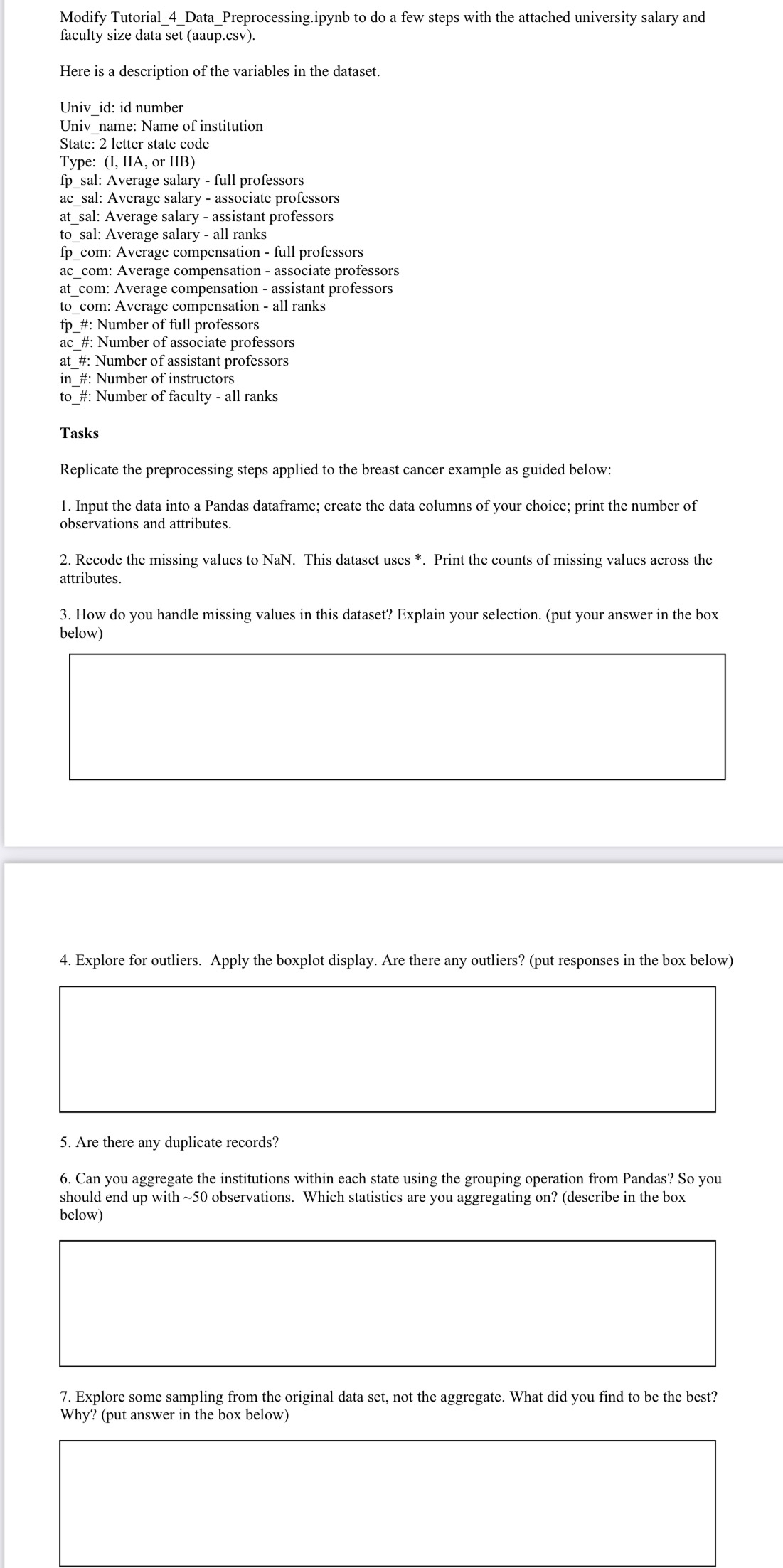
Question: Modify Tutorial _ 4 _ Data _ Preprocessing.ipynb to do a few steps with the attached university salary and faculty size data set ( aaup
Modify TutorialDataPreprocessing.ipynb to do a few steps with the attached university salary and faculty size data set aaupcsv
Here is a description of the variables in the dataset.
Univid: id number
Univname: Name of institution
State: letter state code
Type: I IIA, or IIB
fpsal: Average salary full professors
acsal: Average salary associate professors
atsal: Average salary assistant professors
tosal: Average salary all ranks
fpcom: Average compensation full professors
accom: Average compensation associate professors
atcom: Average compensation assistant professors
tocom: Average compensation all ranks
fp#: Number of full professors
ac#: Number of associate professors
at#: Number of assistant professors
in#: Number of instructors
to#: Number of faculty all ranks
Tasks
Replicate the preprocessing steps applied to the breast cancer example as guided below:
Input the data into a Pandas dataframe; create the data columns of your choice; print the number of observations and attributes.
Recode the missing values to NaN. This dataset uses Print the counts of missing values across the attributes.
How do you handle missing values in this dataset? Explain your selection. put your answer in the box below
Explore for outliers. Apply the boxplot display. Are there any outliers? put responses in the box below
Are there any duplicate records?
Can you aggregate the institutions within each state using the grouping operation from Pandas? So you should end up with observations. Which statistics are you aggregating ondescribe in the box below
Explore some sampling from the original data set, not the aggregate. What did you find to be the best? Why? put answer in the box below
Step by Step Solution
There are 3 Steps involved in it
1 Expert Approved Answer
Step: 1 Unlock

Question Has Been Solved by an Expert!
Get step-by-step solutions from verified subject matter experts
Step: 2 Unlock
Step: 3 Unlock
 Study Help