







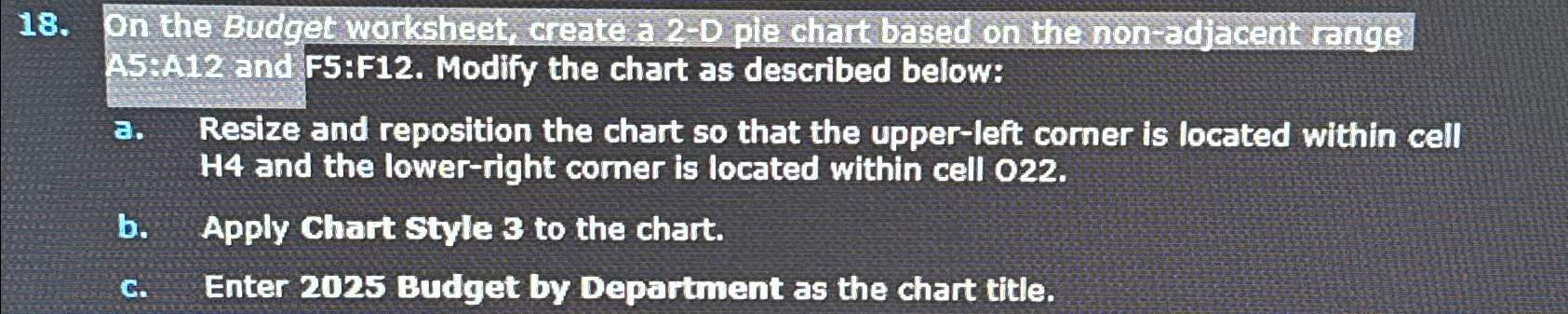
Question: On the Borgget workhest create a 2 - 0 ple chart based on the non adjacent ranges A 5 :A 1 2 and F 5
On the Borgget workhest create a ple chart based on the non adjacent ranges A:A and F:F Modify the chart as described below:
a Resize and reposition the chart so that the upperleft corner is located within cell and the lowerright corner is located within cell
b Apply Chart style to the chart.
c Enter Budget by Department as the chart title.
Step by Step Solution
There are 3 Steps involved in it
1 Expert Approved Answer
Step: 1 Unlock

Question Has Been Solved by an Expert!
Get step-by-step solutions from verified subject matter experts
Step: 2 Unlock
Step: 3 Unlock
 Study Help