







Question: Part 1 : Linux Command - Line The goal of this part is to have you learn and practice various Linux commands. Note that you
Part : Linux CommandLine
The goal of this part is to have you learn and practice various Linux commands. Note that you may use these commands at different points in each term. Specifically, after this assignment you will be able to use the following commands:
man
echo
pwd
cat
cd
Is
touch
mkdir
ps aux
mv
cp
sudo
R
chmod
chown
An easy way to determine what a command does is to type man and then the name of the command you are trying to learn about. For instance, man cp in the command line interface CLI will bring up a page about the cp command. Simply press q to leave that screen.
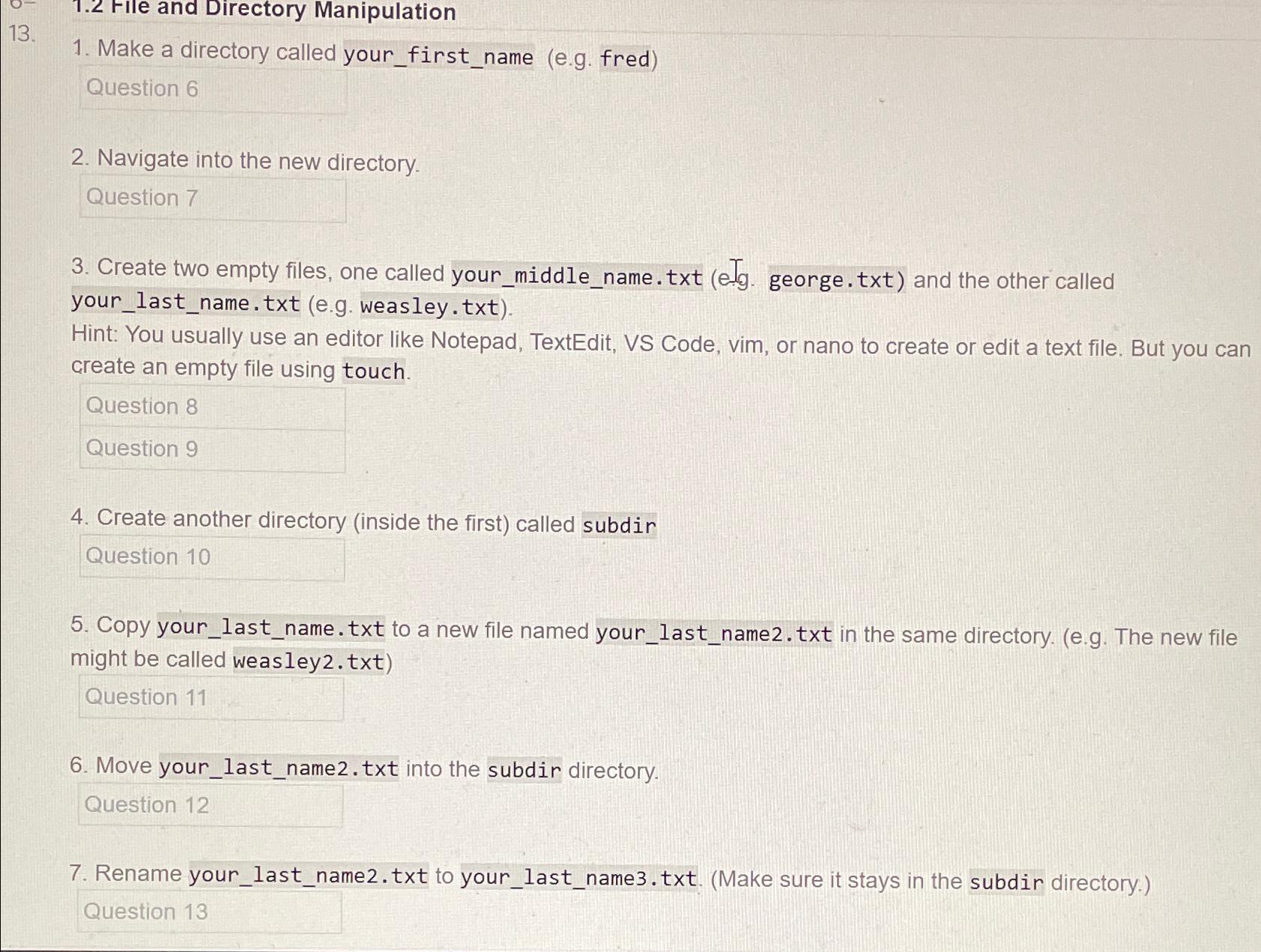
Make a directory called yourfirstname eg fred
Question
Navigate into the new directory.
Create two empty files, one called yourmiddlename.txt eTg george.txt and the other called yourlastname.txt eg weasley.txt
Hint: You usually use an editor like Notepad, TextEdit, VS Code, vim, or nano to create or edit a text file. But you can create an empty file using touch.
Question
Create another directorv inside the first called subdir
Copy yourlastname.txt to a new file named yourlastnametxt in the same directory. eg The new file might be called weasleytxt
Move your last nametxt into the subdir directory.
Rename yourlastnametxt to yourlastnametxtMake sure it stays in the subdir directory.
Step by Step Solution
There are 3 Steps involved in it
1 Expert Approved Answer
Step: 1 Unlock

Question Has Been Solved by an Expert!
Get step-by-step solutions from verified subject matter experts
Step: 2 Unlock
Step: 3 Unlock
 Study Help