







Question: please answer all for like Where on the Data Source page would you drag a table that you want to add to your visualization? Topic:
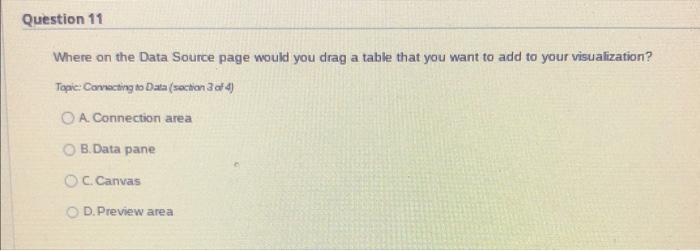
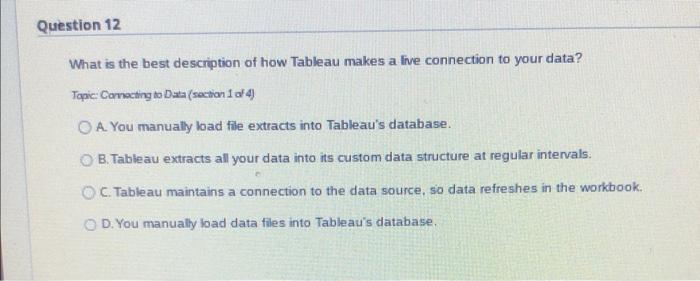
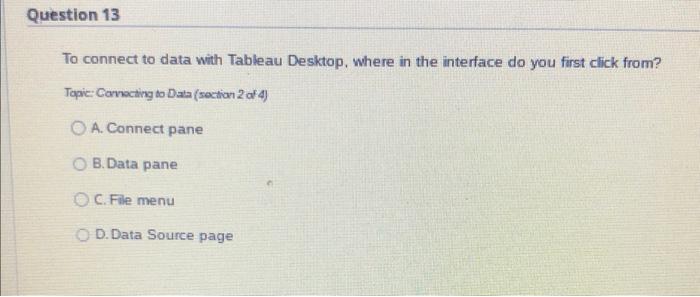
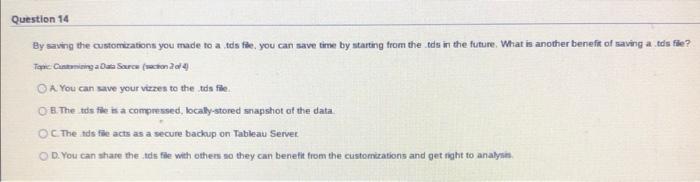
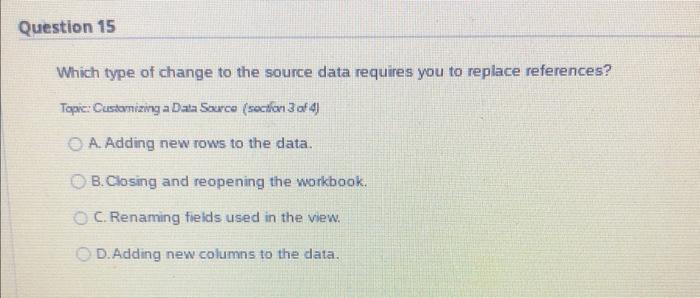
Where on the Data Source page would you drag a table that you want to add to your visualization? Topic: Convecting to Data (section 3 af 4) A. Connection area B. Data pane C. Canvas D. Preview area What is the best description of how Tableau makes a live connection to your data? Tapic: Comocting to Duta (soction 1 a 4 ) A. You manually load file extracts into Tableau's database. B. Tableau extracts all your data into its custom data structure at regular intervals. C. Tableau maintains a connection to the data source, so data refreshes in the workbook. D. You manually bad data files into Tableau's database. To connect to data with Tableau Desktop, where in the interface do you first click from? Topic: Carrocting to Data (section 2 of 4 ) A. Connect pane B. Data pane C. File menu D. Data Source page By saving the customizations you made to a tols fie. you can save time by starting from the .tds in the future. What is another benefir of saving a tds fle? A. You can save your vizzes to the tas file. B. The tds fire is a comprossed, localy-stored snapishot of the data C. The tds file acts as a secure backup on Tableau Server. D. You can share the tds flle with others so they can benefit from the ciastorrizations and get right to analysin. Which type of change to the source data requires you to replace references? Topic: Customizing a Data Source (soction 3 af 4) A. Adding new rows to the data. B. Closing and reopening the workbook. C. Renaming fieids used in the view. D. Adding new columns to the data
Step by Step Solution
There are 3 Steps involved in it

Get step-by-step solutions from verified subject matter experts
 Study Help