







Question: please answer by SQL Language. and show a screen shot for your work and run in your computer thank you 5. Write an INSERT statement
please answer by SQL Language. and show a screen shot for your work and run in your computer thank you
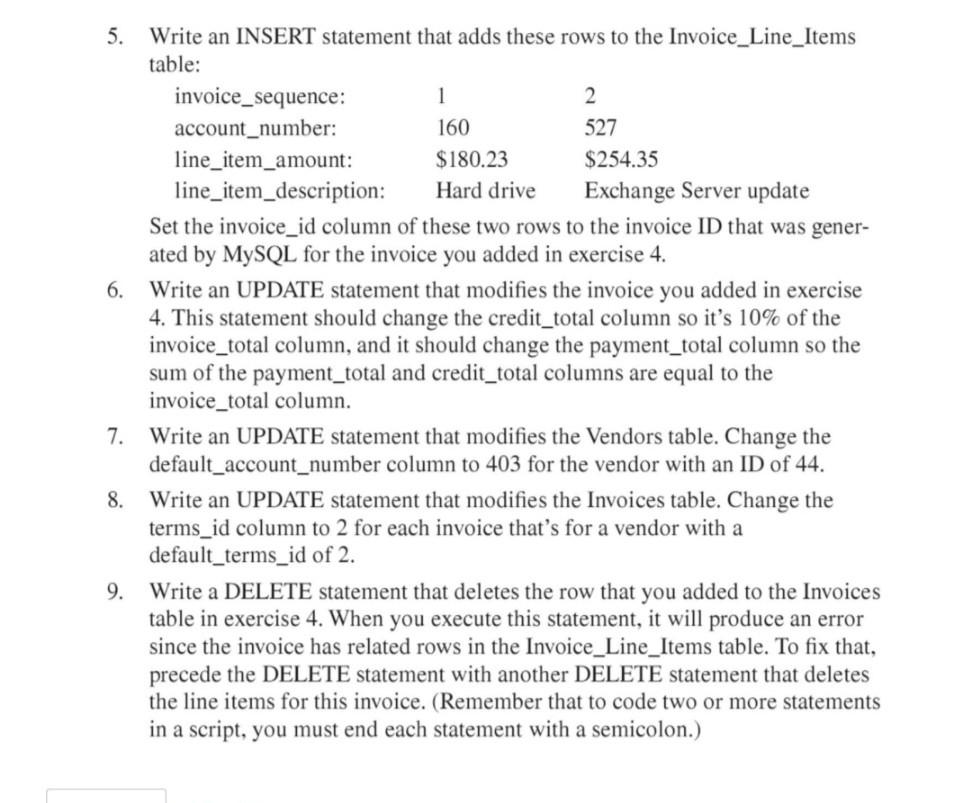
5. Write an INSERT statement that adds these rows to the Invoice_Line_Items table: rver update Set the invoice_id column of these two rows to the invoice ID that was generated by MySQL for the invoice you added in exercise 4. 6. Write an UPDATE statement that modifies the invoice you added in exercise 4. This statement should change the credit_total column so it's 10% of the invoice_total column, and it should change the payment_total column so the sum of the payment_total and credit_total columns are equal to the invoice_total column. 7. Write an UPDATE statement that modifies the Vendors table. Change the default_account_number column to 403 for the vendor with an ID of 44 . 8. Write an UPDATE statement that modifies the Invoices table. Change the terms_id column to 2 for each invoice that's for a vendor with a default_terms_id of 2 . 9. Write a DELETE statement that deletes the row that you added to the Invoices table in exercise 4 . When you execute this statement, it will produce an error since the invoice has related rows in the Invoice_Line_Items table. To fix that, precede the DELETE statement with another DELETE statement that deletes the line items for this invoice. (Remember that to code two or more statements in a script, you must end each statement with a semicolon.)
Step by Step Solution
There are 3 Steps involved in it

Get step-by-step solutions from verified subject matter experts
 Study Help