







Question: Please answer question 1-10 using linux Sprint 2:31 PM a ereader.chegg.com Project 2-4 In this hands-on project, you use and 1. Switch to a command-line
Please answer question 1-10 using linux
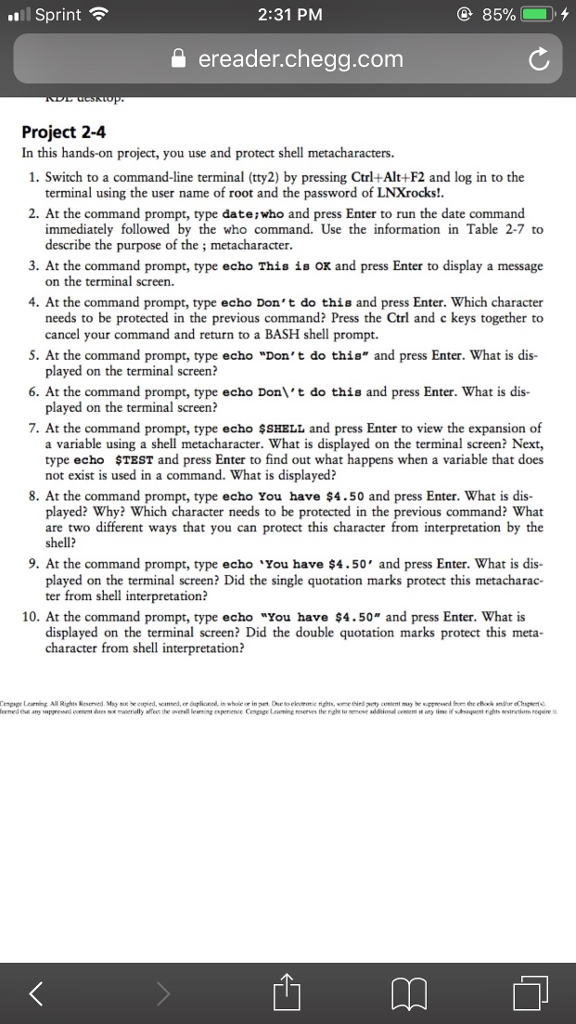
Sprint 2:31 PM a ereader.chegg.com Project 2-4 In this hands-on project, you use and 1. Switch to a command-line terminal (tty2) by pressing Ctrl+Alt+F2 and log in to the protect shell terminal using the user name of root and the password of LNXrocks!. 2. At the command prompt, type dateiwho and press Enter to run the date command immediately followed by the who command. Use the information in Table 2-7 to describe the purpose of the; metacharacter 3. At the command prompt, type echo This is OK and press Enter to display a message on the terminal screen. 4. At the command prompt, type ec ho Don't do thi is and press Enter. Which character needs to be protected in the previous command? Press the Ctrl and c keys together to cancel your command and return to a BASH shell prompt. do this and press Enter. What is dis- 5. At the command prompt, type echo "Don't 6. At the command prompt, type echo Don\'t do this and press Enter. What is dis- 7. At the command prompt, type echo $SHELL and press Enter to view the expansion of played on the terminal screen? played on the terminal screen? a variable using a shell metacharacter. What is displayed on the terminal screen? Next, type echo $TEST and press Enter to find out what happens when a variable that does not exist is used in a command. What is displayed? 8. At the command prompt, type echo You have $4.50 and press Enter. What is dis- played? Why? Which character needs to be protected in the previous command? What two different ways that you can protect this character from interpretation by the are shell? 9. At the command prompt, type echo You have $4.50' and press Enter. What is dis- played on the terminal screen? Did the single quotation marks protect this metacharac- ter from shell interpretation? 10. At the command prompt, type echo "You have $4.50 and press Enter. What is displayed on the terminal screen? Did the double quotation marks protect this meta- character from shell interpretation
Step by Step Solution
There are 3 Steps involved in it

Get step-by-step solutions from verified subject matter experts
 Study Help