







Question: PLEASE TYPE THE SCRIPT AND FUNCTIONS AND FOLLOW THE INSTRUCTIONS 1. Open MATLAB. 2. Create a Script file named Lab15.nm. 3. Modify the Script file
PLEASE TYPE THE SCRIPT AND FUNCTIONS AND FOLLOW THE INSTRUCTIONS
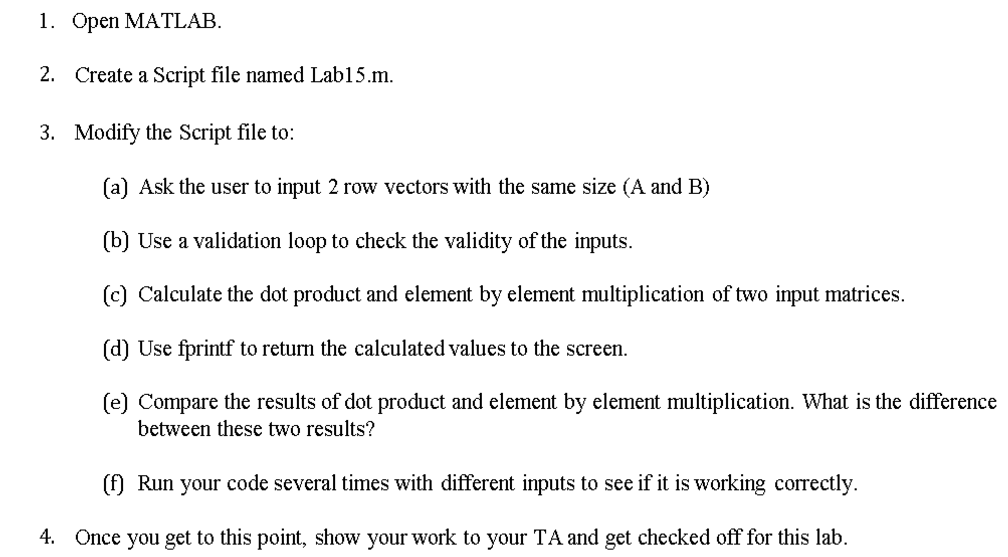
1. Open MATLAB. 2. Create a Script file named Lab15.nm. 3. Modify the Script file to: (a) Ask the user to input 2 row vectors with the same size (A and B) (b) Use a validation loop to check the validity of the inputs. (c) Calculate the dot product and element by element multiplication of two input matrices. (d) Use fprintf to return the calculated values to the screen. (e) Compare the results of dot product and element by element multiplication. What is the difference the calculated values to the screem between these two results? (f Run your code several times with different inputs to see if it is working correctly. 4 Once you get to this point, show your work to your TA and get checked off for this lab
Step by Step Solution
There are 3 Steps involved in it

Get step-by-step solutions from verified subject matter experts
 Study Help