







Question: Program instructions: Create a Java NetBeans project named AddLineNumbers with the main class named AddLineNumbers . This program will read data from a text file
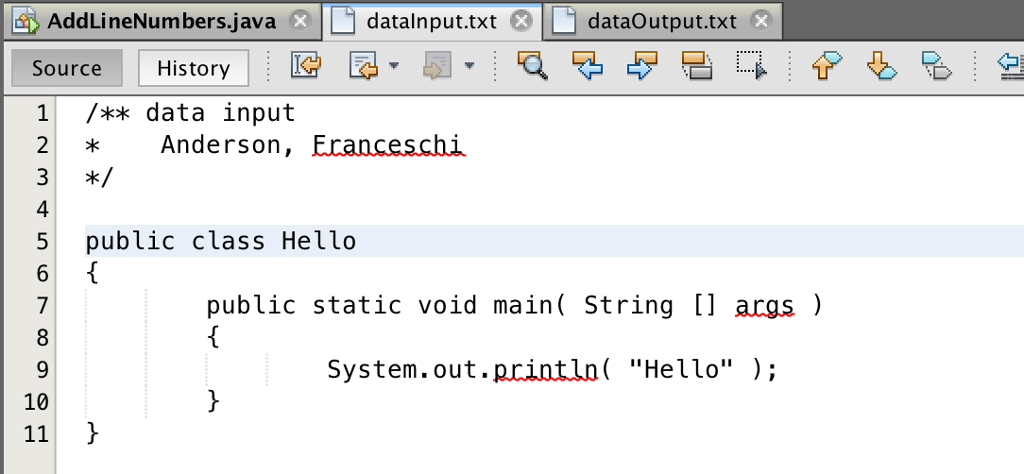
Program instructions: Create a Java NetBeans project named AddLineNumbers with the main class named AddLineNumbers . This program will read data from a text file "dataInput.txt" and while there are more records, prepend a line number to the text data and output the concatenated data to "dataOutput.txt" implementing a try/catch block to catch any file errors thrown by the JVM. After you have created your NetBeans project AddLineNumbers and before you attempt to execute your application download and/or copy the text data file dataInput.txt from below to your AddLineNumbers project folder.
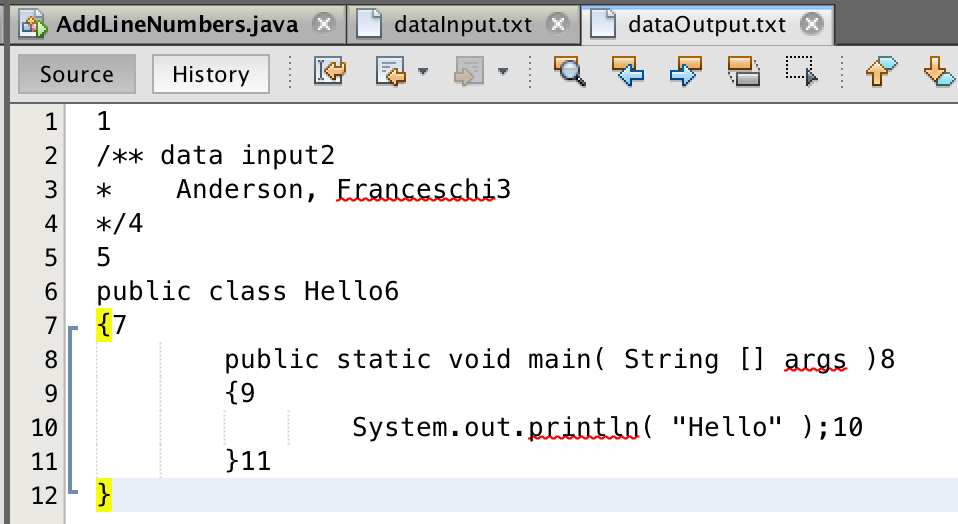
The output on the dataOutput.txt file is kind of funky. I need to adjust it somehow so that there is a number followed by the code. For example:
1 /** data input
2 * Anderson, Franceschi
3 */
And so on...
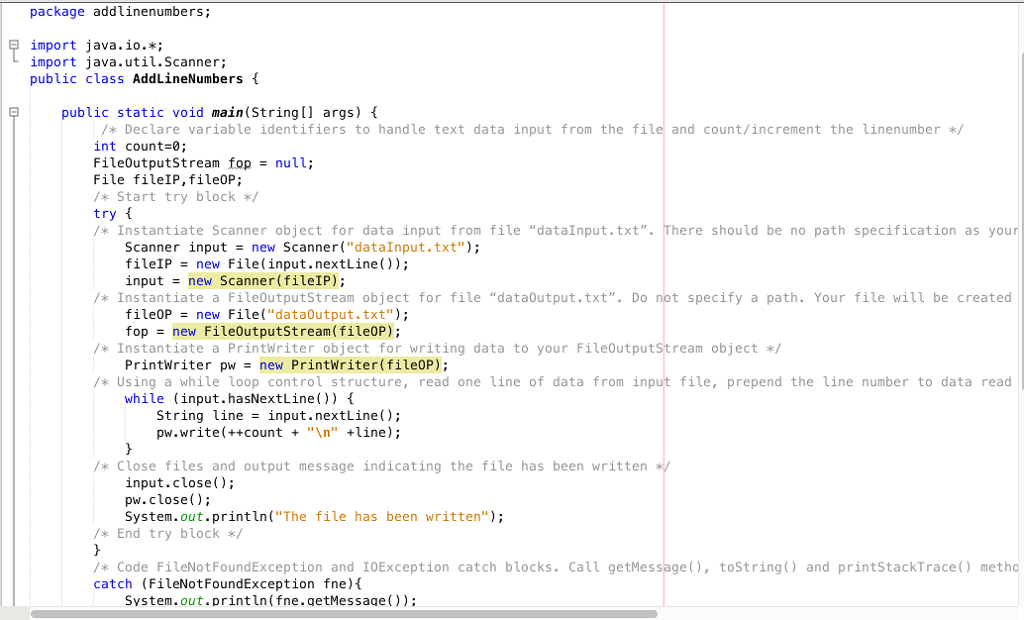
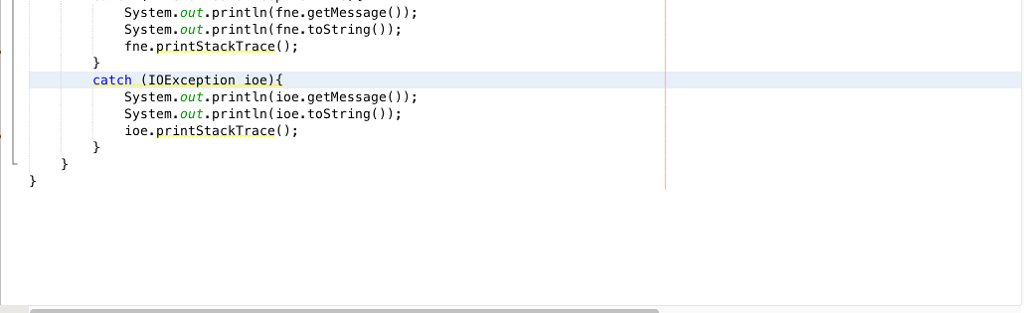
package addlinenumbers; import java.io.*; import java.util.Scanner public class AddLineNumbers f public static void main(String[ args) /* Declare variable identifiers to handle text data input from the file and count/increment the linenumber/ int count-0 FileOutputStream fop null; File fileIP, file0P; /*Start try block try f /Instantiate Scanner object for data input from file "dataInput.txt". There should be no path specification as your Scanner(..dataInput.txt"); Scanner fileIP input = input new new File ( input . nextLine()); new Scanner(file!P); / Instantiate a FileoutputStream object for file "data0utput.txt". Do not specify a path. Your file will be created file0P = new File("dataOutput . txt"); top = new FileOutputStream (fileOP); /* Instantiate a PrintWriter object for writing data to your FileoutputStream object PrintWriter pw new PrintWriter(fileOP); /* Using a while loop control structure, read one line of data from input file, prepend the line number to data read while (input.hasNextLine)) String line = input.nextLine(); pw.write(++count + " " line); /*Close files and output message indicating the file has been written input.close); pw.close); System.out.println("The file has been written"); End try block /* Code FileNotFoundException and IOException catch blocks. Call getMessage),tostring) and printStackTrace) metho catch (FileNotFoundException fne) System.out.println(fne.getMessage))
Step by Step Solution
There are 3 Steps involved in it

Get step-by-step solutions from verified subject matter experts
 Study Help