







Question: Purpose: Apply statistical process control, including the visualization graphs. Task: Use Excel to compute the control limits , and also graph the observations and show
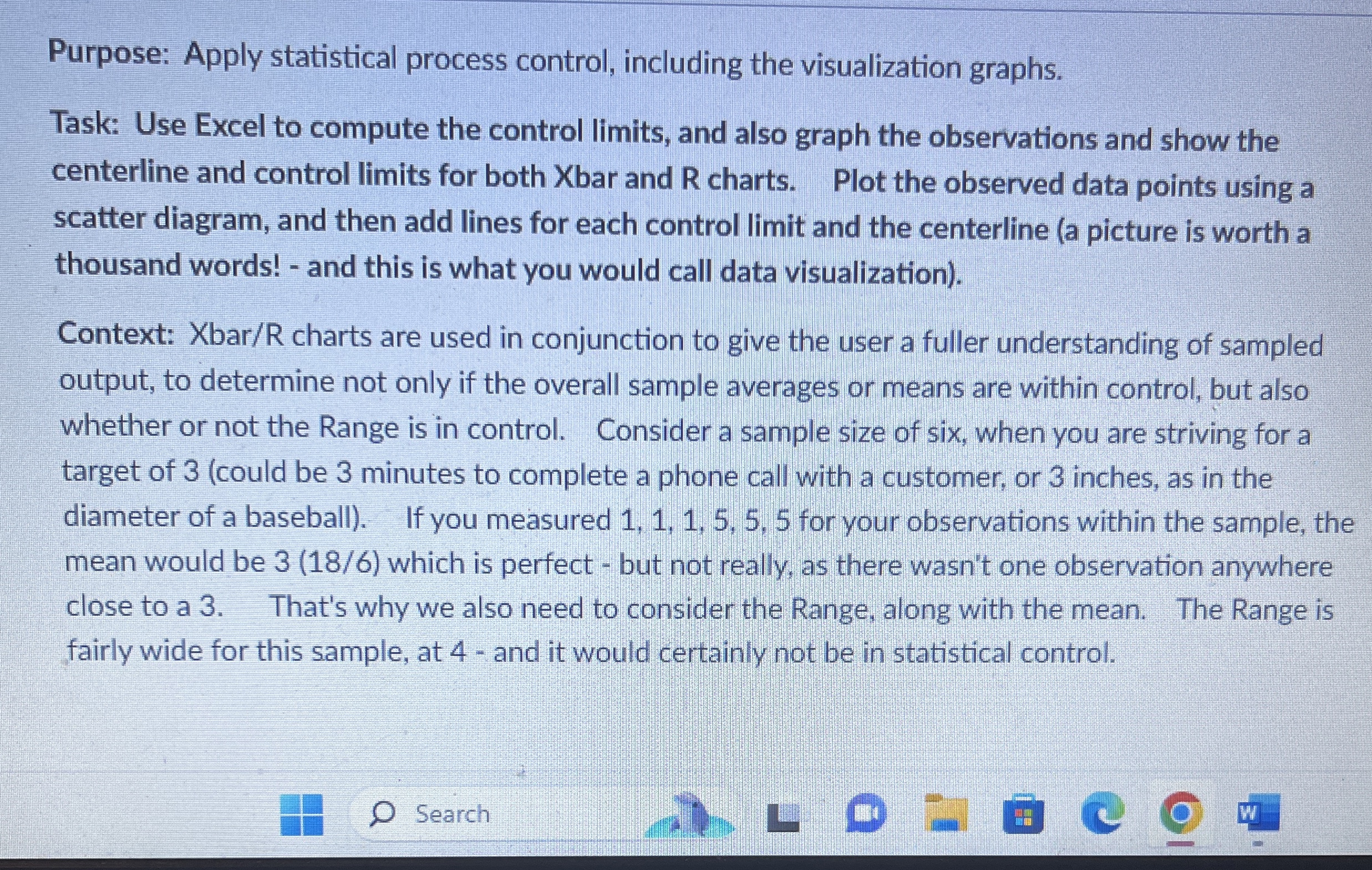
Purpose: Apply statistical process control, including the visualization graphs.
Task: Use Excel to compute the control limits and also graph the observations and show the
centerline and control limits for both Xbar and R charts. Plot the observed data points using a
scatter diagram, and then add lines for each control limit and the centerline a picture is worth a
thousand words! and this is what you would call data visualization
Context: charts are used in conjunction to give the user a fuller understanding of sampled
output, to determine not only if the overall sample averages or means are within control, but also
whether or not the Range is in control. Consider a sample size of six, when you are striving for a
target of could be minutes to complete a phone call with a customer, or inches, as in the
diameter of a baseball If you measured for your observations within the sample, the
mean would be which is perfect but not really, as there wasn't one observation anywhere
close to a That's why we also need to consider the Range, along with the mean. The Range is
fairly wide for this sample, at and it would certainly not be in statistical control.
Step by Step Solution
There are 3 Steps involved in it
1 Expert Approved Answer
Step: 1 Unlock

Question Has Been Solved by an Expert!
Get step-by-step solutions from verified subject matter experts
Step: 2 Unlock
Step: 3 Unlock
 Study Help