







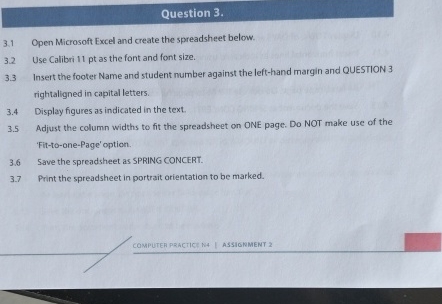
Question: Question 3 . 3 . 1 Open Microsoft Excel and create the spreadsheet below. 3 . 2 Use Calibri 1 1 pt as the font
Question
Open Microsoft Excel and create the spreadsheet below.
Use Calibri pt as the font and font size.
Insert the footer Name and student number against the lefthand margin and QUESTION
rightaligned in capital letters.
Display figures as indicated in the text.
Adjust the column widths to fit the spreadsheet on ONE page. Do NOT make use of the
'FittoonePage' option.
Save the spreadsheet as SPRING CONCERT.
Print the spreadsheet in portrait orientation to be marked.
Step by Step Solution
There are 3 Steps involved in it
1 Expert Approved Answer
Step: 1 Unlock

Question Has Been Solved by an Expert!
Get step-by-step solutions from verified subject matter experts
Step: 2 Unlock
Step: 3 Unlock
 Study Help