







Question: Step 1. CSS Add an external style sheet to format the main page as shown: Step 2. Main Page Add the following to the index
Step 1. CSS
Add an external style sheet to format the main page as shown:
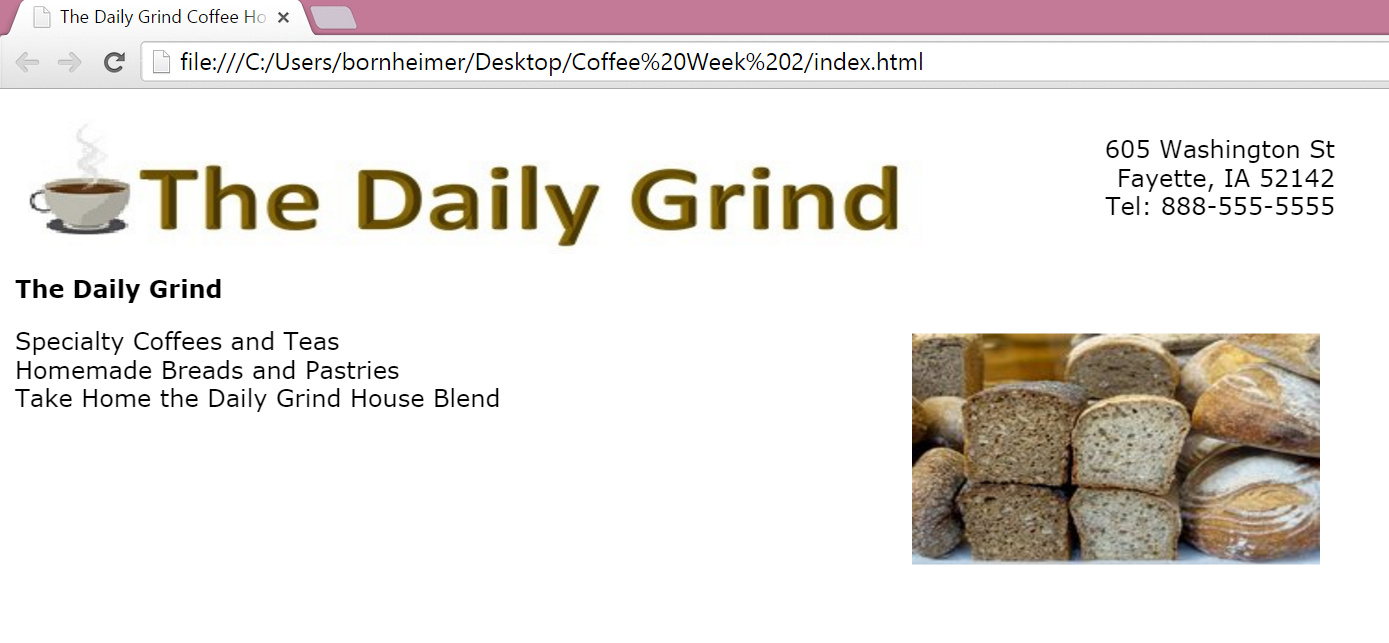
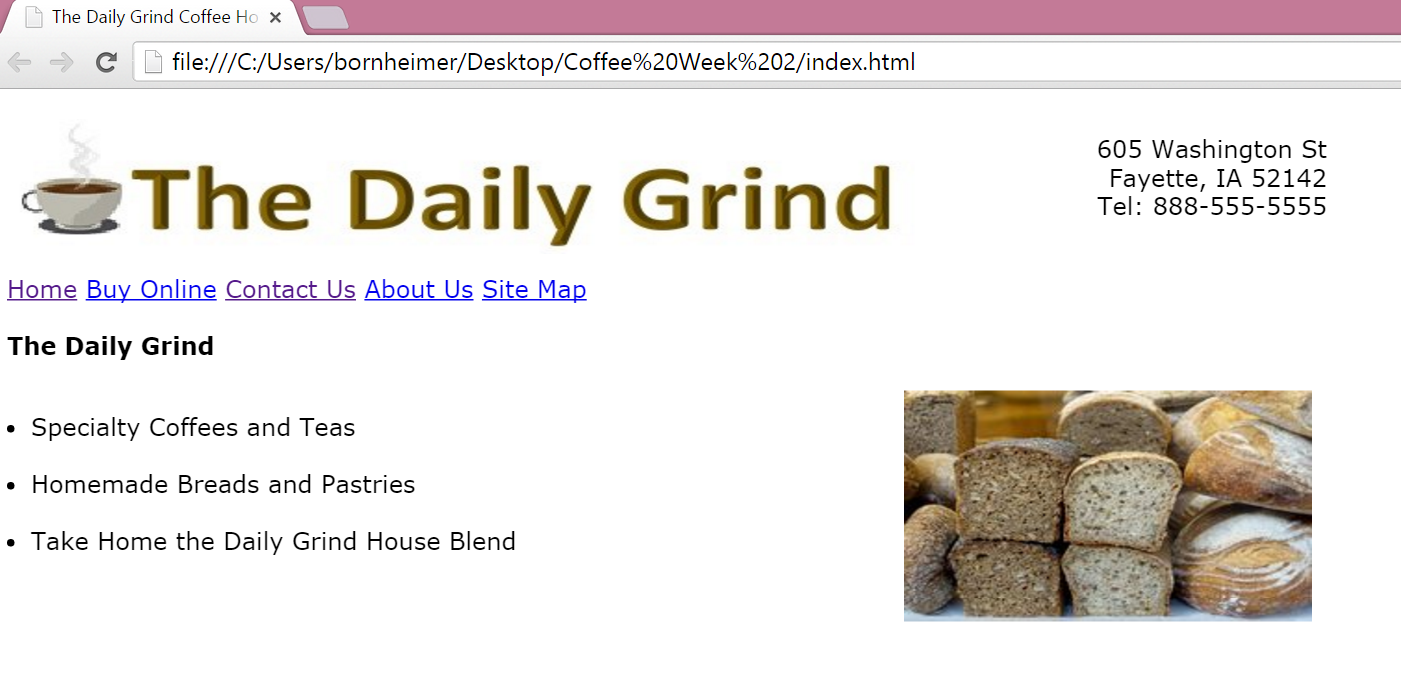
Step 2. Main Page Add the following to the index page to create the page shown below:
1. a row of navigation links beneath the logo with a working Contact Us link.
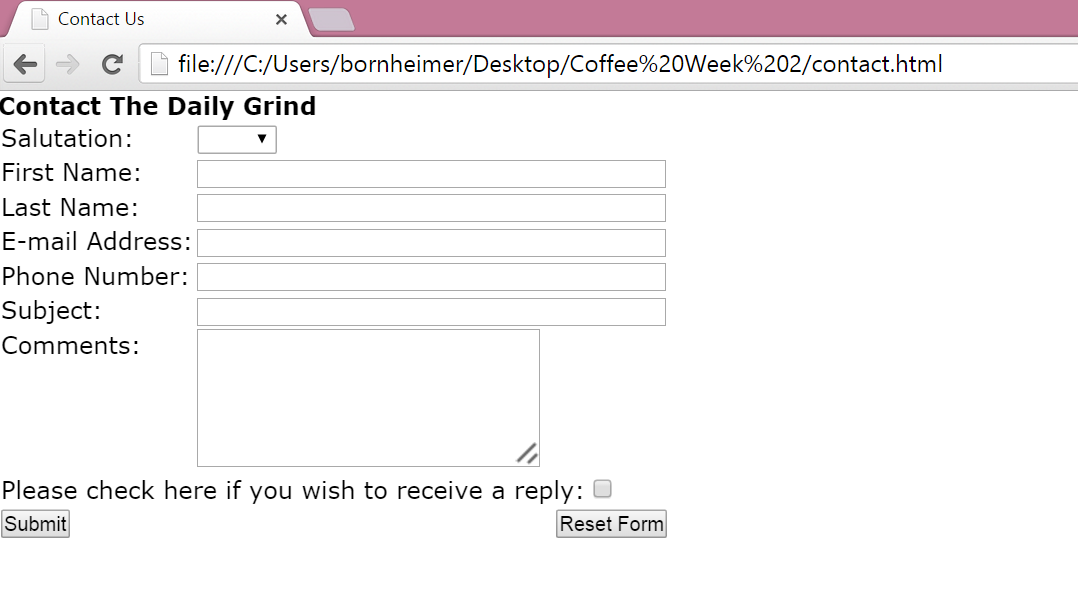
 Step 3. Contact Page Add a new Contact Us page that uses an HTML form. Your completed page should look similar to this page:
=The Daily Grind The Daily Grind Specialty Coffees and Teas Homemade Breads and Pastries Take Home the Daily Grind House Blend cThe Daily Grind 605 Washington St Fayette, IA 52142 Tel: 888-555-5555 Home Buy Online Contact Us About Us Site Map The Daily Grind - Specialty Coffees and Teas - Homemade Breads and Pastries - Take Home the Daily Grind House Blend Please check here if you wish to receive a reply
Step by Step Solution
There are 3 Steps involved in it

Get step-by-step solutions from verified subject matter experts
 Study Help