







Question: Step #4 CLI - Opening a Command Line in Windows 1) Open a Command Line Prompt [MS-DOS] 1) Start > CMD > Enter [Refer to
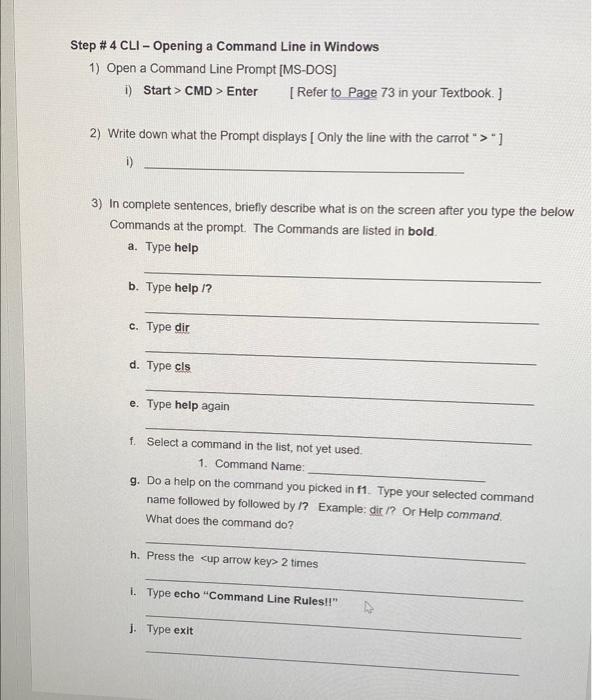
Step #4 CLI - Opening a Command Line in Windows 1) Open a Command Line Prompt [MS-DOS] 1) Start > CMD > Enter [Refer to Page 73 in your Textbook. ] 2) Write down what the Prompt displays [ Only the line with the carrot ">"} i) 3) In complete sentences, briefly describe what is on the screen after you type the below Commands at the prompt. The Commands are listed in bold. a. Type help b. Type help 1? c. Type dir d. Type cis e. Type help again f. Select a command in the list, not yet used. 1. Command Name: g. Do a help on the command you picked in f1. Type your selected command name followed by followed by 1? Example: dir ? Or Help command. What does the command do? n. Press the
Step by Step Solution
There are 3 Steps involved in it

Get step-by-step solutions from verified subject matter experts
 Study Help