







Question: Step #4 CLI - Opening a Command Line in Windows 1) Open a Command Line Prompt [MS-DOS] i) Start > CMD > Enter [Refer to
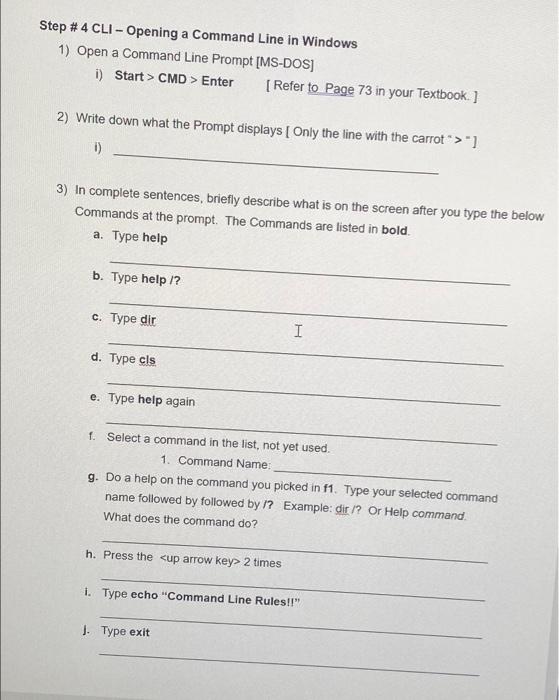
Step #4 CLI - Opening a Command Line in Windows 1) Open a Command Line Prompt [MS-DOS] i) Start > CMD > Enter [Refer to Page 73 in your Textbook. ] 2) Write down what the Prompt displays Only the line with the carrot ">"} 1) 3) In complete sentences, briefly describe what is on the screen after you type the below Commands at the prompt. The Commands are listed in bold a. Type help b. Type help /? c. Type dir I d. Type cls e. Type help again 1. Select a command in the list, not yet used. 1. Command Name: g. Do a help on the command you picked in f1. Type your selected command name followed by followed by 1? Example: dir ? Or Help command What does the command do? h. Press the
Step by Step Solution
There are 3 Steps involved in it

Get step-by-step solutions from verified subject matter experts
 Study Help