





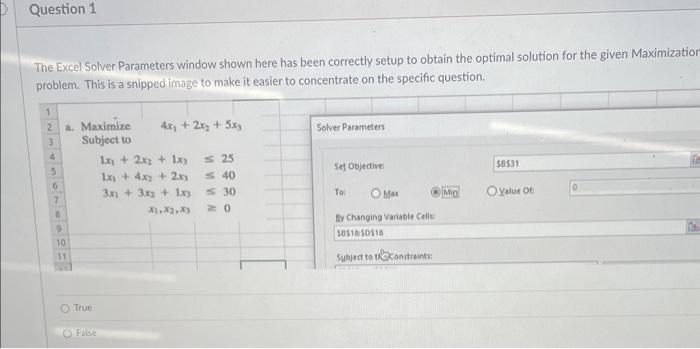
Question: The Excel Solver Parameters window shown here has been correctly setup to obtain the optimal solution for the given Maximizatio problem. This is a snipped
The Excel Solver Parameters window shown here has
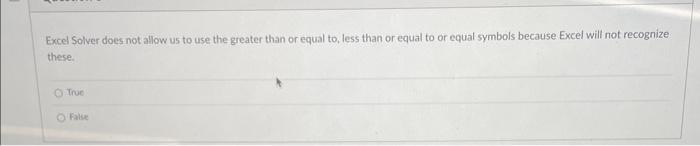
The Excel Solver Parameters window shown here has been correctly setup to obtain the optimal solution for the given Maximizatio problem. This is a snipped image to make it easier to concentrate on the specific question. True False Excel Solver does not allow us to use the greater than or equal to, less than or equal to or equal symbols because Excel will not recognize these. True False

Step by Step Solution

There are 3 Steps involved in it

1 Expert Approved Answer
Step: 1 Unlock blur-text-image

Question Has Been Solved by an Expert!

Get step-by-step solutions from verified subject matter experts

Step: 2 Unlock
Step: 3 Unlock

Students Have Also Explored These Related General Management Questions!