







Question: Use arrow keys to scroll the content Step Instructions 1 Open the student data file PowerPoint_IP09Construction.pptx. Save the file in your PowerPoint Special Projects folder
| Step | Instructions | |
|---|---|---|
| 1 | Open the student data file PowerPoint_IP09Construction.pptx. Save the file in your PowerPoint Special Projects folder with the file name Last_First_PowerPoint_IP09Construction | |
| 2 | On the File tab, click Export, and then click Create Handouts. On the right side of the Export page, click the Create Handouts button. In the Send to Microsoft Word dialog box, verify that Notes next to slides is selected. Under Add slides to Microsoft Word document, select Paste link, and then click OK. | |
| 3 | If the Word document does not display automatically, on the taskbar, click the Word button. If necessary, on the Home tab, in the Paragraph group, click the Show/Hide button to display nonprinting characters. In the Word document, scroll to display Slide 3. Click at the end of the text in the third column following the word questions but before the period, use the SPACEBAR on the keyboard to add a space, and then type at (805) 555-1021 | |
| 4 | Click anywhere in the first column. On the Table Tools Layout tab, in the Table group, click the Select button, and then click Select Column to select all of the cells in the first column. On the Home tab, in the Styles group, click Heading 2 to apply the style to all of the slide numbers. | |
| 5 | If needed, scroll to display Slide 2. Click in the third column, and then type Upcoming projects posted on the official city website, www.aspenfalls.org. | |
| 6 | With the insertion point positioned in the third column, on the Table Tools Layout tab, in the Table group, click the Select button, and then click Select Column to select all of the third column. Change the Font to Calibri and the Font Size to 12. | |
| 7 | Save the Word document in your PowerPoint Special Projects folder with the file name PowerPoint_IP09ContractorHandout. Insert a footer in the Word document that displays the file name. | |
| 8 | Save the document. Submit the Word document. |
Close
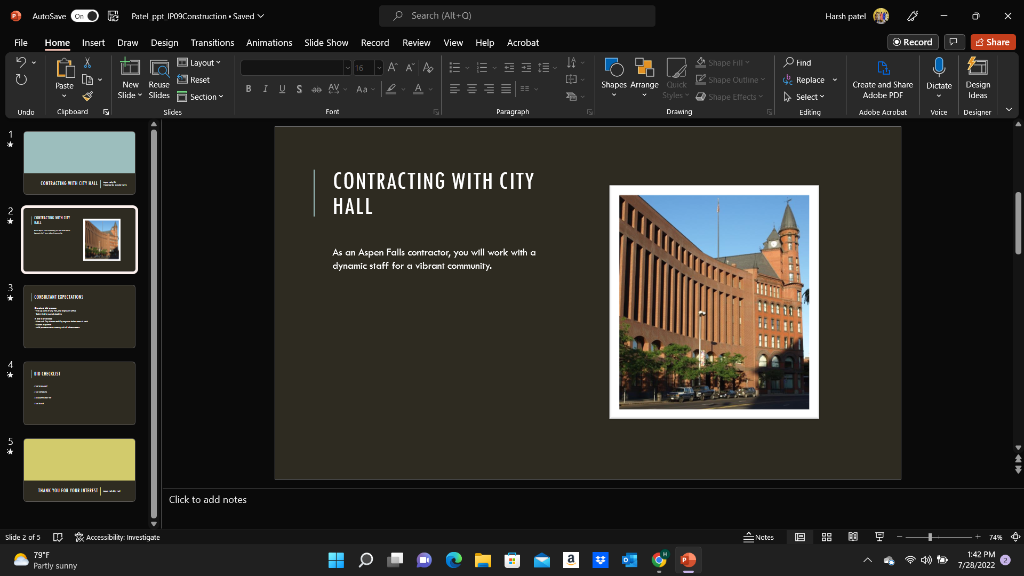
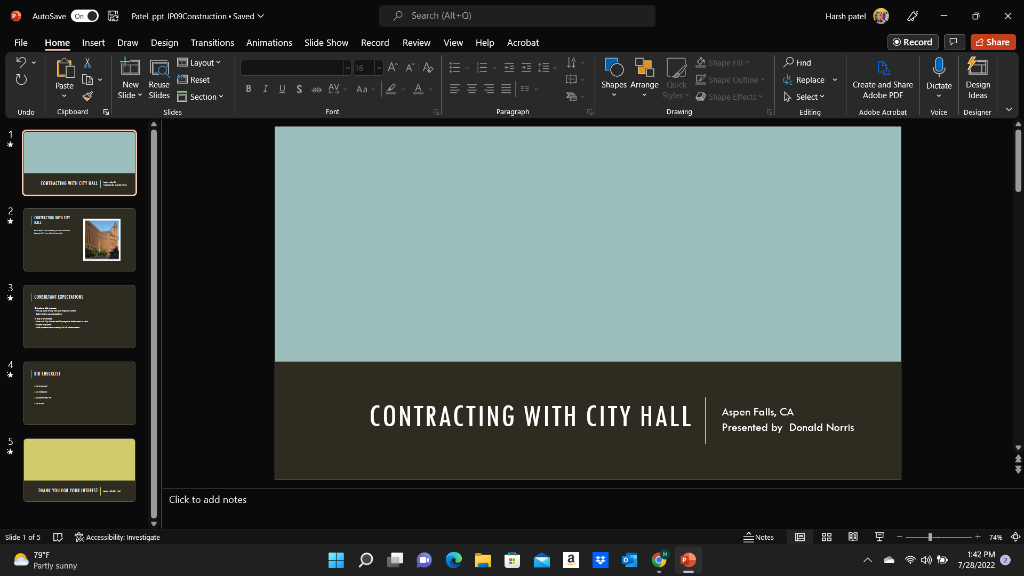
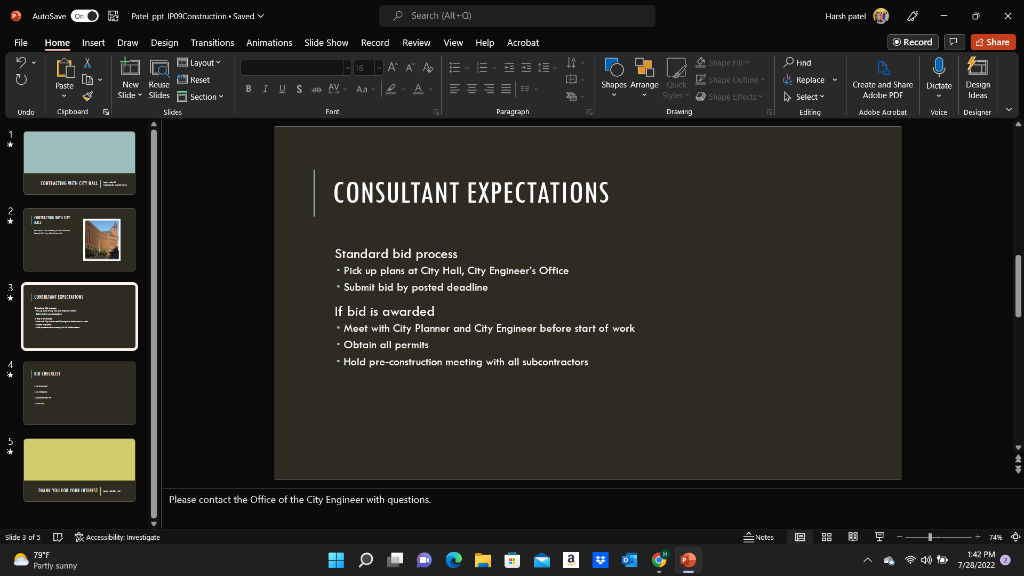
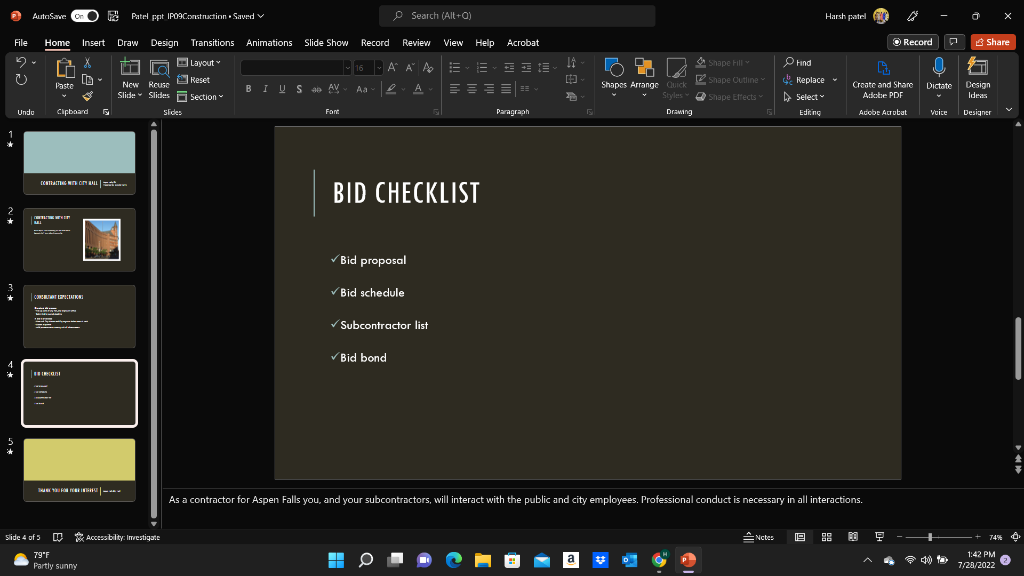
Standard bid process - Pick up plans at City Hall, City Engineer's Office - Submit bid by posted deadline If bid is awarded " Meet with City Planner and City Engineer before start of work - Obtain all permits - Hold pre-construction mecting with all subcontractors Standard bid process - Pick up plans at City Hall, City Engineer's Office - Submit bid by posted deadline If bid is awarded " Meet with City Planner and City Engineer before start of work - Obtain all permits - Hold pre-construction mecting with all subcontractors
Step by Step Solution
There are 3 Steps involved in it
1 Expert Approved Answer
Step: 1 Unlock

Question Has Been Solved by an Expert!
Get step-by-step solutions from verified subject matter experts
Step: 2 Unlock
Step: 3 Unlock
 Study Help