







Question: using cisco packet tracer.need commands please Task 1: Prepare the Network - Using PacketTracer to create the topology and cable your network as shown in
using cisco packet tracer.need commands please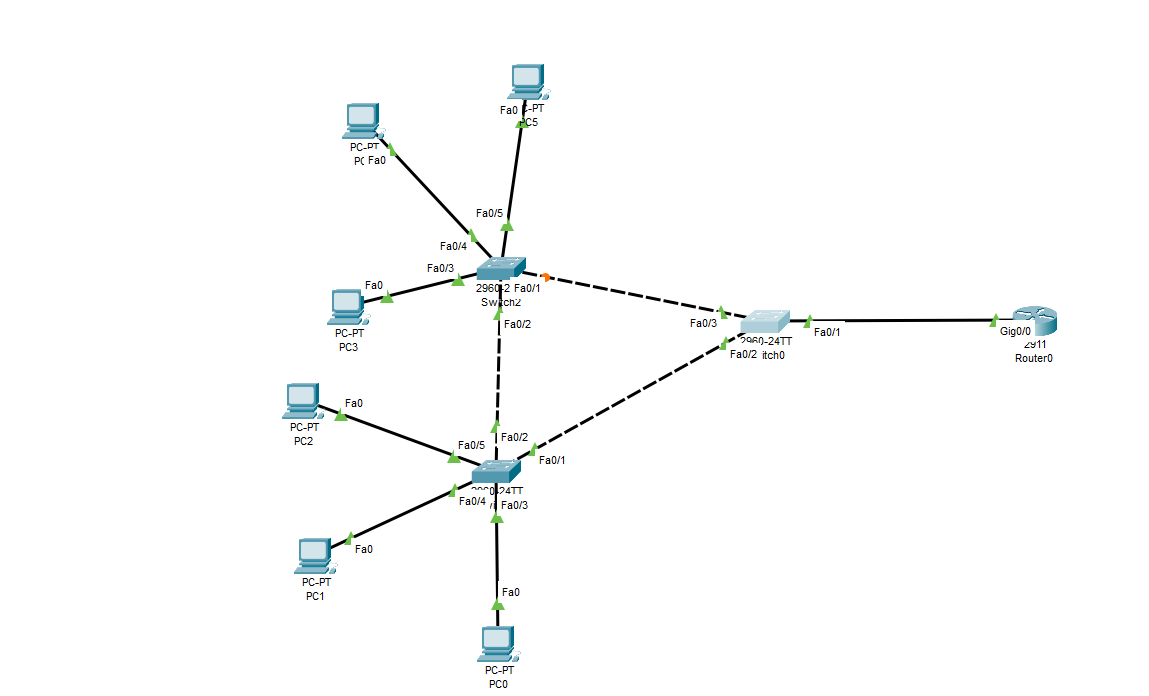
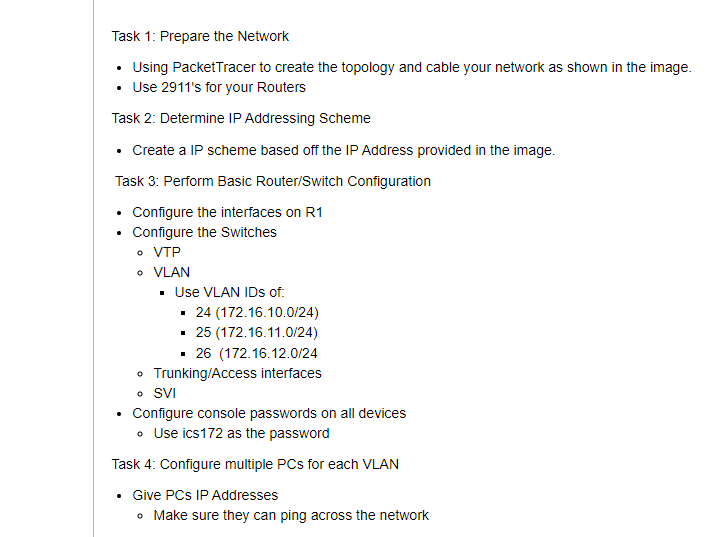
Task 1: Prepare the Network - Using PacketTracer to create the topology and cable your network as shown in the image. - Use 2911's for your Routers Task 2: Determine IP Addressing Scheme - Create a IP scheme based off the IP Address provided in the image. Task 3: Perform Basic Router/Switch Configuration - Configure the interfaces on R1 - Configure the Switches - VTP - VLAN - Use VLAN IDs of: - 24 (172.16.10.0/24) - 25 (172.16.11.0/24) - 26(172.16.12.0/24 - Trunking/Access interfaces - SVI - Configure console passwords on all devices - Use ics172 as the password Task 4: Configure multiple PCs for each VLAN - Give PCs IP Addresses - Make sure they can ping across the network
Step by Step Solution
There are 3 Steps involved in it

Get step-by-step solutions from verified subject matter experts
 Study Help