







Question: Working on Windows Server 2012 VM provide a screenshot for the following: Display the ipv4 addresses of the interfaces of your machine using netsh command
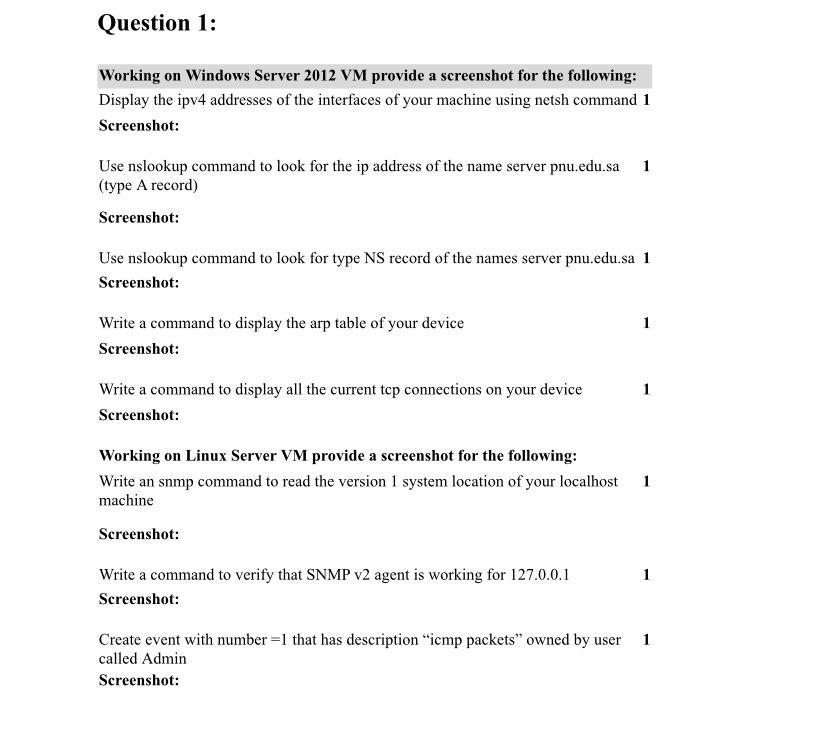
Working on Windows Server 2012 VM provide a screenshot for the following: Display the ipv4 addresses of the interfaces of your machine using netsh command 1 Screenshot: Use nslookup command to look for the ip address of the name server pnu.edu.sa 1 (type A record) Screenshot: Use nslookup command to look for type NS record of the names server pnu.edu.sa 1 Screenshot: Write a command to display the arp table of your device 1 Screenshot: Write a command to display all the current tep connections on your device 1 Screenshot: Working on Linux Server VM provide a screenshot for the following: Write an snmp command to read the version 1 system location of your localhost 1 machine Screenshot: Write a command to verify that SNMP v2 agent is working for 127.0.0.1 1 Screenshot: Create event with number =1 that has description "icmp packets" owned by user 1 called Admin Screenshot
Step by Step Solution
There are 3 Steps involved in it

Get step-by-step solutions from verified subject matter experts
 Study Help