







Question: Modify Program 4.4 so that the view matrix is constructed using the look-at function. Then experiment with setting the look-at parameters to various locations, such
Modify Program 4.4 so that the “view” matrix is constructed using the “look-at” function. Then experiment with setting the “look-at” parameters to various locations, such as looking at the sun (in which case the scene should appear normal), looking at the planet, or looking at the moon.
Program 4.4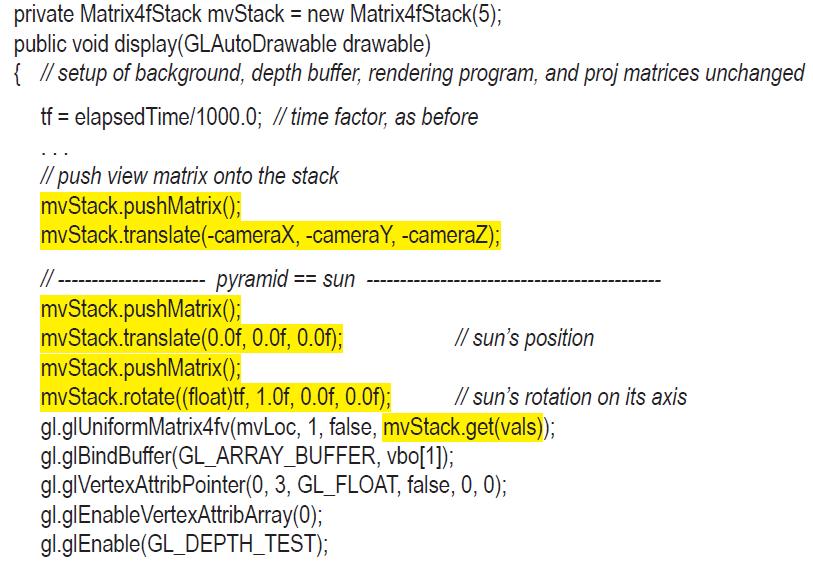
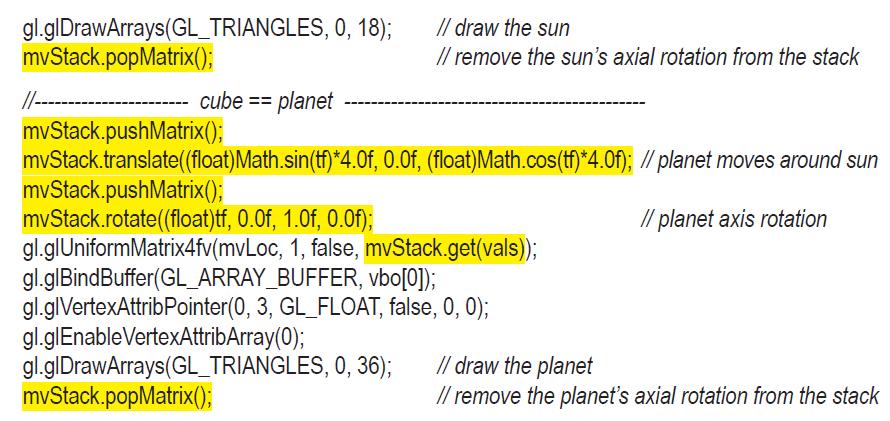
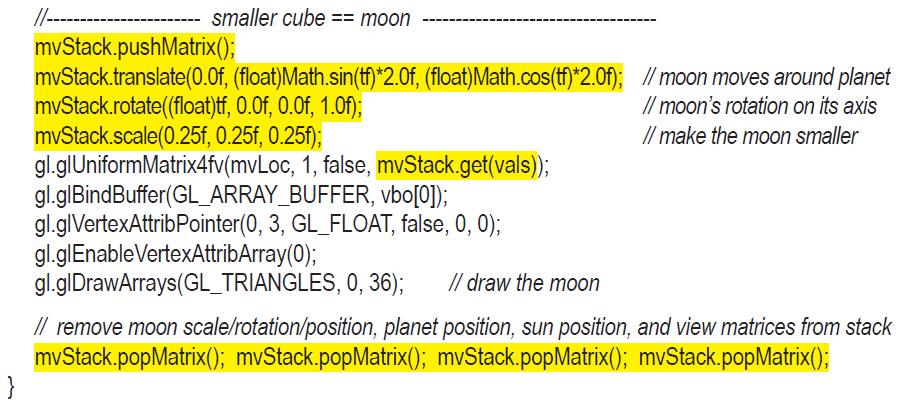
private Matrix4fStack mvStack = new Matrix4fStack(5); public void display(GLAutoDrawable drawable) { // setup of background, depth buffer, rendering program, and proj matrices unchanged tf = elapsed Time/1000.0; // time factor, as before //push view matrix onto the stack mvStack.pushMatrix(); mvStack.translate(-cameraX, // -cameraY, -cameraZ); pyramid== sun mvStack.pushMatrix(); mvStack translate (0.0f, 0.0f, 0.0f); // sun's position // sun's rotation on its axis mvStack.pushMatrix(); mvStack.rotate((float)tf, 1.0f, 0.0f, 0.0f); gl.glUniformMatrix4fv(mvLoc, 1, false, mvStack.get(vals)); gl.glBindBuffer(GL_ARRAY_BUFFER, vbo[1]); gl.glVertexAttribPointer (0, 3, GL_FLOAT, false, 0, 0); gl.glEnable VertexAttribArray(0); gl.glEnable(GL_DEPTH_TEST);
Step by Step Solution
3.42 Rating (168 Votes )
There are 3 Steps involved in it

Get step-by-step solutions from verified subject matter experts
 Study Help