







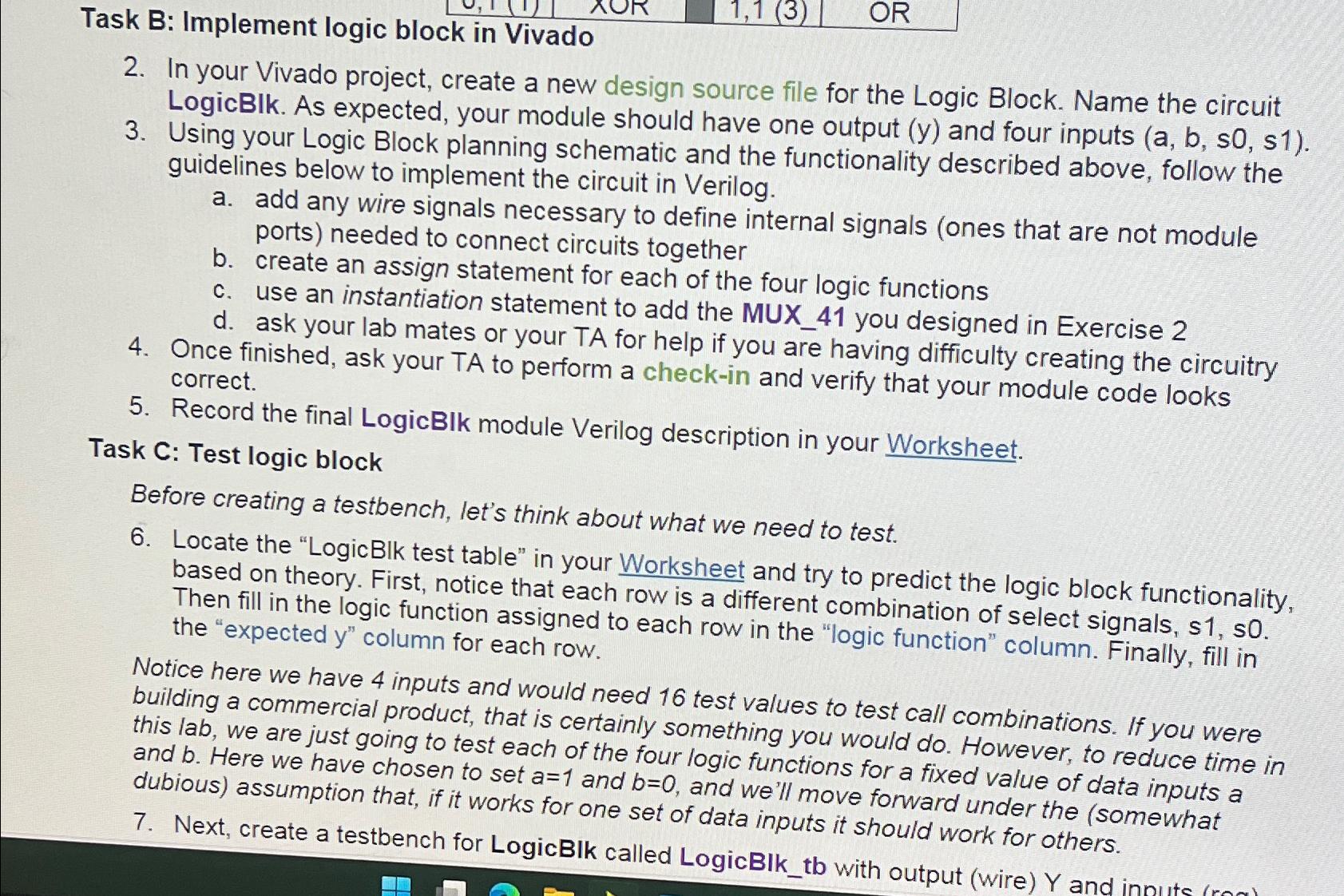
Question: Task B: Implement logic block in Vivado 2 . In your Vivado project, create a new design source file for the Logic Block. Name the
Task B: Implement logic block in Vivado
In your Vivado project, create a new design source file for the Logic Block. Name the circuit LogicBIk. As expected, your module should have one output y and four inputs
Using your Logic Block planning schematic and the functionality described above, follow the guidelines below to implement the circuit in Verilog.
a add any wire signals necessary to define internal signals ones that are not module ports needed to connect circuits together
b create an assign statement for each of the four logic functions
c use an instantiation statement to add the MUX you designed in Exercise
d ask your lab mates or your TA for help if you are having difficulty creating the circuitry
Once finished, ask your TA to perform a checkin and verify that your module code looks correct.
Record the final LogicBlk module Verilog description in your Worksheet.
Task C: Test logic block
Before creating a testbench, let's think about what we need to test.
Locate the "LogicBlk test table" in your Worksheet and try to predict the logic block functionality, based on theory. First, notice that each row is a different combination of select signals, Then fill in the logic function assigned to each row in the "logic function" column. Finally, fill in the "expected y column for each row.
Notice here we have inputs and would need test values to test call combinations. If you were building a commercial product, that is certainly something you would do However, to reduce time in this lab, we are just going to test each of the four logic functions for a fixed value of data inputs a and Here we have chosen to set and and we'll move forward under the somewhat dubious assumption that, if it works for one set of data inputs it should work for others.
Next, create a testbench for LogicBIk called LogicBlktb with output wire and
Step by Step Solution
There are 3 Steps involved in it
1 Expert Approved Answer
Step: 1 Unlock

Question Has Been Solved by an Expert!
Get step-by-step solutions from verified subject matter experts
Step: 2 Unlock
Step: 3 Unlock
 Study Help