







Question: Task Instructions Use Error Checking to check for errors in the worksheet. Do not make any changes in cell F7. For cell F10, replace the
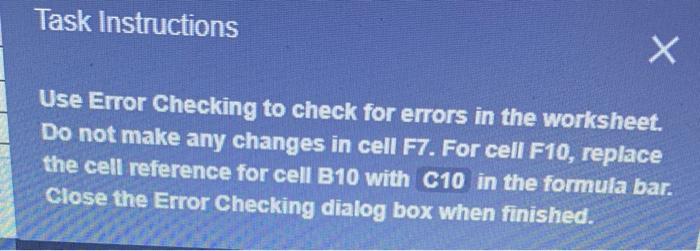
Task Instructions Use Error Checking to check for errors in the worksheet. Do not make any changes in cell F7. For cell F10, replace the cell reference for cell B10 with C10 in the formula bar. Close the Error Checking dialog box when finished
Step by Step Solution
There are 3 Steps involved in it
1 Expert Approved Answer
Step: 1 Unlock

Question Has Been Solved by an Expert!
Get step-by-step solutions from verified subject matter experts
Step: 2 Unlock
Step: 3 Unlock
 Study Help