







Question: Main topics: User Defined Functions Function .m files If family and find commands Loops 1. Open MATLAB 2. Create a Function file named Lab08a (a)
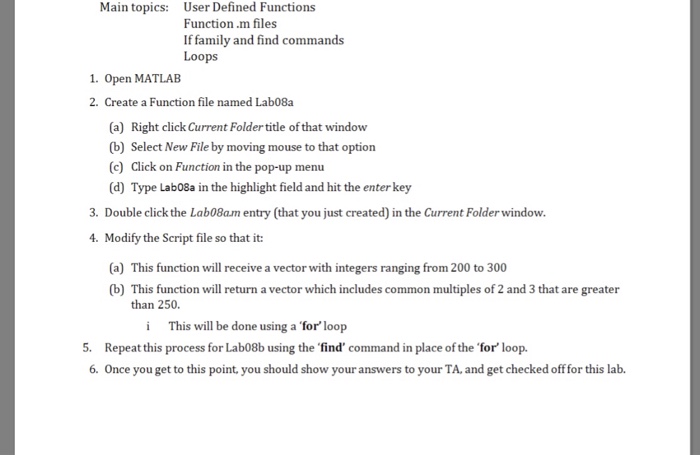
Main topics: User Defined Functions Function .m files If family and find commands Loops 1. Open MATLAB 2. Create a Function file named Lab08a (a) Right click Current Folder title of that window (b) Select New File by moving mouse to that option (c) Click on Function in the pop-up menu (d) Type Lab08a in the highlight field and hit the enterkey 3. Double click the Lab08am entry (that you just created) in the Current Folder window. 4. Modify the Script file so that it: (a) This function will receive a vector with integers ranging from 200 to 300 (b) This function will return a vector which includes common multiples of 2 and 3 that are greater than 250. i This will be done using a for'loop 5. Repeat this process for Lab08b using the find' command in place of the for loop. 6. Once you get to this point you should show your answers to your TA, and get checked off for this lab
Step by Step Solution
There are 3 Steps involved in it

Get step-by-step solutions from verified subject matter experts
 Study Help